What is HealthScan AI?
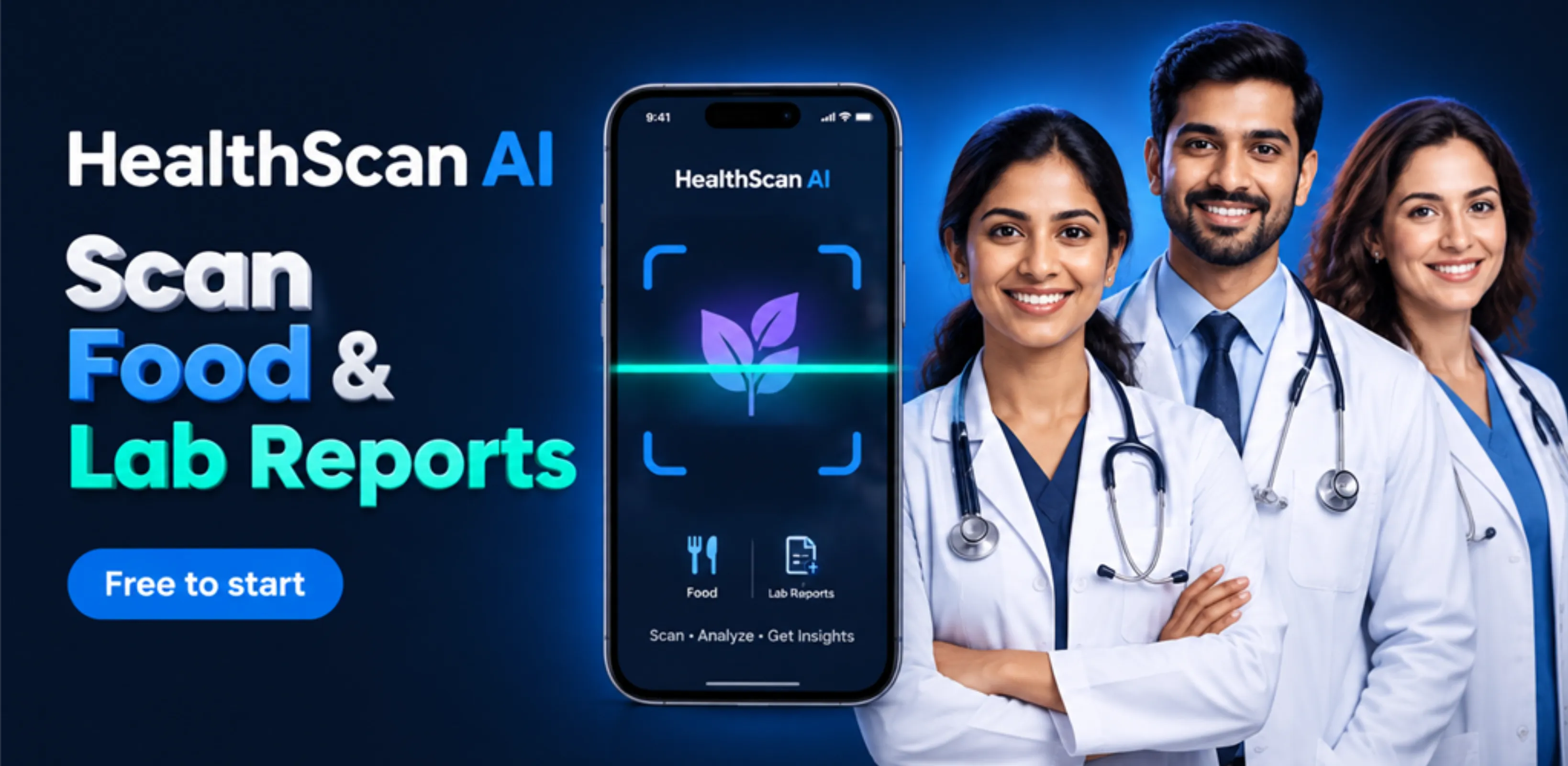
HealthScan AI is an AI food label scanner and health report reader built by Xvantage Infotech, an app studio in Surat. You download it on your Android phone from Google Play.
The app does three main jobs. First, you point your camera at a food label, a fruit, a vegetable or any packaged product. Second, you scan skincare and cosmetic products like creams and shampoos. Third, you upload a photo or PDF of your blood test or health check-up report.
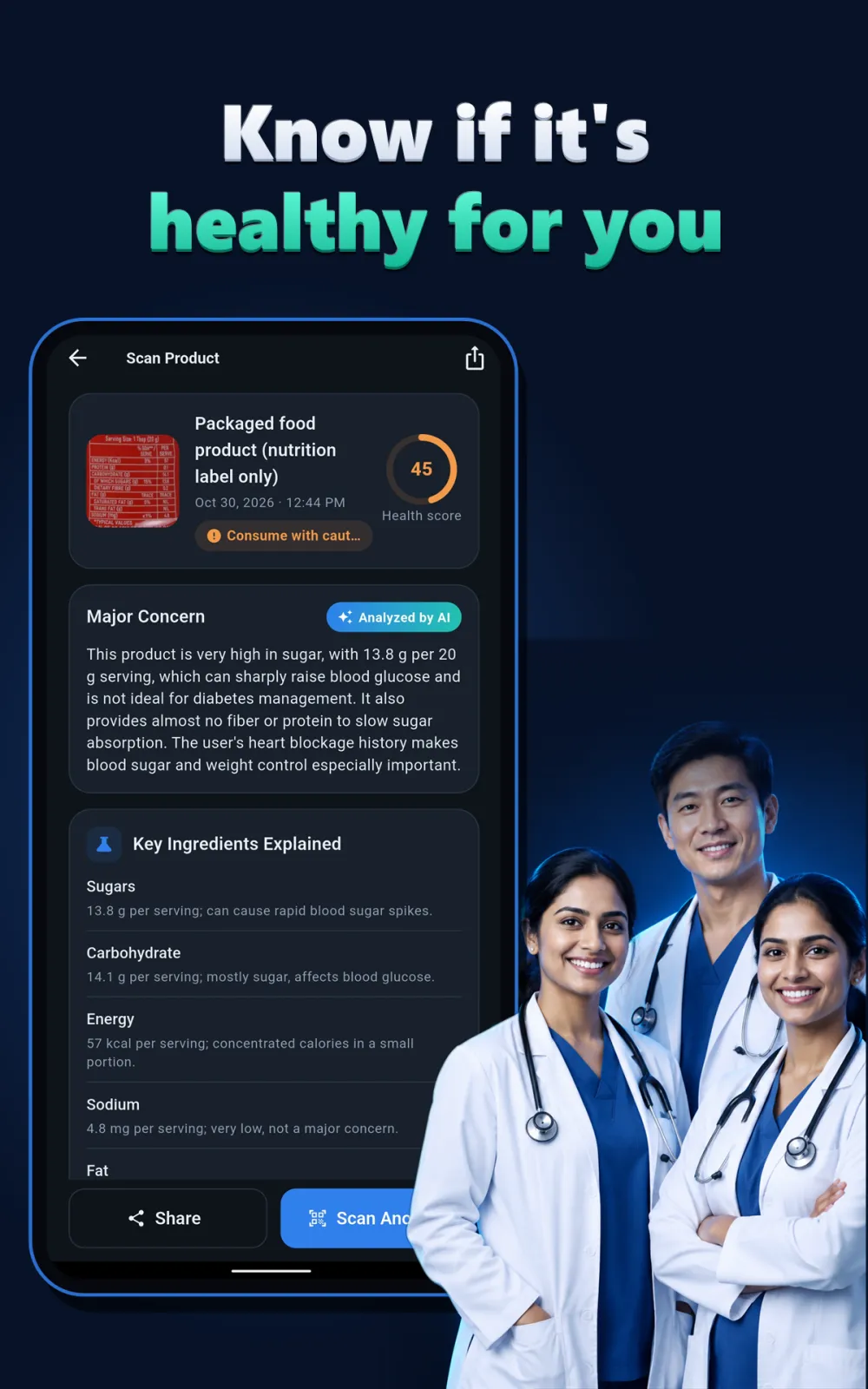
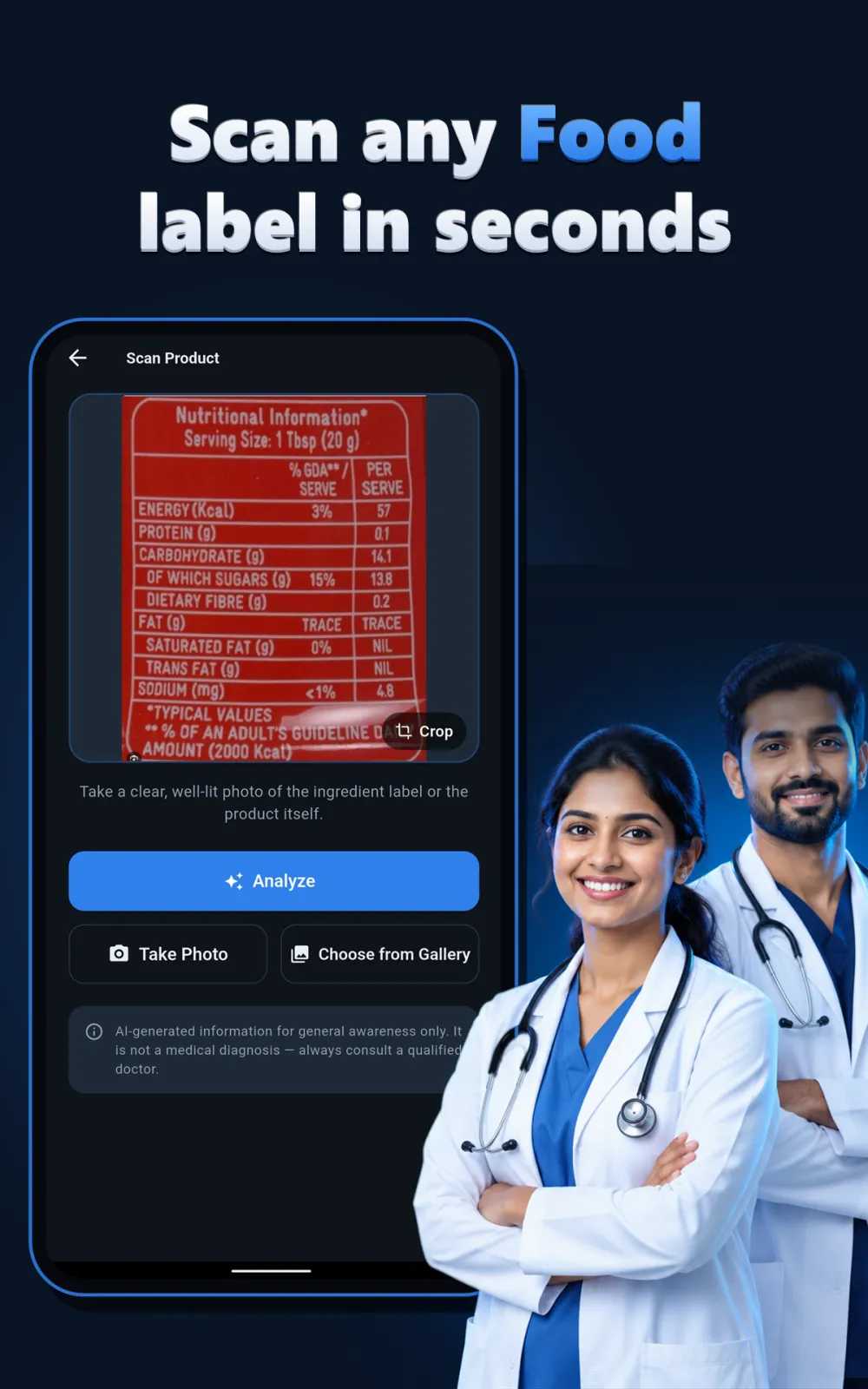
For food, HealthScan AI reads the ingredients and nutrition information. It gives you a personal health score from 0 to 100. It tells you if the food is healthy, needs caution, or is best avoided for your body. It flags hidden sugar, excess salt, unhealthy fats, preservatives and additives. It explains key nutrients, vitamins and minerals in simple words. It also shows health benefits and possible risks.
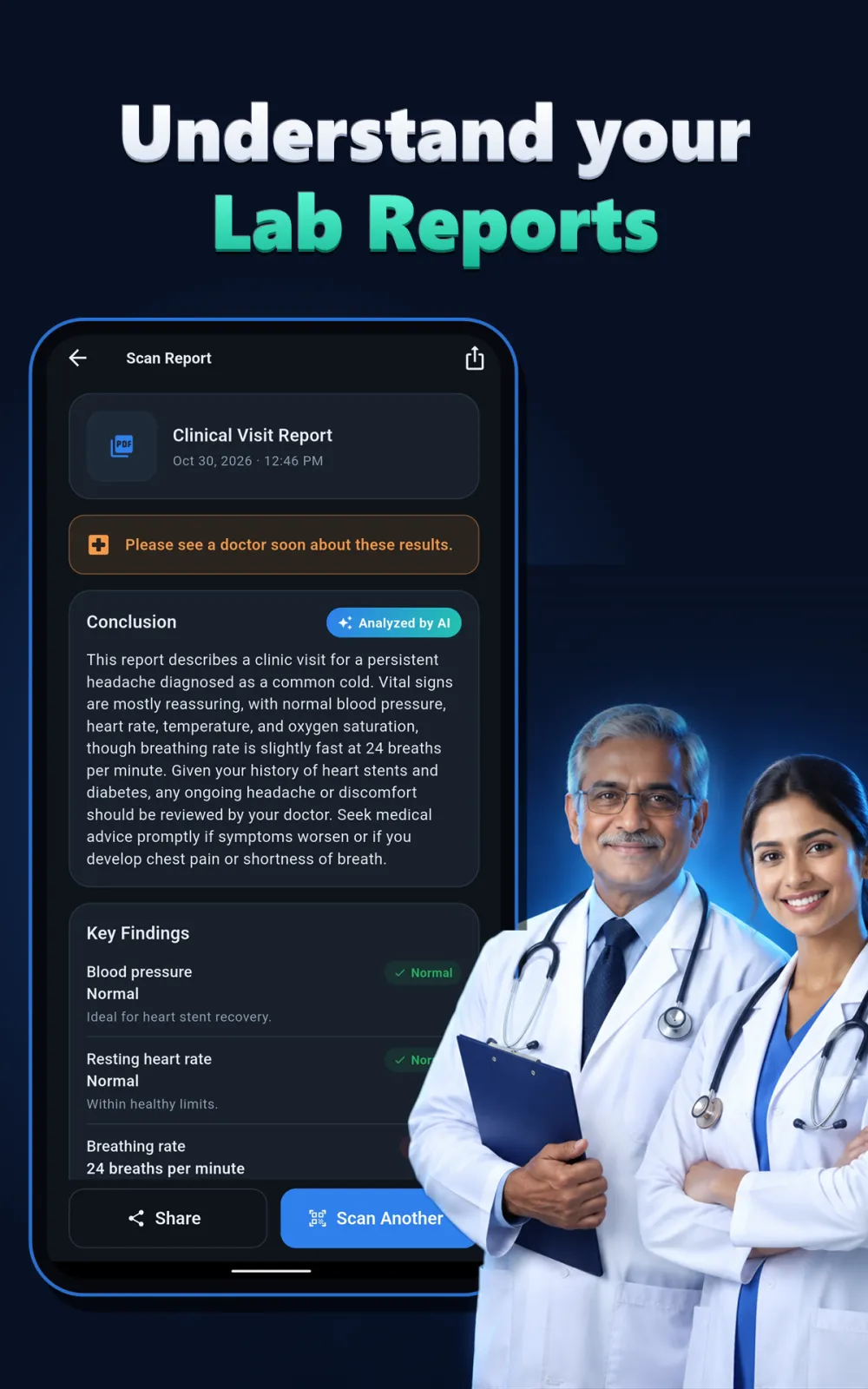
For lab reports, the app explains what your numbers mean. It covers sugar tests like glucose and HbA1c, cholesterol, thyroid, liver, kidney, vitamin D, B12 and haemoglobin. It tells you which values are normal, high or low in plain language. It gives a short summary of your overall report and suggests diet and lifestyle tips.
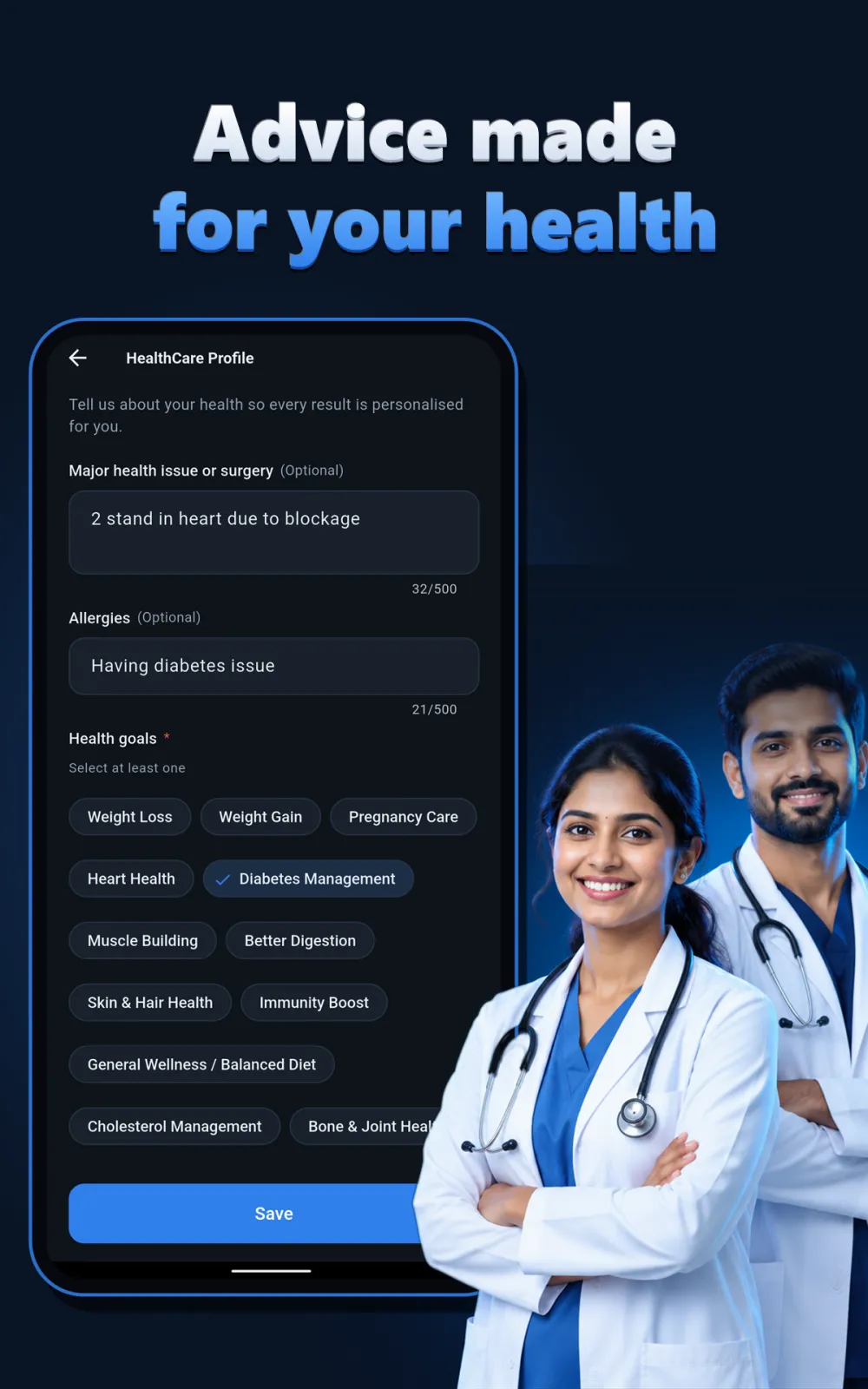
You set up a health profile once. You add your age, health conditions, allergies and wellness goals. Every scan after that is tailored to you. The app works in 11 languages including English and Hindi. You get free health scans every day, so you can start without paying anything.
Scan food labels and get a personal health score
When you scan a food item, HealthScan AI reads the ingredients and nutrition information on the pack. It checks everything against your health profile. This means the same biscuit can get a different score for you compared to someone else, because your age, conditions, allergies and goals are different.
A personal health score from 0 to 100
Every scan gives a score between 0 and 100. A high score means the food fits your goals. A low score means you should be careful. Along with the score, you get a simple verdict: healthy, eat with caution, or best avoided. This helps you decide in seconds at the grocery store.
Hidden sugar, salt, fats and additives flagged
Many labels hide sugar and salt under names you do not recognise. HealthScan AI spots hidden sugar, excess salt, unhealthy fats, preservatives and additives. It tells you plainly what is inside and how much, so you are not fooled by the front of the pack.
Instant allergy alerts based on your profile
You add your allergies once in your profile. After that, every scan checks the ingredient list against your allergies. If the product contains something you must avoid, the app warns you right away with an instant alert.
Key nutrients and vitamins explained
The app lists the key nutrients, vitamins and minerals present in the food. It explains what they do for your body in simple words. You learn which foods give you energy, support immunity or help muscle gain.
Benefits and risks for your specific goals
The app tells you the health benefits and possible risks of the food. It matches this advice to your goals. Whether you manage diabetes, high blood pressure, PCOS, thyroid, high cholesterol or simply want to stay fit, the scan is tailored to that. It also supports weight loss, heart-healthy low-salt diets, better gut health, stronger immunity, more energy, fitness, muscle gain and clean eating.
Read your lab reports in plain language
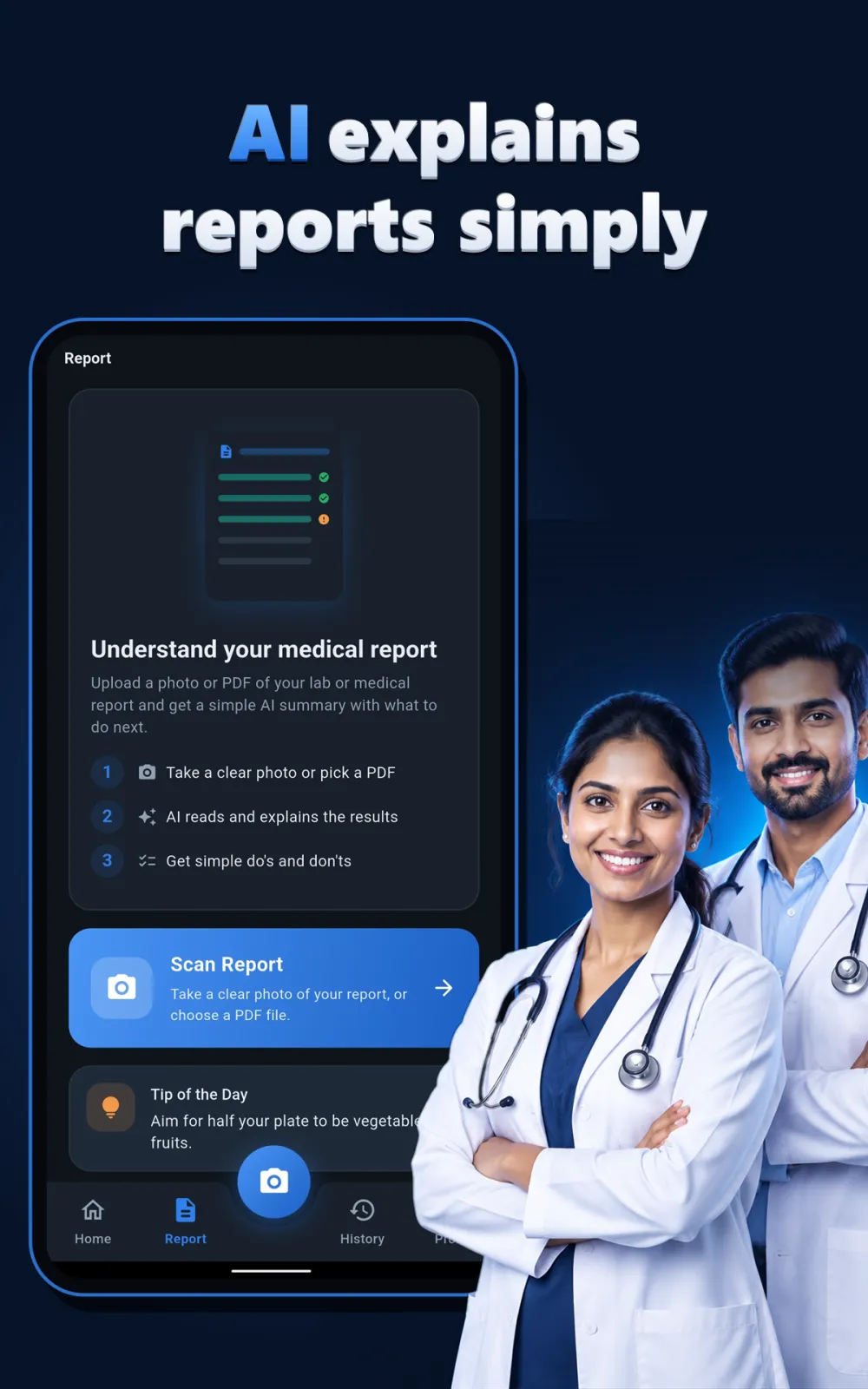
You can upload a photo or a PDF of your blood test or health check-up report. The app accepts up to 8 pages in one upload. This is useful when you get a full blood panel done and the report has many pages.
Every test explained simply
HealthScan AI explains sugar tests like glucose and HbA1c. It covers cholesterol, thyroid, liver function, kidney function, vitamin D, vitamin B12 and haemoglobin. Each test is broken down in plain language so you understand what it measures.
Normal, high or low — clearly marked
For every value, the app tells you if it is normal, high or low. You do not need to search online to understand the numbers. The app uses simple words to explain what each result means for your body.
Overall summary and natural tips
After reading all pages, you get a short, clear summary of your overall health report. The app suggests diet and lifestyle changes to improve your results naturally. It lists foods to eat more of and foods and habits to avoid based on your numbers.
When to see a doctor
The app tells you when a result is a good reason to consult a qualified doctor. It helps you prepare for your next appointment with clear questions.
Check skincare and cosmetics before you buy
HealthScan AI is not just for food. You can scan creams, shampoos, soaps and beauty products too.
Ingredients that may irritate or trigger allergies
Point your camera at the bottle or tube. The app reads the ingredient list and tells you which ingredients may irritate sensitive skin or trigger allergies. This helps you choose safer personal care products for you and your family.
Safe choices for the whole family
You can check products for your kids or elders too. If you have sensitive skin, the app highlights ingredients that commonly cause irritation. If you have specific allergies, it cross-checks them against the product so you avoid buying something that might cause a reaction.
How to use HealthScan AI step by step
Getting started takes only a few minutes. Here is exactly what you do:
- Download HealthScan AI from Google Play on your Android phone. Install it and open the app.
- Sign in with your Google account or your Apple account. This keeps your data secure and lets you access your history from your account.
- Create your health profile. Add your age, any health conditions you have like diabetes or thyroid, your allergies, and your wellness goals like weight loss or heart health.
- Scan a food item. Point your camera at the label, fruit, vegetable or packaged product. Make sure the text is clear. Or, to read a lab report, tap the upload option and choose a photo or PDF from your phone. You can add up to 8 pages.
- Wait a few seconds. The app processes the image and shows your personalised health insights on the screen — the score, alerts, and explanations.
- Save and share. All your scans are saved in your health history. You can revisit past results anytime. You can also share any result as a PDF with your family or your doctor.
That is it. You can scan as many items as you want each day for free.
Who should use HealthScan AI
HealthScan AI fits into the daily routine of many people. Here are four common situations where it helps.
You manage diabetes or watch your sugar
You scan packaged foods, drinks and snacks before buying. The app flags hidden sugar and gives a diabetes-friendly rating. You know immediately which items fit your low-sugar diet and which ones to skip. This makes grocery shopping easier and safer.
You are working on weight loss
You compare two products by scanning both. You pick the one with the higher health score that fits your weight loss plan. Instead of guessing from the front of the pack, you see the real ingredients and nutrition behind the claims.
You care about heart health
You get alerts about excess salt and unhealthy fats in foods. This helps you follow a heart-healthy, low-salt diet. Over time, these small choices add up to better heart health.
You just got a blood test done
You upload the lab report PDF or photo before your doctor visit. You read the summary in simple words. You understand which values are high or low. You can share the PDF with your doctor so you both look at the same clear summary.
You buy skincare for your family
You scan creams and lotions before buying them for your children or parents. The app flags ingredients that may irritate sensitive skin. This helps you pick gentle, safe products for the whole family.
Privacy, permissions and your data
To scan food labels and reports, HealthScan AI needs camera permission. To upload a PDF of your lab report, it needs storage or file access. You grant these when you install the app or use the feature for the first time.
Your photos and PDFs stay on your phone. The app does not keep the original images on its servers. Only the scan results and a small preview are saved to your account so you can view your history later.
Sign-in is secure through Google or Apple. You can delete your account and your data any time you want. Once you delete, your saved results are removed.
Because your health profile includes sensitive details like conditions and allergies, the app keeps this tied to your secure sign-in. You control your data and can remove it whenever you choose.
For full details on data collection, storage and usage, check the privacy policy inside the app.
Tips to get the best results from HealthScan AI
Follow these simple tips to make every scan accurate and useful.
- Use bright light when scanning. Hold the phone steady so the text on the label is sharp and readable. Blurry text can lead to wrong readings.
- Scan the back of the pack where the ingredients list is. The front often has marketing words, but the back has the real details the app needs.
- Fill your health profile completely. Add all your allergies, conditions and goals. The more complete your profile, the more accurate the personal score and alerts.
- For lab reports, upload clear photos or the original PDF. You can add up to 8 pages in one go. Make sure all text is visible and not cut off.
- Check your scan history regularly. Compare the health scores of different products you eat often. This helps you spot patterns and choose better options over time.
- Use the PDF share feature. Send your lab report summary to your doctor or family members directly from the history section.