What Challan Info does on your iPhone
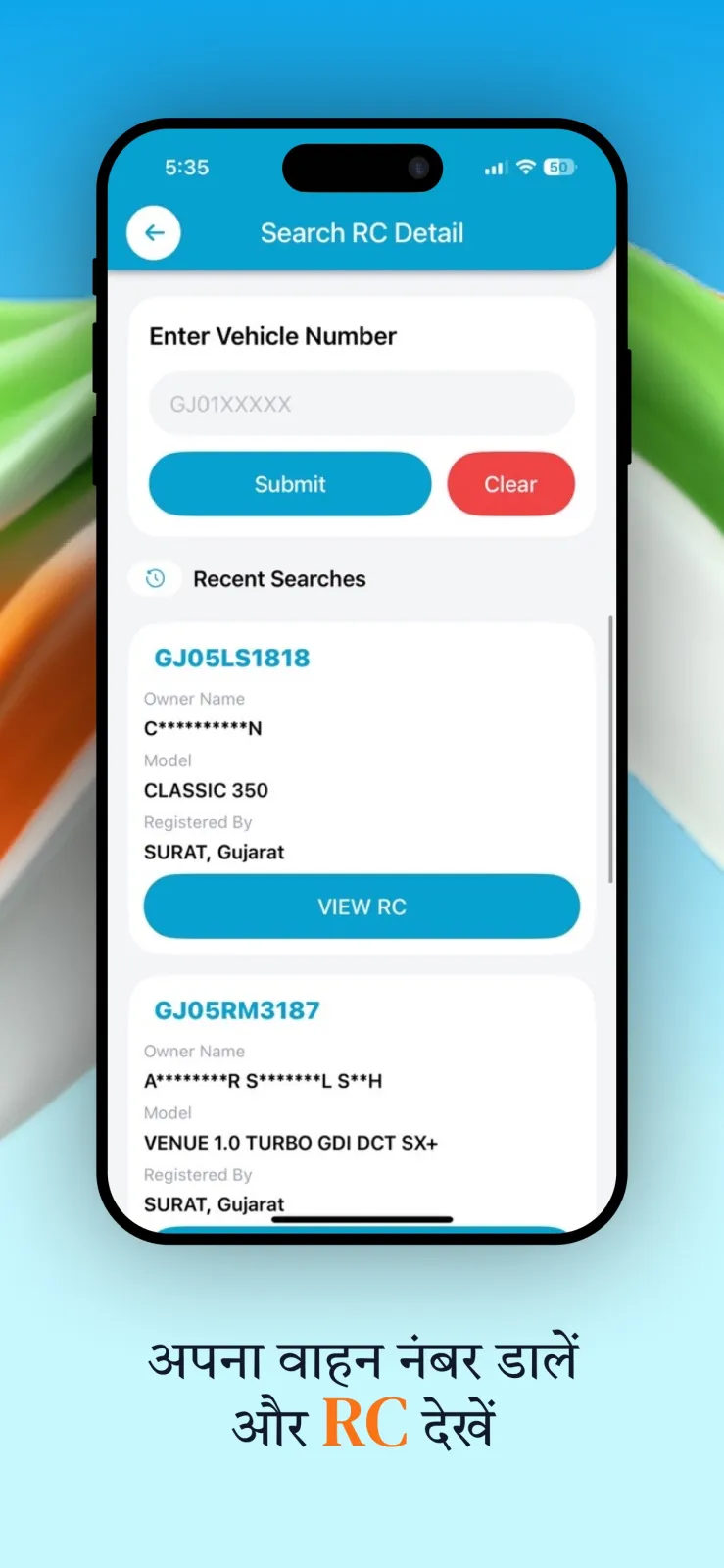
You type a car or bike registration number into Challan Info, and the app pulls up the RTO record for that vehicle in seconds. You see the owner name, vehicle class, fuel type, registration date, insurance validity and PUC status. Below the RC details, the app lists any pending traffic challans and the ones already paid, along with violation details.
The app is built and published by Xvantage Infotech, an app studio based in Surat, Gujarat. It is available only on iOS, so you need an iPhone and you download it from the Apple App Store.
Besides RC and challan checks, the app includes daily fuel prices for your city, RTO codes for every state and city, driving licence practice tests, traffic sign references, and calculators for EMI, loans, fuel cost and mileage. It can also show nearby petrol pumps, EV chargers, garages and RTO offices. But most people open it to check RTO vehicle information or to pay a challan without visiting an office.
For challan payments, the app currently covers Surat, Ahmedabad, Vadodara, Maharashtra and Uttar Pradesh. For RC details, you can search any registration number.
How to check RC details and challans step by step
Follow these steps to look up any vehicle and pay a fine using Challan Info on your iPhone.
- Download Challan Info from the App Store and open it. If you installed it a long time ago, update it first: older versions no longer support RC and challan search.
- On the home screen, find the search box. Tap it and type the full registration number of the car or bike. For example, type GJ-05-AB-1234 for a vehicle registered in Surat. The app accepts standard Indian number plate formats.
- Tap the search button. The app connects to publicly available government data sources and fetches the record. Wait a few seconds while the details load on screen.
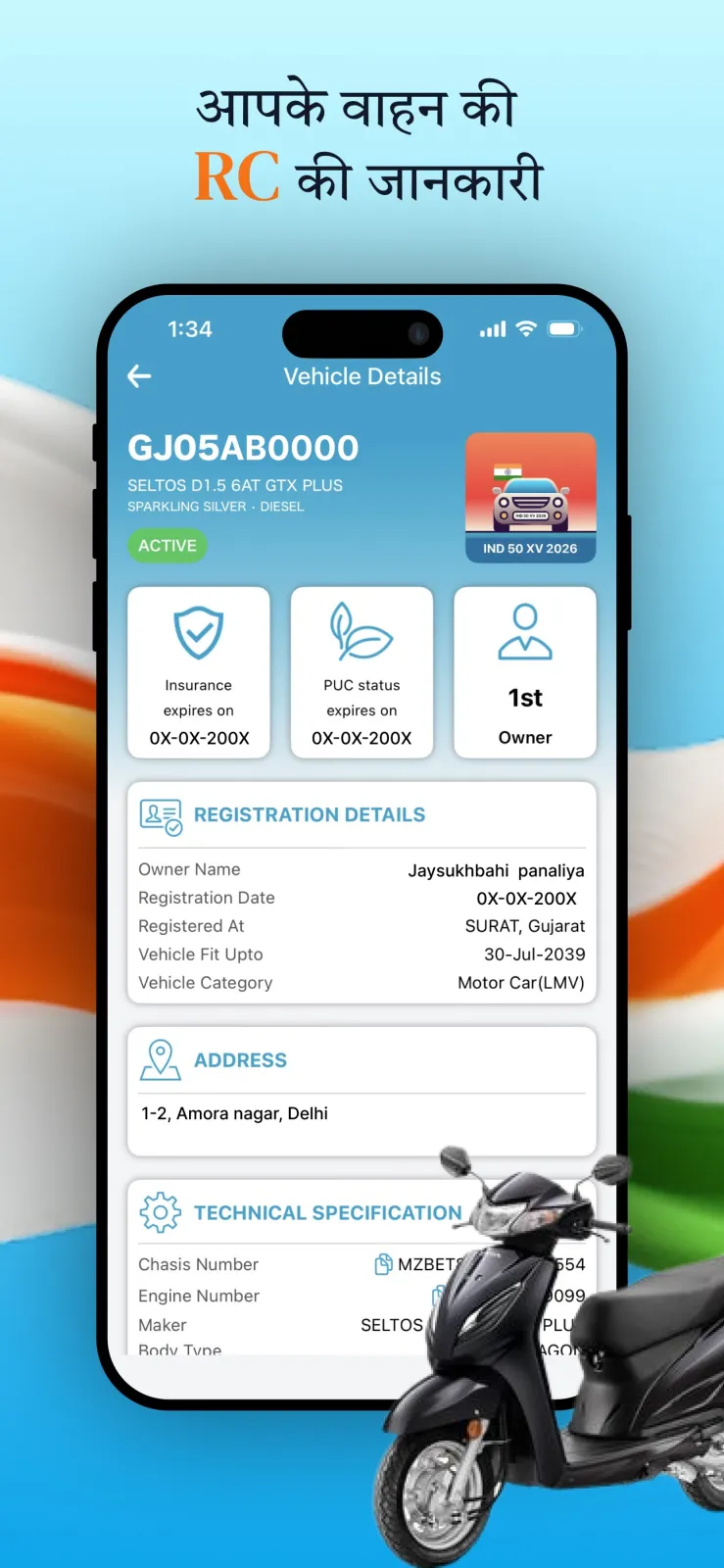
- Read the RC details section. You will see the owner name as per the registration certificate, the vehicle class (such as two-wheeler or motor car), the fuel type (petrol, diesel, CNG or electric), the registration date, the insurance validity date and the PUC status. The app also shows technical specifications of the vehicle model. You can compare these details with the physical RC book to make sure everything matches.
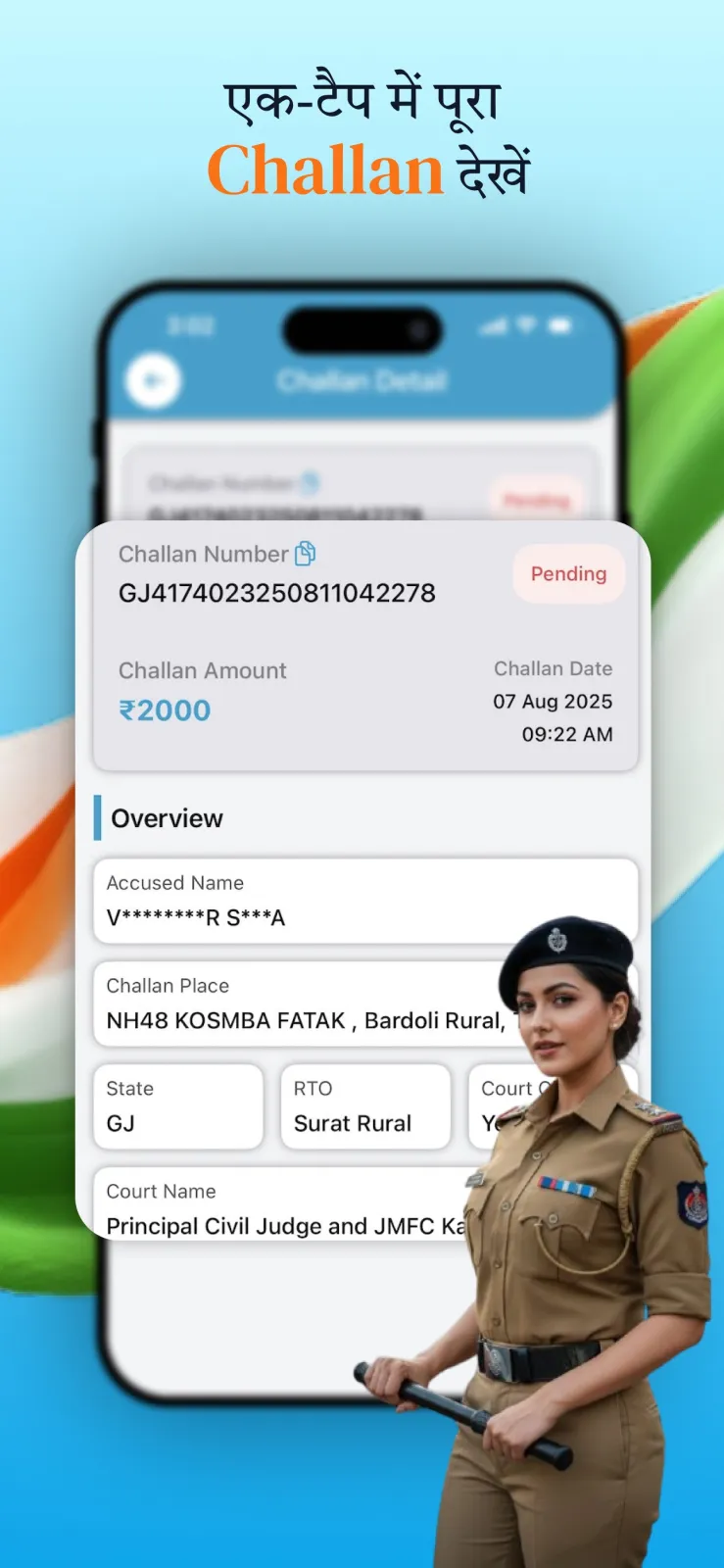
- Scroll down to the eChallan section. Here you see a list of pending challans and paid challans. Each entry shows the violation details, the date of the offence and the fine amount.
- To pay a pending challan, tap on that entry. Choose your payment method: UPI, net banking or card. Complete the payment on the gateway. The app gives you an instant receipt after the transaction succeeds.
- To keep a record, use the download or share option in the RC section. The app generates a PDF report of the RC details. You can save it to the Files app, upload it to iCloud, or send it to someone on WhatsApp or email.
Every feature inside Challan Info explained
The app is organised into clear sections. Here is what each one does and how you use it in daily life.
RC details and vehicle information
This is the core feature. Enter any registration number and the app displays the complete RC details. You get the owner name, the vehicle class, the fuel type, the date of registration, the insurance validity and the PUC (Pollution Under Control) status. You also see technical specifications for that vehicle model.
You can download the RC report as a PDF directly from this screen. This is useful when you are selling your vehicle, buying a used one, or when you need to show documents to a buyer or an official. You can also share the PDF with others without leaving the app.
eChallan check and online payment
The app shows both pending and already paid traffic challans for the vehicle number you entered. Each challan entry includes the violation details so you know exactly what rule was broken and when.
For eligible challans, you can pay directly inside the app without going to an RTO office. The payment options are UPI, net banking and card. After you pay, you get an instant receipt. The challan coverage currently includes Surat, Ahmedabad, Vadodara, the state of Maharashtra and the state of Uttar Pradesh.
My Garage and reminders
You can save multiple vehicles in My Garage. Add your car, bike or scooter by entering their registration numbers once. After that, the app monitors them for you.
You get alerts before your insurance expires, before your PUC certificate expires, and whenever a new challan appears on any saved vehicle. This helps you pay fines on time and renew documents before they lapse.
RTO services and driving exam preparation
This section lists RTO codes for every state and city in India. You can look up the code for your local RTO office quickly.
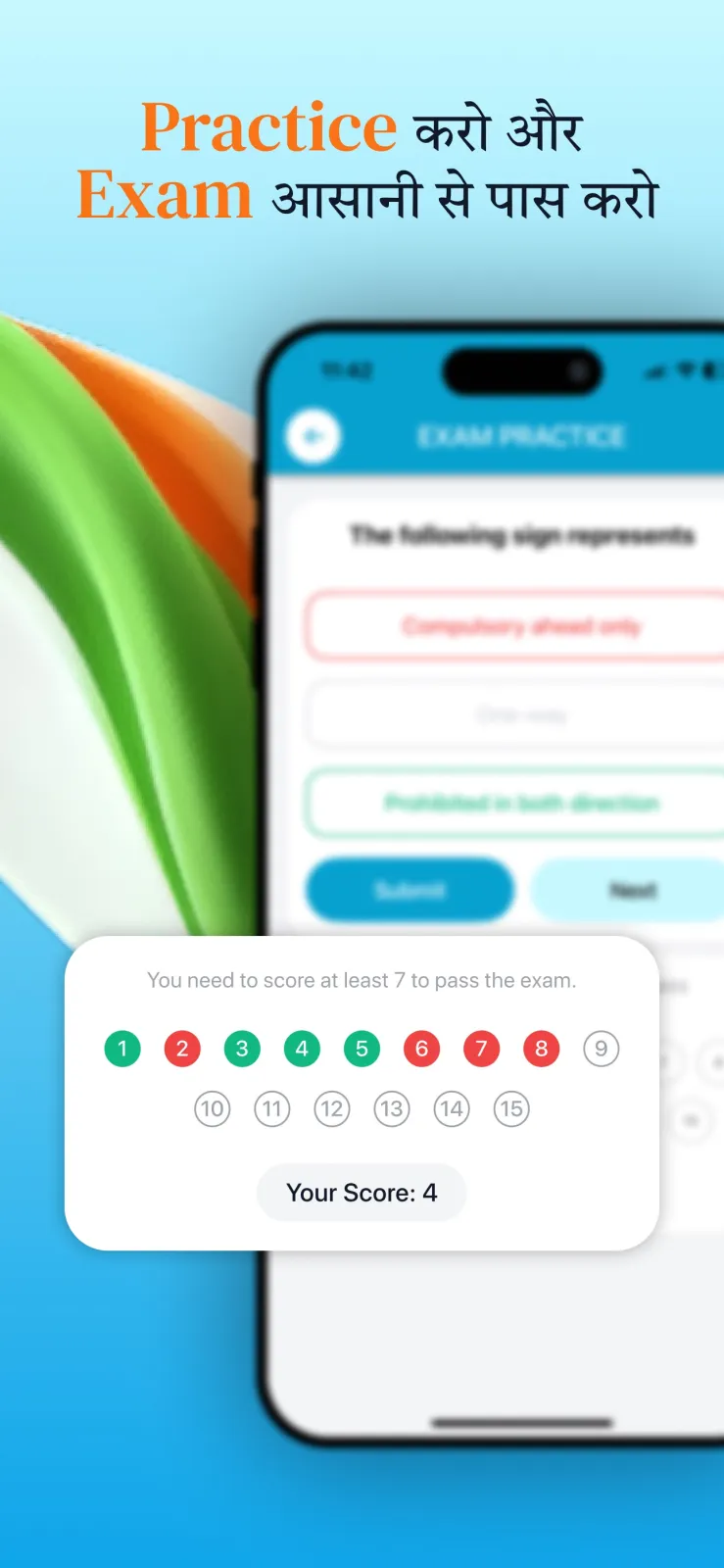
The app also provides licence and permit fee details, a reference guide for traffic signs, and practice tests for your driving licence exam. If you are preparing for your learner's licence or permanent licence test, you can use these practice questions on your phone while commuting.
Daily fuel prices
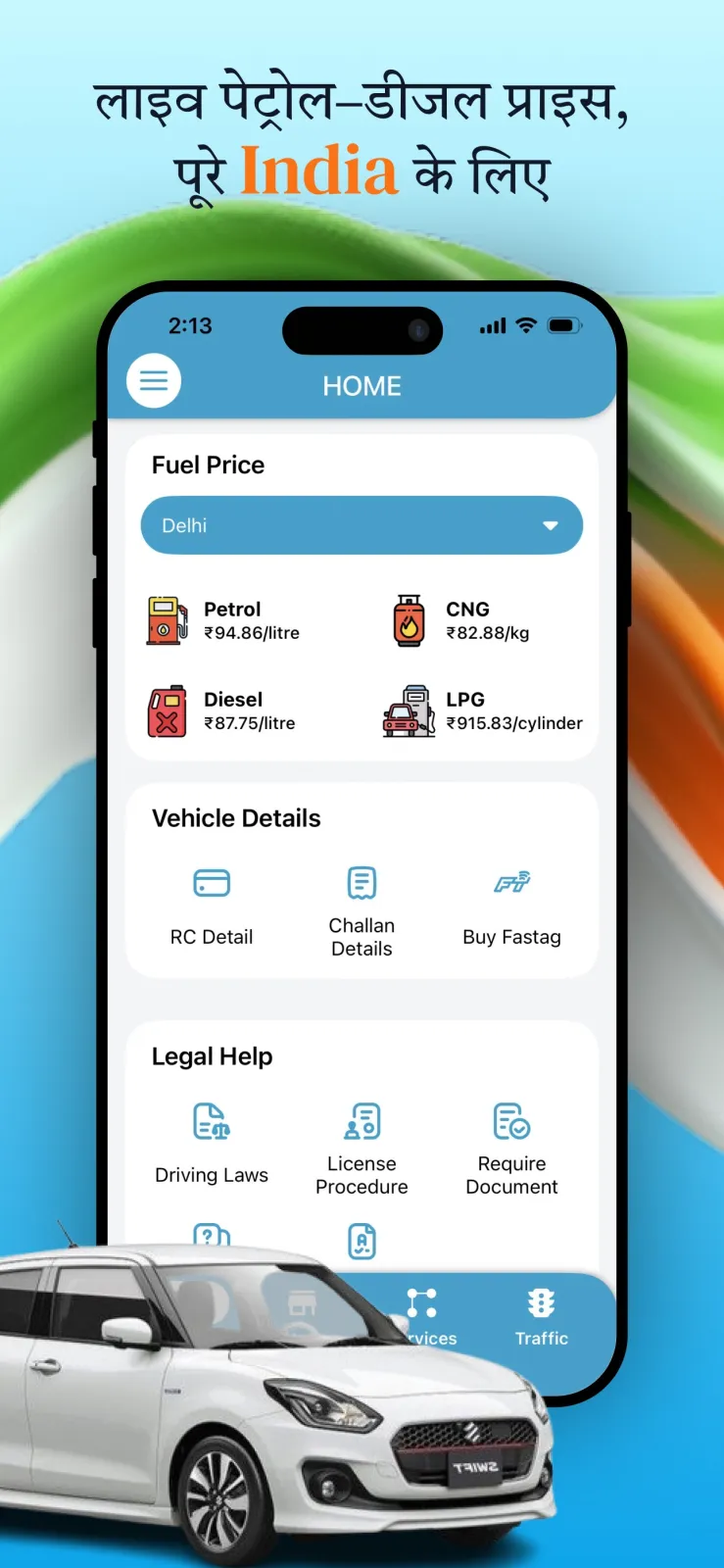
Challan Info tracks daily price changes for petrol, diesel, CNG and LPG. The prices are location-based, meaning you select your city and see the rates for that specific city. Use it to plan refuelling stops on long drives.
Calculators and nearby services
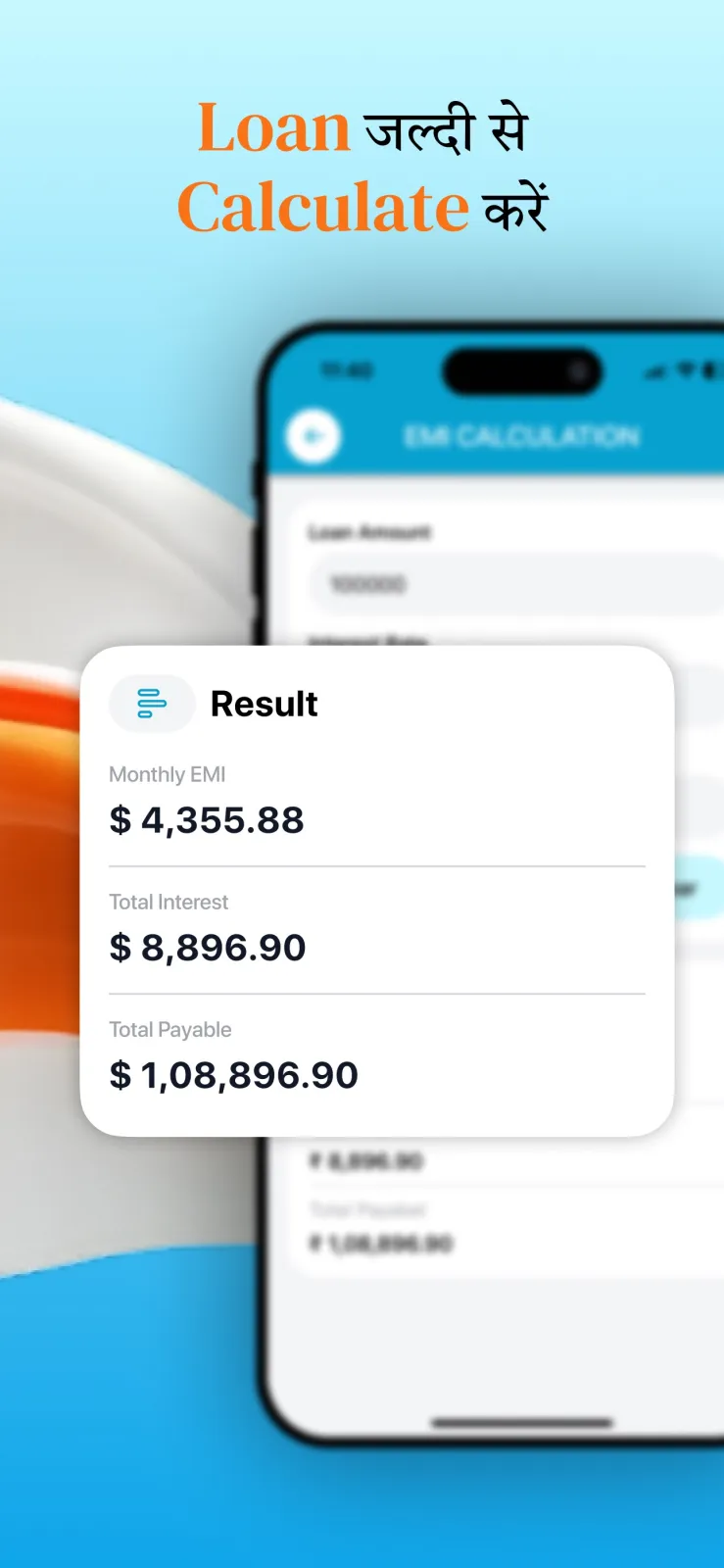
The app bundles several calculators: an EMI calculator, a loan calculator, a fuel cost calculator and a mileage calculator. These help you plan the total cost of owning a vehicle.
You can also find nearby petrol pumps, EV charging stations, garages and RTO offices on the map. There is an insurance comparison tool to check policies, and an option to list your vehicle for sale if you want to sell it.
Who should download Challan Info
Challan Info fits into specific situations in daily life. Here are four common ones where it saves you time.
Buying a second-hand vehicle
If you are buying a used car or bike, you can verify the RC details before you hand over the money. Enter the seller's vehicle number and check the owner name, insurance validity and PUC status. You can download the PDF report and keep it as proof of what you checked. Where challan data is covered (Surat, Ahmedabad, Vadodara, Maharashtra and Uttar Pradesh), also check for pending challans before finalising the deal, so you do not inherit unpaid fines.
Paying a traffic challan from home
When you receive an eChallan notice for overspeeding, signal jumping or wrong parking, you do not need to visit the RTO office or stand in a queue. Open Challan Info, enter your vehicle number, read the violation details, and pay the fine online through UPI, net banking or card. You get an instant receipt on your phone, which you can show if needed.
Managing multiple vehicles in a family
If your household owns a car and two bikes, you can add all of them to My Garage. The app sends reminders before insurance or PUC expires on any of them. You also get an alert the moment a new challan is issued on any saved vehicle, so you can pay it quickly and avoid late fees.
Preparing for a driving licence test
If you are studying for your learner's licence or permanent driving licence exam, the app gives you practice tests and a traffic sign reference. You can revise the rules of the road on your iPhone while travelling on a bus or waiting at the RTO office.
Privacy, permissions and where the data comes from
To show RC details or challans, the app obviously needs the vehicle registration number you type in. It uses that number to query publicly available government sources. The information is displayed exactly as received, without modification by the app.
Challan Info is an independent app. It is not affiliated with, endorsed by, or connected to any RTO, the Ministry of Road Transport & Highways, or the Parivahan/mParivahan service. This means it is not an official government app. For any legal matter, such as a dispute over a challan or an RC transfer, you should contact your local RTO directly.
If you ever see a difference between the app and your physical RC book, contact your local RTO to verify. The app only displays publicly available government data without modification, so it cannot correct errors at the source.
The app may ask for permissions such as location access to show fuel prices for your city, or notification permission to send insurance and PUC reminders from My Garage. The full list of what data the app collects, how it is stored and who it is shared with is described in the privacy policy available on the App Store listing page.
When you pay a challan through the app, the payment goes through UPI, net banking or card gateways. The app shows you an instant receipt, but for official legal proof of payment you may still want to verify the status with your local RTO or the state transport department website.
Practical tips for using Challan Info every day
- Always keep the app updated to version 4.5 or newer. Older versions no longer support RC and challan search because of security and API upgrades. If search suddenly stops working or shows an error, go to the App Store and update immediately.
- Add every vehicle you own to My Garage right after installing. This way you get alerts for insurance expiry, PUC expiry and new challans on all vehicles from one screen, instead of checking each number separately.
- Check the daily fuel price section before filling your tank on a long highway drive. Prices for petrol, diesel, CNG and LPG change daily, and the app shows rates specific to your city, so you can compare and choose the right pump.
- Download the RC report as a PDF and save it in your Files app or iCloud Drive. Keep it handy for when you renew insurance, sell the vehicle, or need to show documents to a buyer or traffic police.
- Saved vehicles get an alert when a new challan appears, so turn on notifications instead of checking by hand.
- Use the practice tests in the RTO services section for a few days before your driving licence exam. The questions cover traffic signs and road rules you need to know to pass.