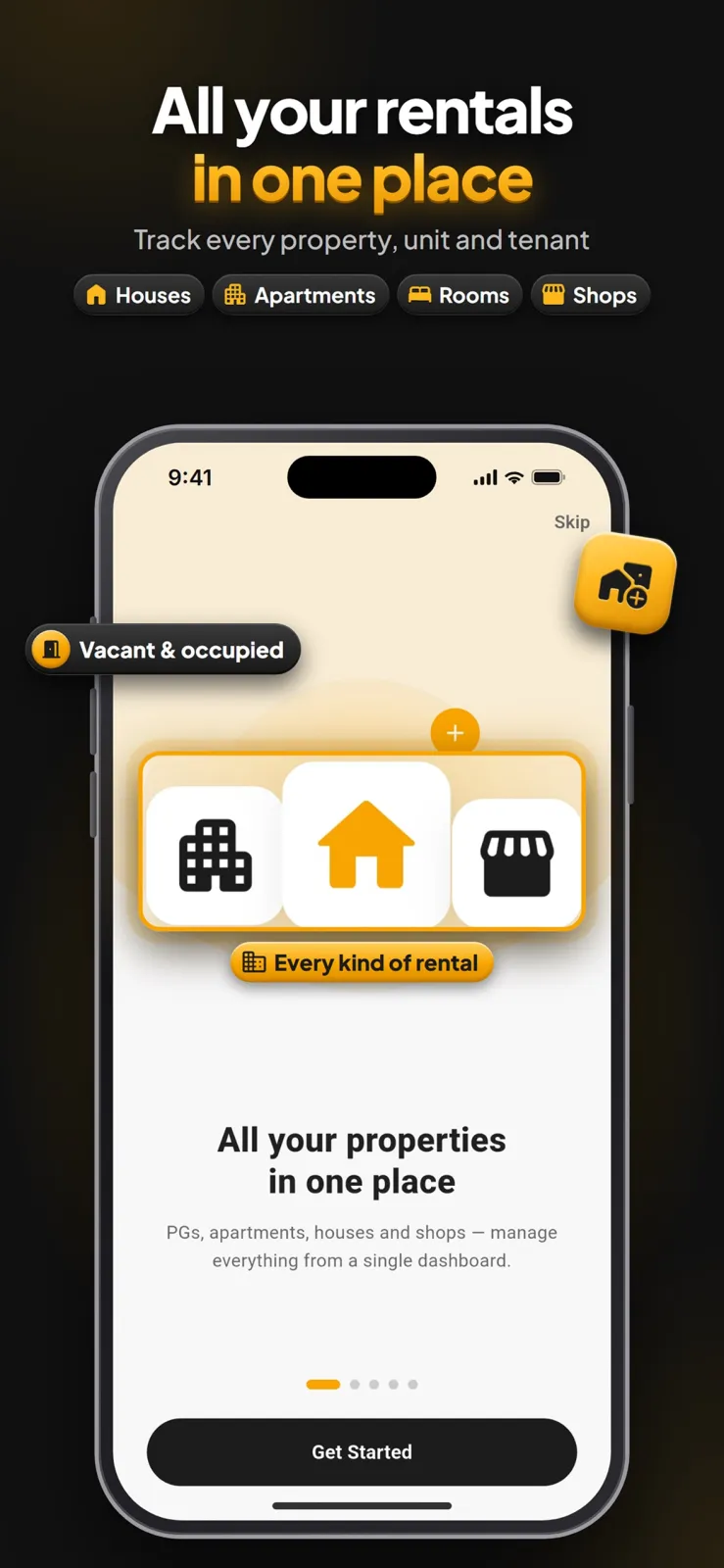
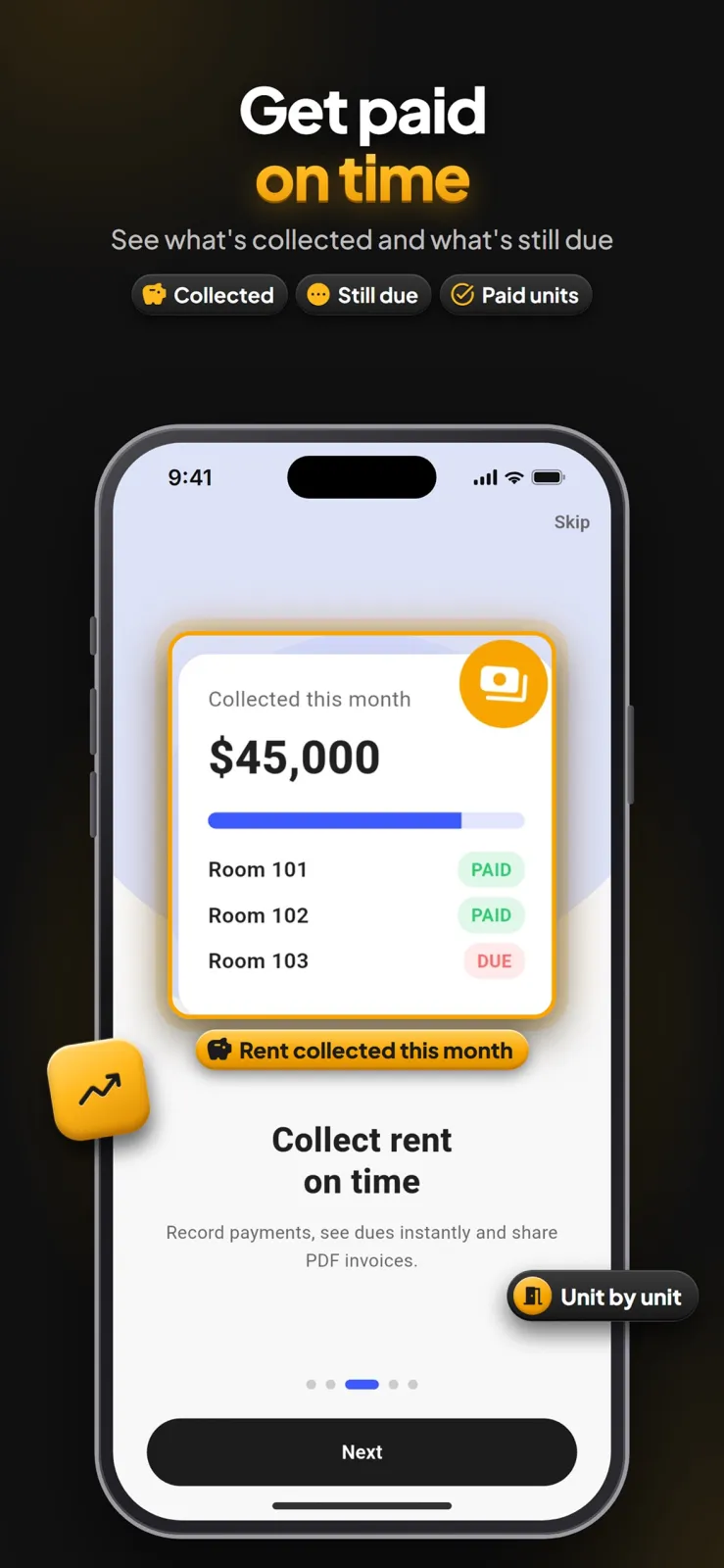
What Rentwise is and what it does
Rentwise is a rent tracker app for landlords. You download it on your Android phone from Google Play, or on your iPhone from the App Store. The app is built by Xvantage Infotech.
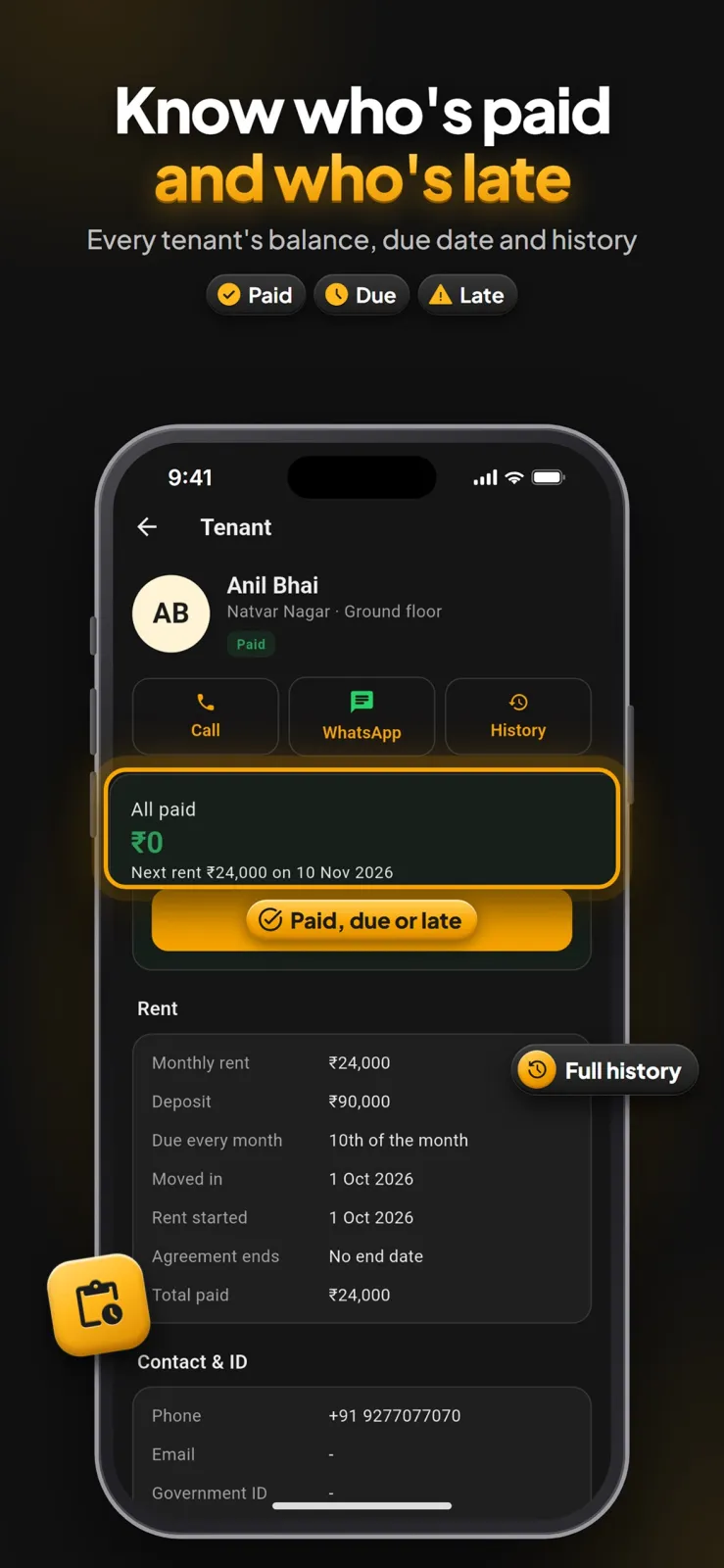
Once you sign in, you see every property, unit and tenant on one screen. You do not need paper notebooks or scattered messages. You can tell at a glance who has paid rent this month and who is late.
When a tenant pays, you record the payment in seconds. Rentwise creates a professional PDF rent receipt that you can share by email or message, or print and hand over.
The app works with USD, GBP, EUR, CAD, AUD, NZD and 20 more currencies, so you can track rent in the currency you use.
Rentwise is made for independent landlords and small property managers. It is a record-keeping app only. It does not process payments, transfer money, or hold any funds. You stay in control of your cash and bank accounts.
The latest version of Rentwise also lets you move a tenant to another unit, fill tenant details straight from your contacts, open receipts directly from payment history, and loads screens faster than before.
Who Rentwise is for
Rentwise fits different kinds of rental setups. Here are four concrete situations where it helps.
You rent out one house
You own a single house and have one tenant living there. You want to remember the due date each month, check if rent has arrived, and keep a proper receipt for every payment. Rentwise adds the rent automatically on the tenant's billing cycle and flags it if payment is late. You can call or message the tenant in one tap from the app.
You manage a small apartment building
You own a building with several apartments on different floors. You need to see which units are vacant and which are occupied without walking around. Rentwise lets you add units by floor and rename them, for example Apt 2B or Unit 4. The dashboard shows your occupancy rate so you know how many units are filled.
You rent rooms or beds in a shared house
You have a shared house with multiple rooms or beds rented to different people. Each person may pay a different amount on a different day of the month. Rentwise keeps each room separate. You can add a tenant photo and ID photo for each room, and the app tracks a running balance for every tenant.
You rent out commercial shops or offices
You own commercial units like shops or offices and rent them to businesses. You need to track the security deposit, lease end date and monthly rent for each unit. Rentwise stores these details for commercial units just like it does for homes, and shows late flags if a business tenant misses payment.
How to use Rentwise step by step
Here is how to start using Rentwise from day one. The whole setup takes only a few minutes.
- Download Rentwise from Google Play on your Android phone, or from the App Store on your iPhone.
- Open the app and sign in with your Google or Apple account. Your data is saved in the cloud automatically, so it is safe even if you change phones later.
- Add your first property. Pick the type that matches your building: single-family home, apartment building, multi-floor house, shared house with rooms and beds, or commercial unit.
- Add the units inside that property. If it is an apartment building, add units by floor. Rename each unit to match your door numbers, like Apt 2B, Unit 4, or Room A. Mark each unit as vacant or occupied.
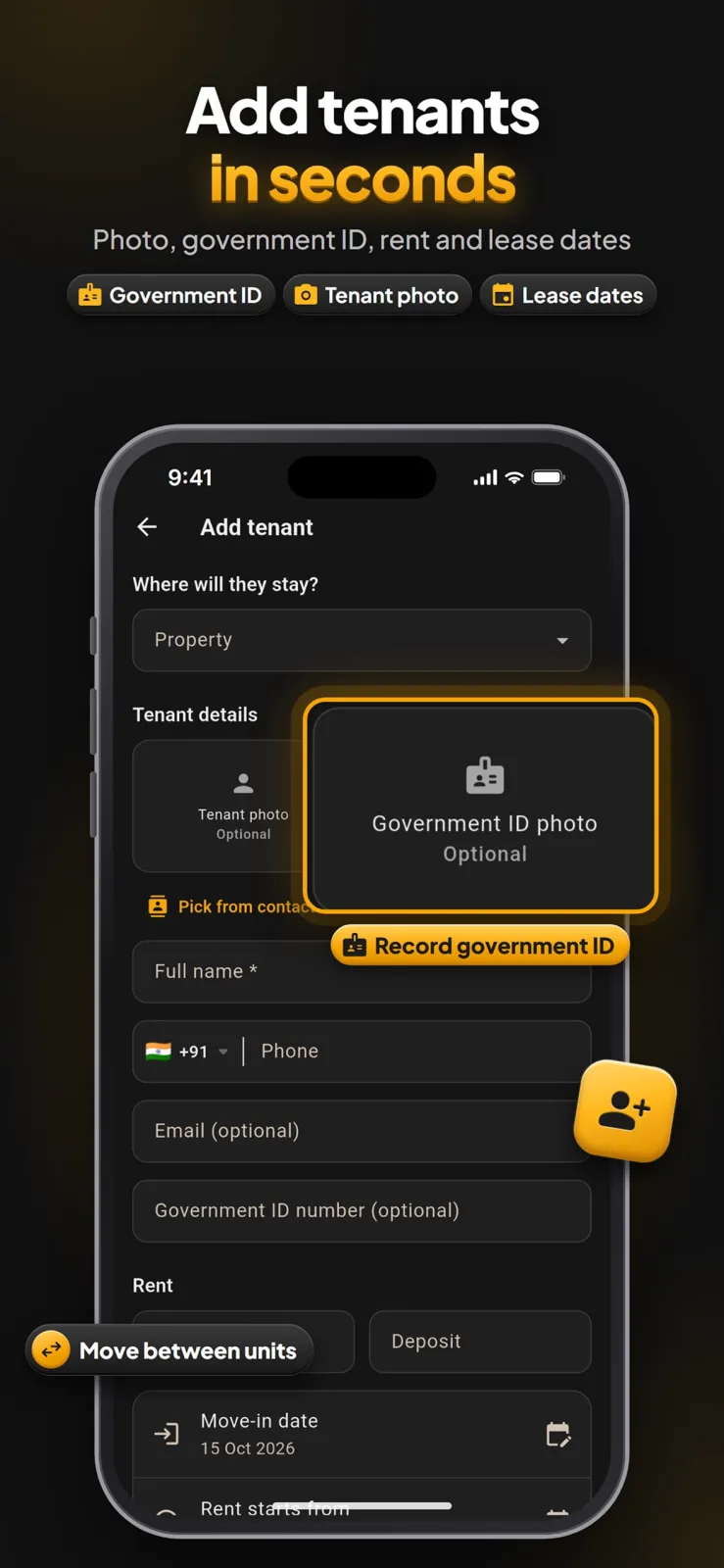
- Add a tenant to a unit. Tap the contacts button to fill the tenant's name and phone straight from your phone's contact list. Enter the move-in date, the monthly rent amount, the security deposit, the due day of the month, and the lease end date. You can also add a photo of the tenant and a photo of their ID for your records.
- Rent is added automatically every month on each tenant's own billing cycle. You do not need to enter it manually each time.
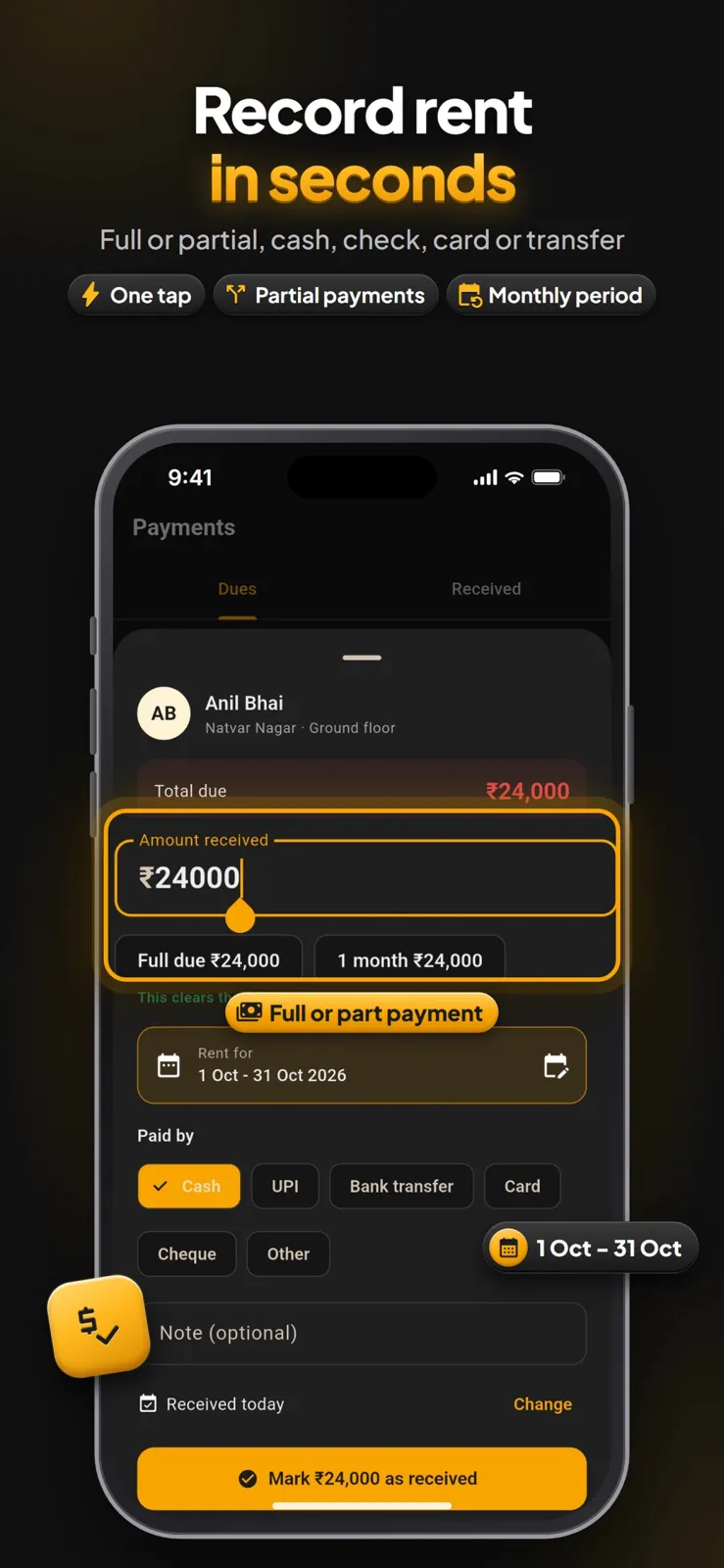
- When rent money arrives, record the payment. Choose whether it is a full or partial payment, and pick the method: cash, check, bank transfer or card. Select which rent period this payment covers, such as this month or next month in advance.
- If a tenant does not pay on time, Rentwise flags the rent as late on your screen. Tap the tenant's name to call them or send a message in one tap.
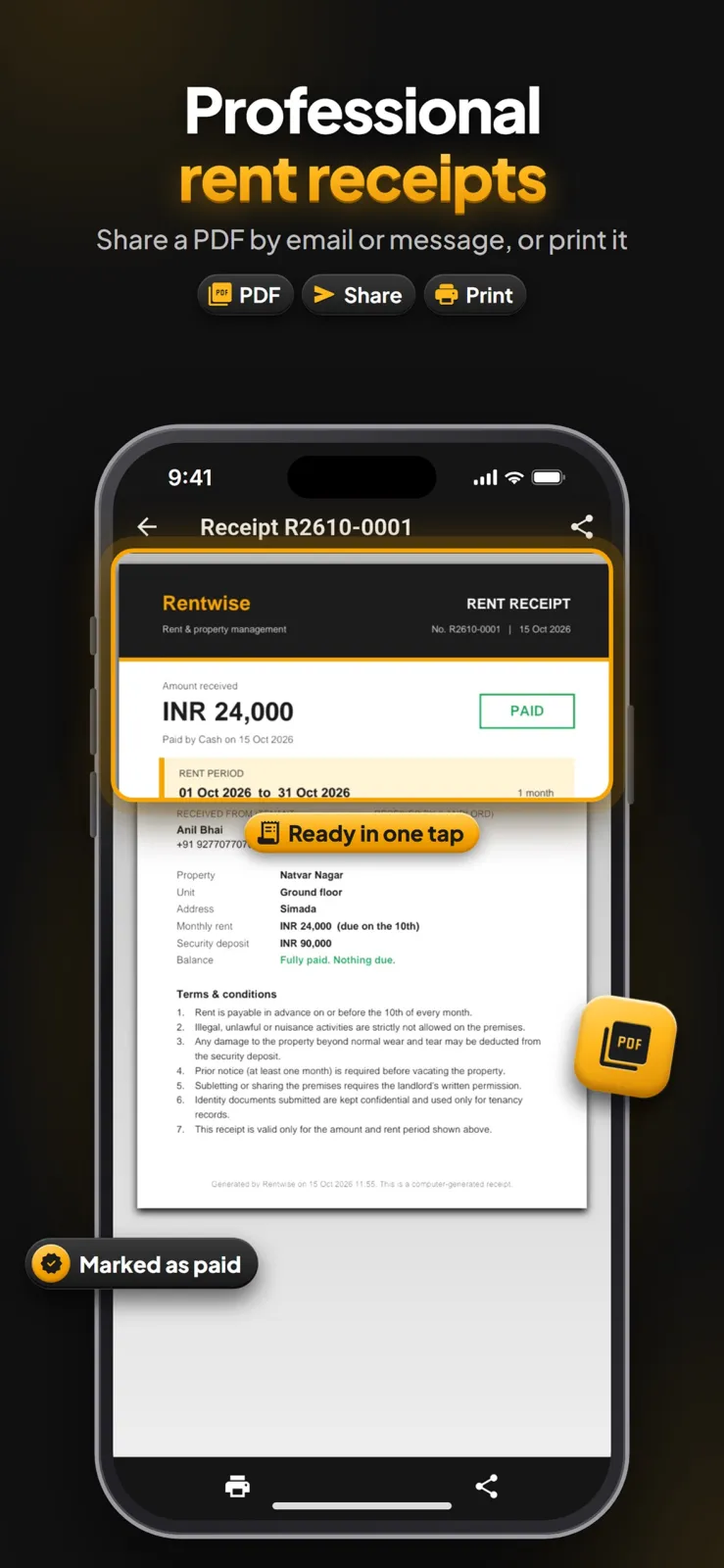
- Go to the tenant's payment history and tap to open or create a PDF rent receipt. Share it by email or message, or print it.
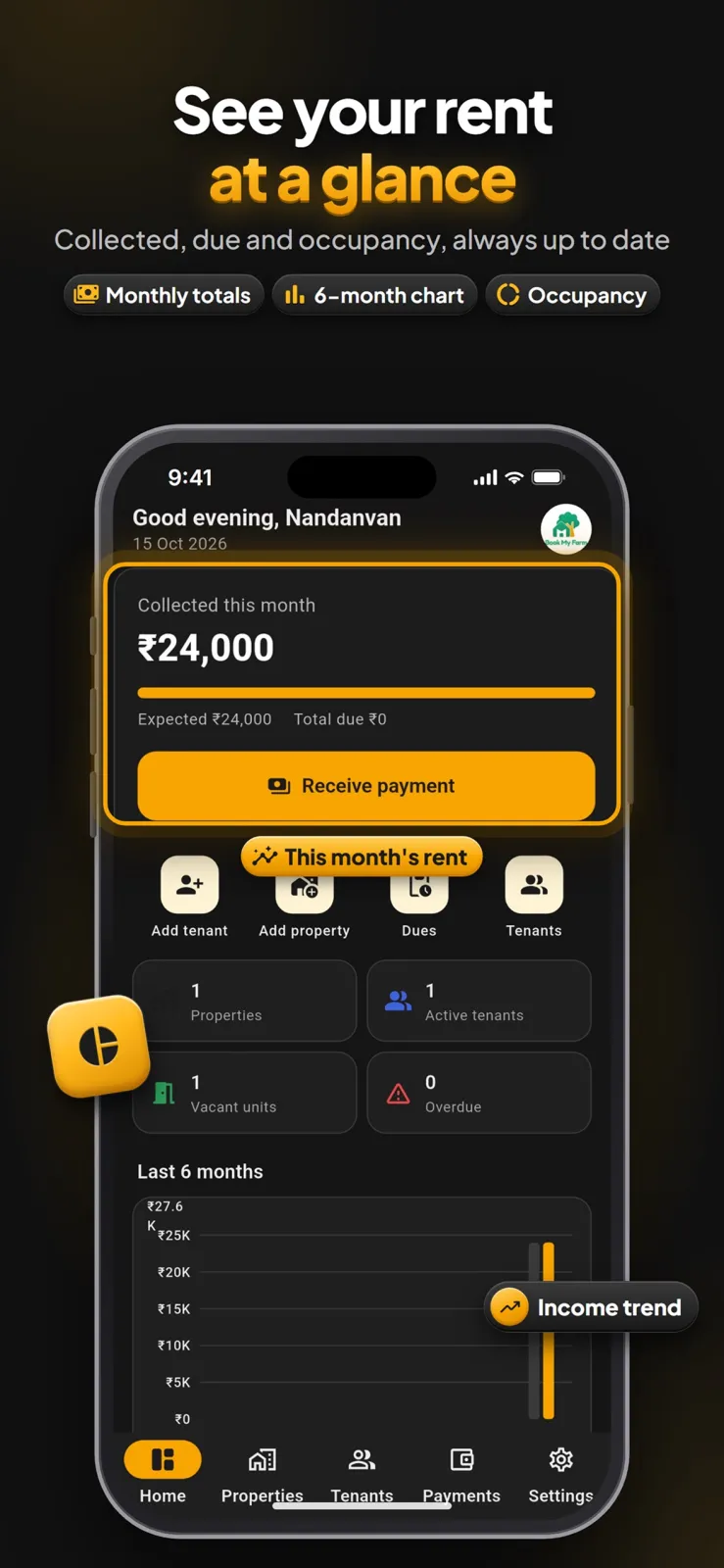
- Open the dashboard to see collected vs expected rent for this month, total outstanding amount, overdue tenants, rent due in the next 7 days, occupancy rate, and the 6-month income chart.
Manage properties, units and tenants
Rentwise keeps your rental business organised. You can structure it exactly like your real buildings.
Add any type of property
You can add single-family homes, apartment buildings with units arranged by floor, multi-floor houses, shared houses with separate rooms and beds, and commercial units like shops and offices. For shared houses, you can add individual beds as separate units if you rent by the bed. After adding, you see vacant and occupied units at a glance, so you know your occupancy without counting.
Name and arrange units your way
Rename any unit to match your real-world labels. Use names like Apt 2B, Unit 4, Room A, or Shop 12. This makes it quick to find the right tenant when you are standing in the building or talking on the phone.
Store complete tenant details
For every tenant, you can keep contact details, move-in date, monthly rent, security deposit amount, due day of the month, and lease end date. You can attach a tenant photo and an ID photo to the profile. This is useful when you need to show who is living in the unit for police verification or society records. To save typing, fill the name and phone number directly from your phone's contacts.
Move tenants between units safely
If a tenant shifts from one unit to another, use the move feature. Their balance and full payment history move with them to the new unit. If a tenant moves out completely, mark them as moved out. The app keeps their full history so you can refer back to it later.
Track rent, payments and send receipts
This section covers the money side. Rentwise makes it fast to record what comes in and to prove it with a receipt.
Automatic rent charges every month
Rent is added automatically every month on each tenant's own billing cycle. You set the due day once, and the app does the rest. It also handles partial payments and payments made in advance. If a tenant pays for next month early, record it as an advance payment and the app will apply it to the correct period. When you record any payment, you choose exactly which rent period it covers.
Record payments in seconds
Enter full or partial payments by cash, check, bank transfer or card. You can record a payment even if it arrives a few days early; just select the period it covers. The app updates the running balance immediately. If rent is late, it is flagged automatically so you do not miss it. From the tenant screen, you can call or message them in one tap to follow up.
Professional PDF rent receipts
Generate a PDF rent receipt for any payment in seconds. You can share it by email or message, or print it and give a paper copy. You can open past receipts straight from the payment history without searching.
Full payment history per tenant
Every tenant has a complete list of every charge and every payment, with a running balance at the top. You can scroll through months of history to see exactly what happened and when.
Dashboard and insights
The dashboard answers the questions you ask every month: How much did I collect? Who still owes me? What is coming due soon?
Monthly overview
The top of the dashboard shows collected vs expected rent for the current month side by side. It lists the total outstanding rent across all tenants and names exactly which tenants are overdue. It also shows rent due in the next 7 days, so you can plan your follow-up calls early in the week instead of at month-end.
Six-month chart and occupancy
A 6-month income chart plots your rent collection over the last half year, so you can see if income is rising or falling. The occupancy rate tells you what percentage of your units are currently rented versus vacant. If occupancy drops, you know you have empty units costing you money. Use these numbers to decide when to follow up. If the overdue list grows, call those tenants. If the 6-month chart shows a dip, check which units were vacant that month.
Privacy, permissions and your data
Rentwise needs a few permissions on your phone to work properly. Here is what it asks for and why.
To fill a tenant's name and phone number from your contacts, the app needs access to your contact list. To add a tenant photo or an ID photo to a profile, it needs access to your camera and photo storage. To let you call or message a tenant in one tap, it needs permission to use your phone and messages.
You sign in with your Google or Apple account. Your data is saved in the cloud, so it is there when you change phones or reinstall the app. Rentwise is a record-keeping app only. It does not process payments, transfer money, or hold any funds. You can sign out any time. The full details of what data is collected, stored and shared are written in the privacy policy.
You can also switch between light and dark mode in the app settings. Dark mode is easier on your eyes when you check rent at night.
Practical tips for landlords using Rentwise
Use these tips to keep your records accurate and save time.
- Set the correct due day for each tenant when you add them. The automatic late flags depend on this date, so check it twice.
- Record partial payments as soon as the money arrives, even if it is a small amount. Rentwise updates the running balance, so you always see the exact remaining due.
- Send the PDF receipt to the tenant immediately after recording the payment. This creates a clear record and avoids arguments later.
- When a tenant changes units, use the move feature. Do not delete the tenant and add them again, or you will lose their history.
- Check the "rent due in next 7 days" list on the dashboard every Monday. Call or message those tenants before the due date.
- Rename your units with names you actually use, like "Ground Floor Shop" or "Room B", so you can find them fast when you are at the property.
- Add the ID photo when you add the tenant. You will have it ready if you ever need to verify identity.
- Check the overdue tenants list every morning. A quick message early often gets rent paid faster.
- Look at the 6-month income chart once a month to spot trends, like a drop in collections. Use the 6-month chart before you raise rent. If collections are steady, you have a good baseline.
- If you have a question or an idea for the app, write to the developer from Settings in the app, or email xvantageinfotech@gmail.com.