What MiraVault Gallery does on your Android phone
MiraVault Gallery is a private photo gallery with a lock for your Android phone. It solves a simple problem: your phone gallery is full of photos, but some of them you do not want others to see when they pick up your phone.
The app keeps all your photos and videos on your device. It does not upload them to the cloud or any server. All processing happens on your phone itself. This means your pictures never leave your device.
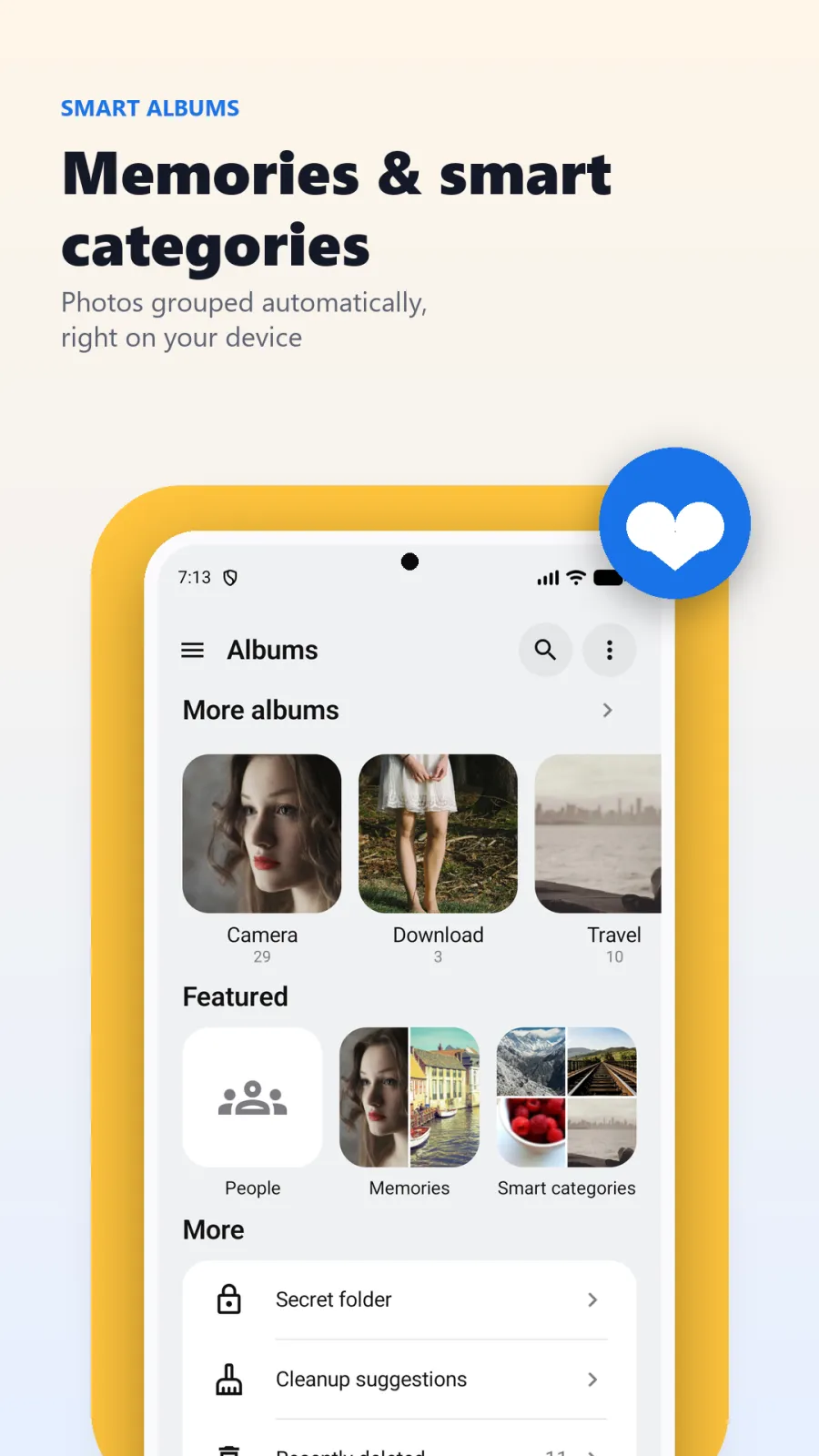
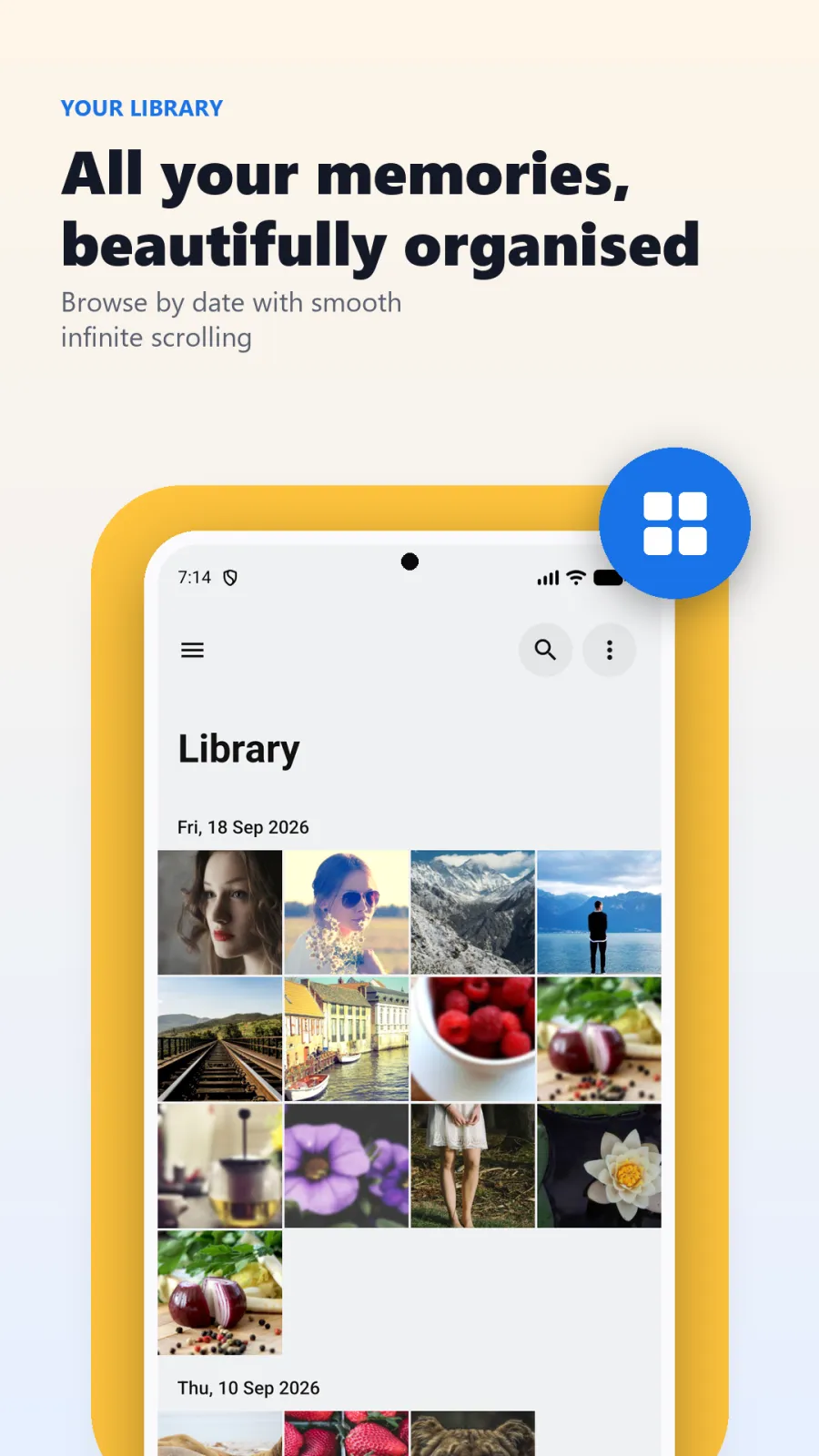
MiraVault organizes your library for you. It groups photos by album, by date, and by people using AI. It also creates smart categories and memories from your photos automatically. You can browse everything easily without scrolling through thousands of files.
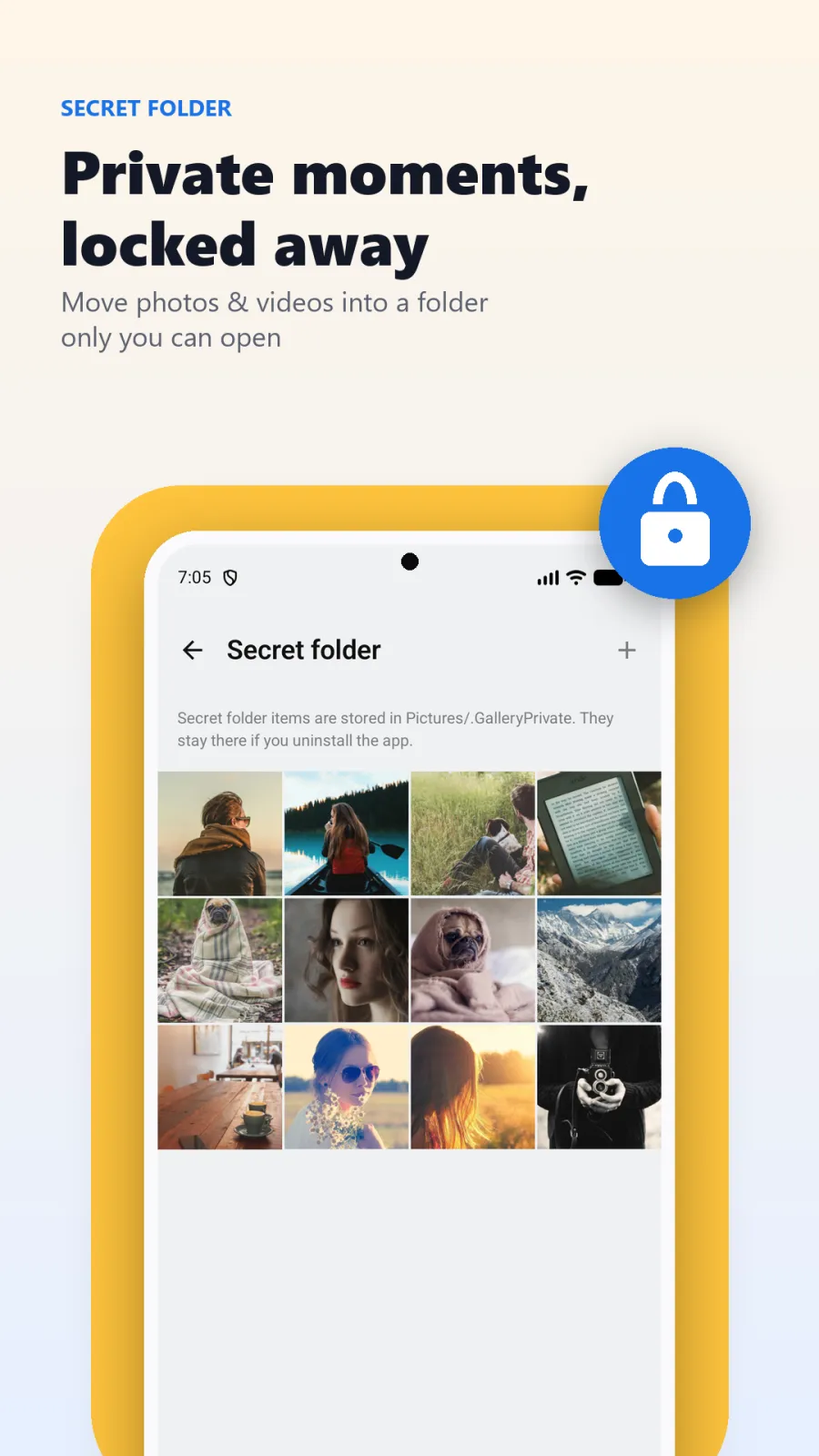
The app includes a photo editor. You can crop, rotate, and adjust your pictures. You can also trim videos. And most importantly, MiraVault has a Secret Folder where you can lock private photos behind your fingerprint, face recognition, or a PIN.
You can get MiraVault Gallery from Google Play. It works on Android devices running API 24 or higher. The app works completely offline. You do not need an internet connection to use any of its features. It uses Material Design 3, so it looks clean and modern on your phone.
Whether you take hundreds of photos a month or just a few, MiraVault keeps them tidy. It also helps you free up storage by finding duplicates and blurry shots. You stay in control of your memories and your privacy at the same time.
How to move photos into the locked Secret Folder
Locking your private photos in MiraVault takes just a few taps. Here is the step-by-step process:
- Download and install MiraVault Gallery from the Google Play Store on your Android phone. Open the app after installation.
- When you first open MiraVault, set up your security lock. You can choose fingerprint, face recognition, or a PIN. You can also use your phone's existing screen lock if you prefer.
- Look for the Secret Folder section in the app. This is where your private photos will live.
- Go to your main gallery and select the photos and videos you want to hide. You can select multiple files at once.
- Tap the option to move them into the Secret Folder. Once moved, these files disappear from your main gallery and can only be opened with your biometric or PIN.
- Go to settings and set the auto-lock timer. Choose 30 seconds, 1 minute, or 5 minutes. After this time passes once you close the app, the Secret Folder locks itself automatically.
You can repeat these steps anytime you want to add more photos to the Secret Folder. You can also move photos back out if you decide they do not need to be hidden anymore.
Security features: app lock and Secret Folder
MiraVault gives you flexible security. You decide how much of the app to protect.
Lock the entire app or just the Secret Folder
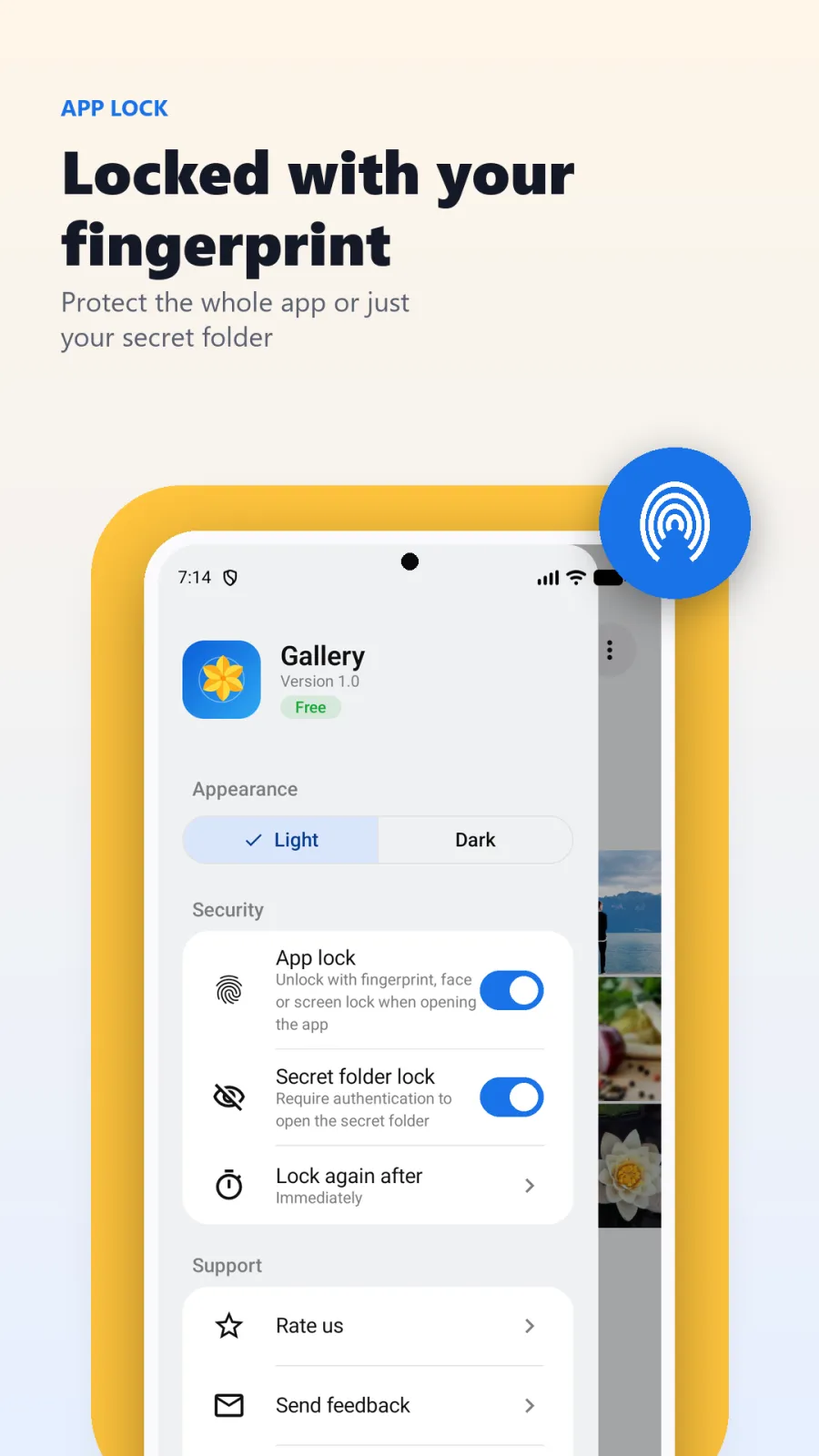
You have two choices. You can lock the entire MiraVault app. In this case, every time you open the app, you must use your fingerprint, face, or PIN. This is useful if you want to keep your whole gallery private.
Alternatively, you can lock only the Secret Folder. This keeps your main gallery open for quick browsing, but anyone who tries to open the Secret Folder will need your biometric or PIN. Many users prefer this option because it balances privacy with convenience.
Biometric authentication and PIN
MiraVault supports fingerprint scanning and face recognition. These use your phone's built-in sensors, so you do not need to remember a separate password. You can also set a PIN. If you prefer, you can use your phone's existing screen lock pattern or password as the key to MiraVault.
All these methods work offline. The app checks your identity on your device without sending data anywhere.
Auto-lock with customizable timeout
If you forget to close the Secret Folder, MiraVault can lock it for you. You can set an auto-lock timer to 30 seconds, 1 minute, or 5 minutes. Once the timer runs out after you leave the app, the Secret Folder locks automatically.
This feature protects you if you hand your phone to someone and forget that the Secret Folder is open. After the timeout, they cannot see your private photos without your fingerprint or PIN.
How MiraVault organizes your photos and videos
Finding a specific photo in a cluttered gallery is hard. MiraVault uses AI to organize everything for you.
Browse by people, dates, and smart categories
MiraVault scans your photos on your device and groups them by the people in them. Tap on a person's face, and you see all photos of that person. This face grouping happens on your phone, not on a server.
You can also browse by date, so photos from a specific day or month appear together. The app creates smart categories automatically, like screenshots, selfies, or documents. It also builds memories from your library, grouping photos from trips or special events so you can revisit them easily.
Custom albums and pinning
If you like to organize photos your own way, you can create custom albums. Name them whatever you want, like 'College Trip' or 'Baby Photos', and add photos to them.
You can pin your favorite albums to the top of the list. This gives you quick access to the albums you use most often without scrolling.
Video support and slideshow
MiraVault is not just for photos. It plays and organizes your videos too. You can watch your video collection in full-screen slideshow mode. The app includes video filters and trimming tools, so you can edit videos without leaving the gallery.
Editing photos and freeing up storage space
MiraVault includes tools to improve your photos and clean your phone's storage.
Photo editor with filters and adjustments
The built-in editor lets you crop and rotate photos. You can adjust brightness, contrast, and saturation to make pictures look better. The app includes several filters: Vivid, Warm, Cool, Mono, and Noir. You can apply these with one tap and see the result immediately.
All editing happens on your device. Your photos are not sent anywhere for processing.
Video trimming and frame cropping
You can trim videos to remove unwanted parts. You can also crop video frames to focus on what matters. The app includes professional video filters as well. After editing, you can watch videos in full-screen slideshow mode.
Smart cleanup tools
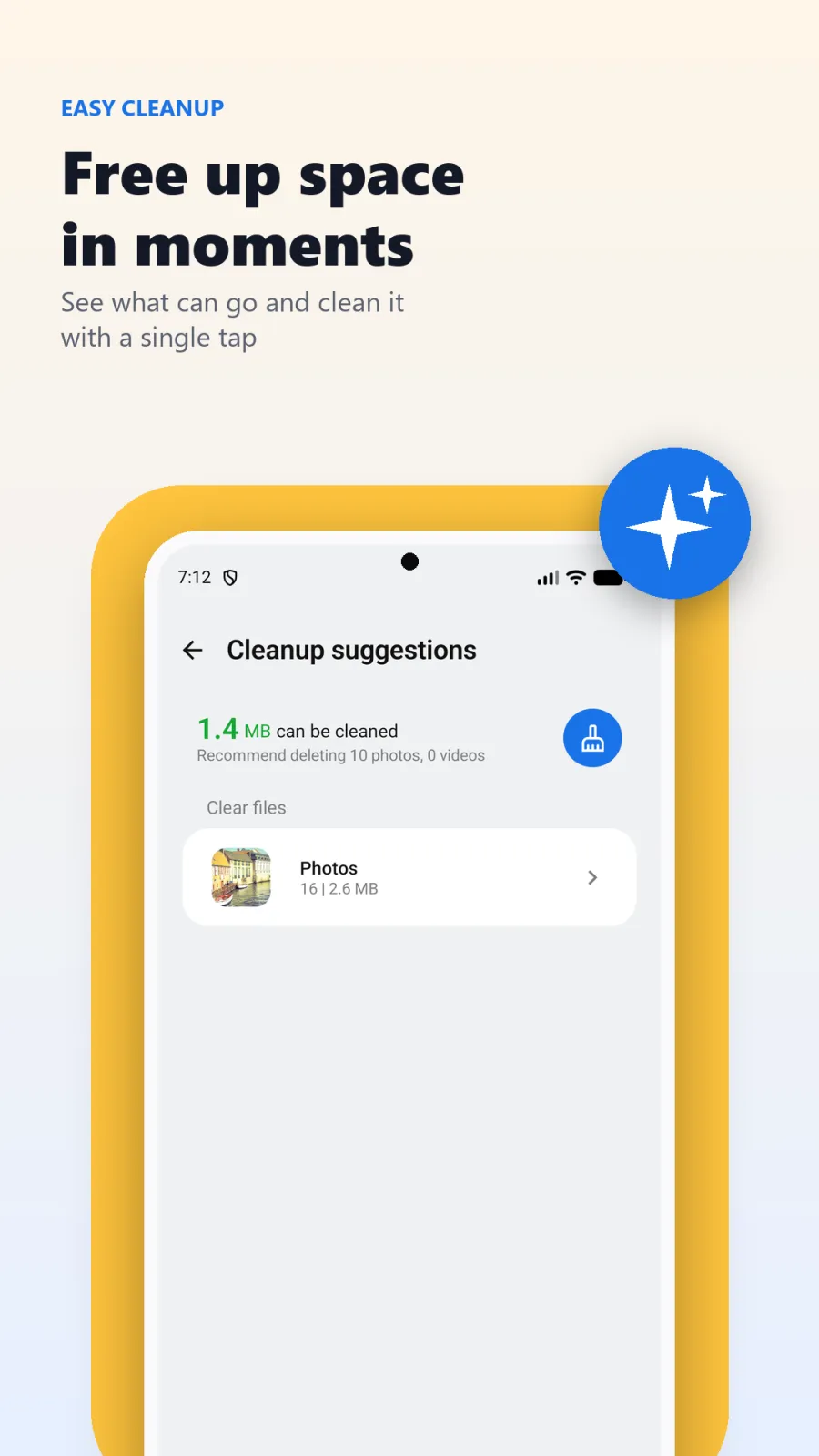
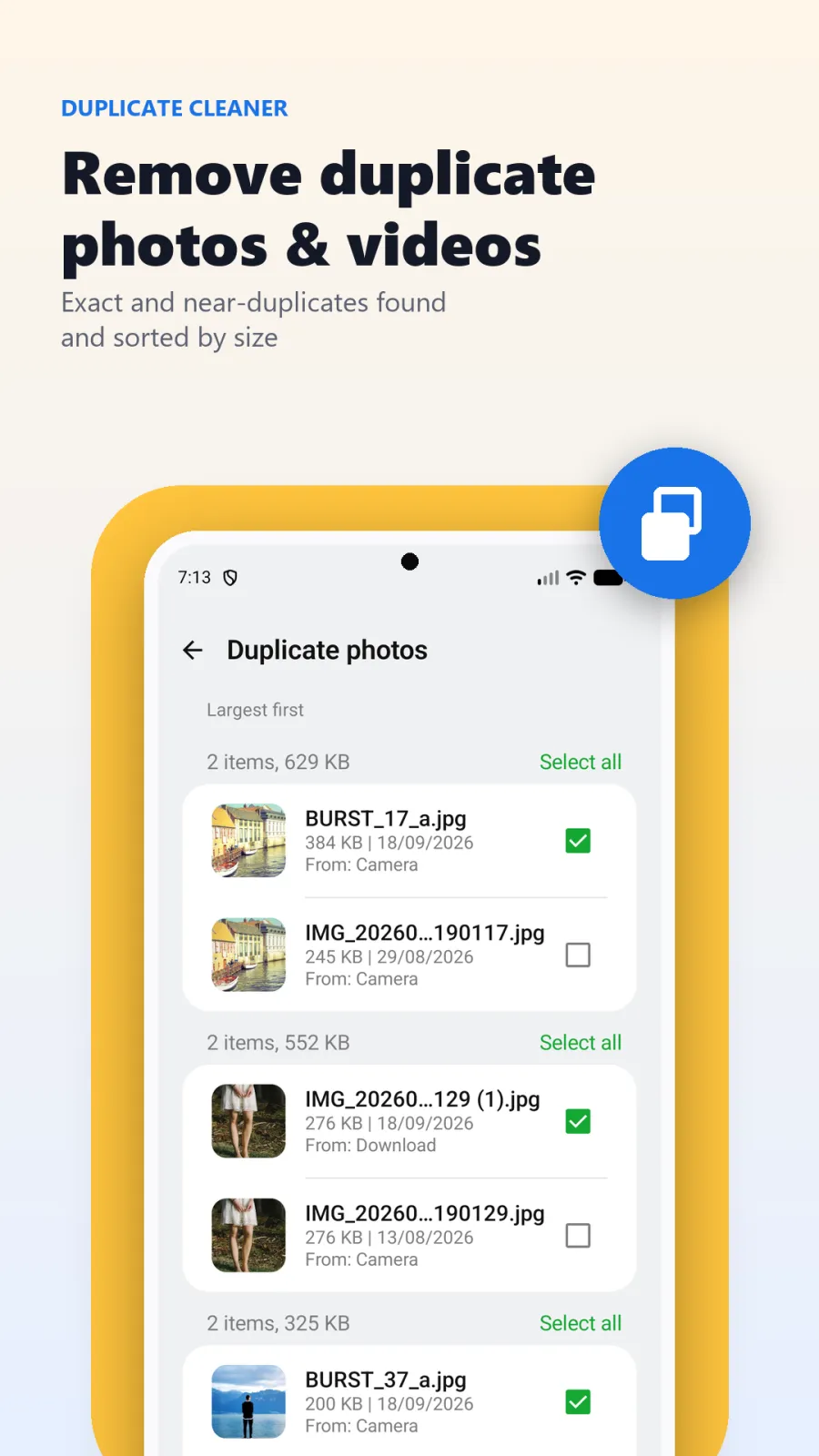
Over time, phones fill up with duplicate photos, blurry shots, screenshots, and large videos. MiraVault scans your gallery and identifies these files for you.
The duplicate detection algorithm learns your preferences. It shows you groups of similar photos so you can delete the extras and keep the best one. You can also remove blurry photos, old screenshots, and large videos to free up storage space in seconds.
This cleanup runs on your device. It does not upload your photos to analyze them.
Who should use MiraVault Gallery
MiraVault fits into many real-life situations. Here are four common ones:
- You share your phone with family. Your kids or relatives sometimes pick up your phone to look at photos. With MiraVault, you can move personal or private photos into the Secret Folder. They will need your fingerprint or face to see them.
- Your storage is full. You have thousands of duplicate photos from messaging apps, blurry shots, and screenshots you forgot about. MiraVault finds these for you so you can delete them and free up space without manually scrolling through everything.
- You care about privacy. You do not want your photos uploaded to cloud services or analyzed by third parties. MiraVault processes everything on your phone. It works offline, so your photos stay with you.
- You like to edit but want speed. You want to crop, filter, or trim videos quickly without opening multiple apps or waiting for uploads. MiraVault's editor works instantly on your device.
Privacy, permissions, and your data
Privacy is the core of MiraVault Gallery. The app is built so that your photos stay on your phone.
All processing happens on-device. This means the AI that groups faces, the duplicate finder, and the editor all run on your phone's processor. Nothing goes to the cloud. Your photos never leave your device, ever.
The app works offline. You do not need to connect to the internet to use MiraVault, and the app does not send your data over the internet.
To function, MiraVault needs permission to access your photos and videos. This lets the app display, organize, edit, and lock your files. It also needs permission to use biometric authentication (fingerprint or face) to secure the Secret Folder. It may need storage permission to save edited photos.
For full details on what data the app collects, how it is stored, and your rights, read the privacy policy at https://xvantageinfotech.com/apps/MiraVault-Gallery/privacy-policy.html.
Tips for getting the most out of MiraVault
Here are some practical ways to use MiraVault every day:
Set the auto-lock timer to 30 seconds. This gives you enough time to switch apps briefly, but ensures the Secret Folder closes quickly if you forget it.
Check Recently Deleted before you empty it. If you moved a photo to the Secret Folder or deleted it by mistake, you can restore it with one tap from this section.
Pin your most important albums. If you have albums for work photos, family events, or ID documents, pin them to the top so you can find them in seconds.
Run the duplicate finder once a month. Messaging apps often save the same photo multiple times. Regular cleanup keeps your gallery fast and your storage free.
Let MiraVault create smart memories. The app automatically groups photos from birthdays, trips, or festivals. Check the Memories section to relive these moments.
Use the video slideshow mode for special occasions. When you want to show videos to family, the full-screen slideshow gives a clean viewing experience without distractions.