What Aqualive does on your home screen
Aqualive is a live wallpaper app for Android. You can find it on Google Play under the name "Aqualive: Live & 8K Wallpapers". A live wallpaper is a moving background for your phone's home screen. Most phones come with static photos, but a live wallpaper keeps moving even when you are not touching the screen.
Aqualive is built for Android devices. You can install it from Google Play on any Android phone. Once installed, it works with your phone's built-in live wallpaper system, so you can set the wallpapers directly from the app without extra steps.
Aqualive draws every wallpaper in real time directly on your phone. It does not play a video file from storage. This has two benefits. First, the animation never loops the same way twice, so you do not see the same movement repeat. Second, because it is drawn to fit your screen, it stays sharp in HD on any display, whether you have a small phone or a large tablet.
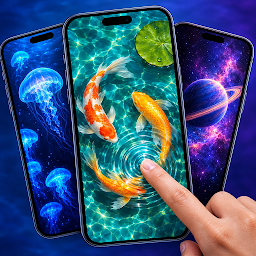
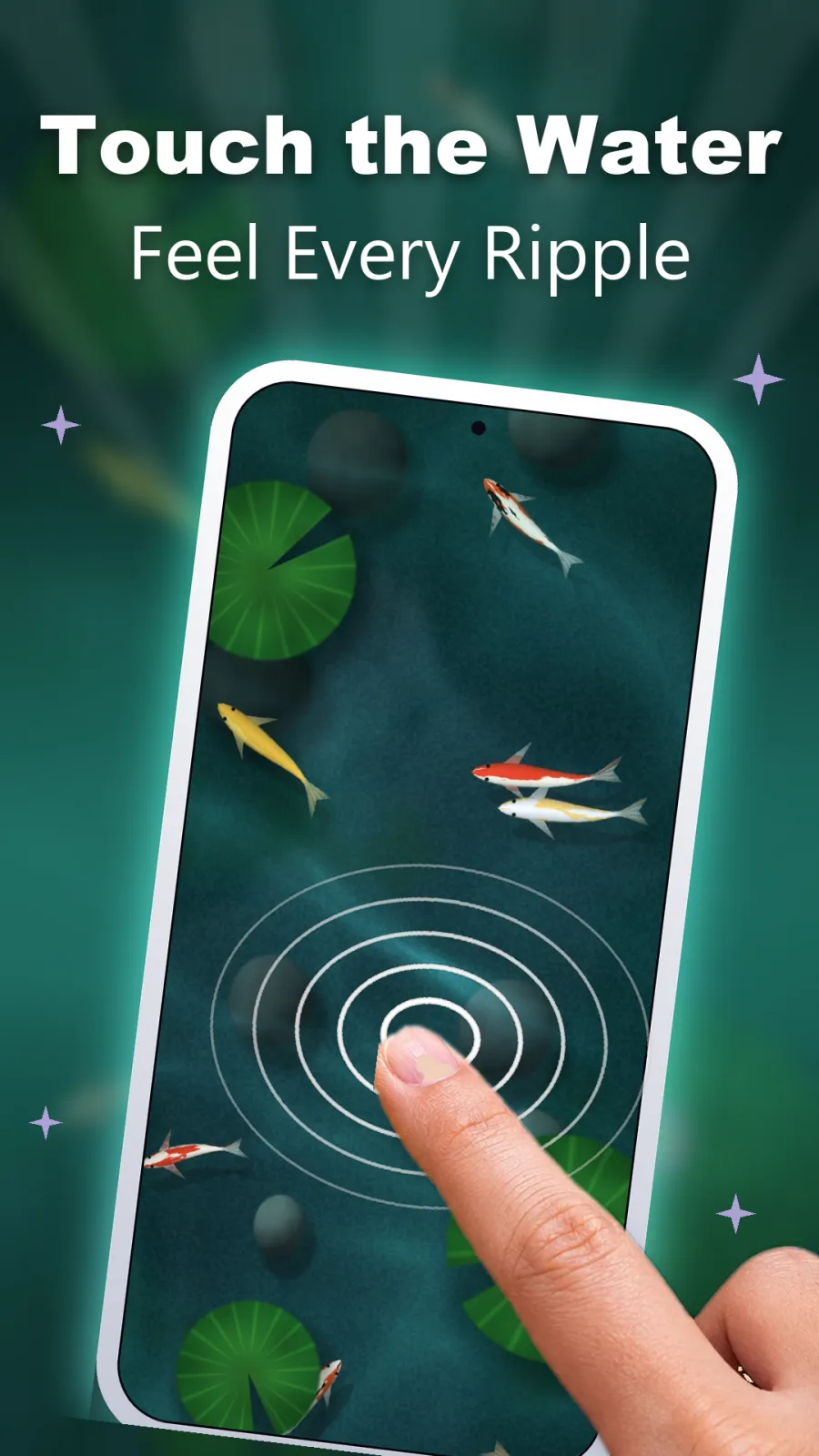
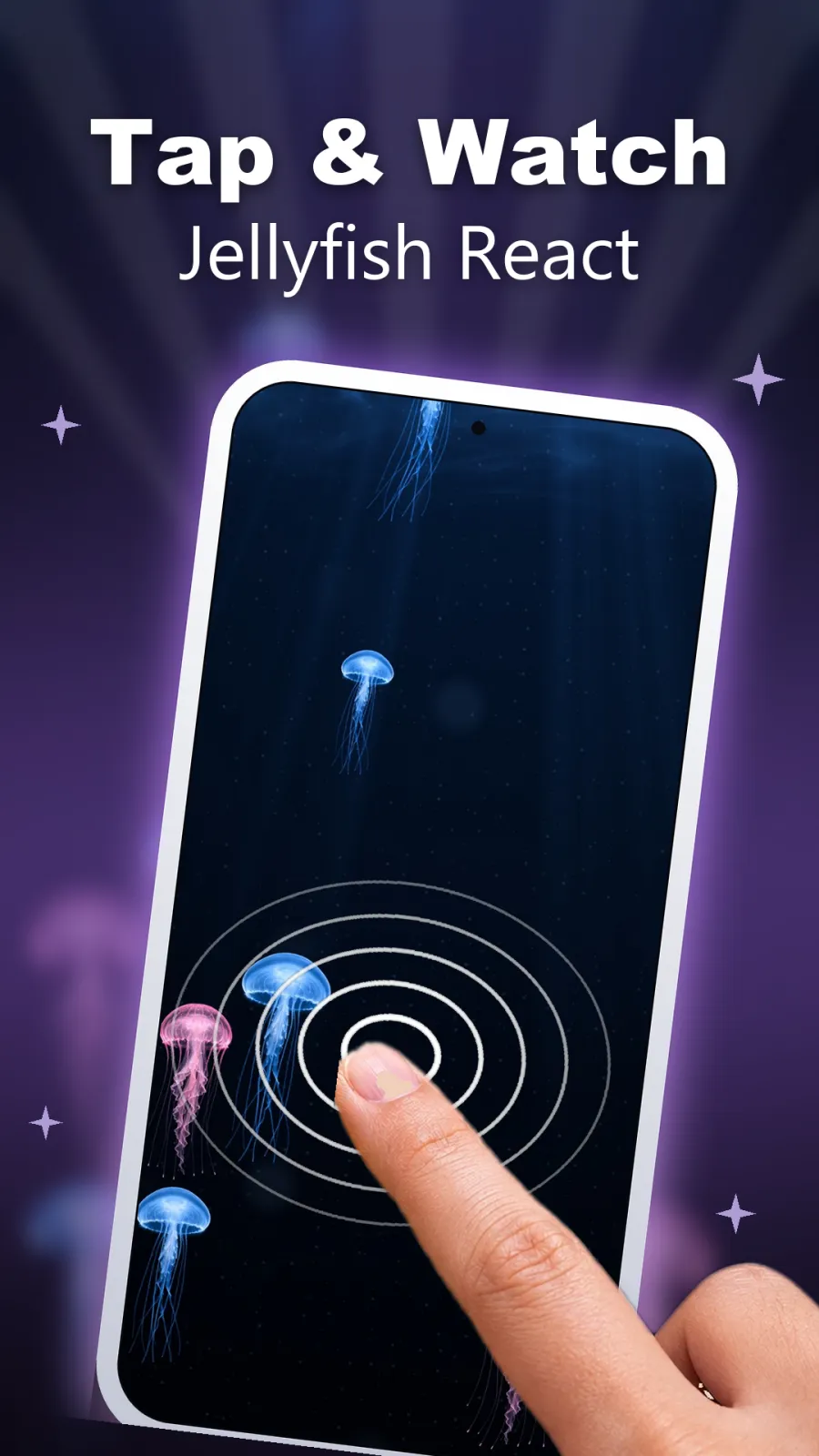
You can interact with the wallpapers while they are on your home screen. Touch the screen and the wallpaper reacts to your finger. In ocean scenes, water ripples spread out from your touch and koi fish swim away from the ripples. Shake your phone and weather effects like snow stir up and swirl. Tilt your phone and 3D layers shift to create depth.
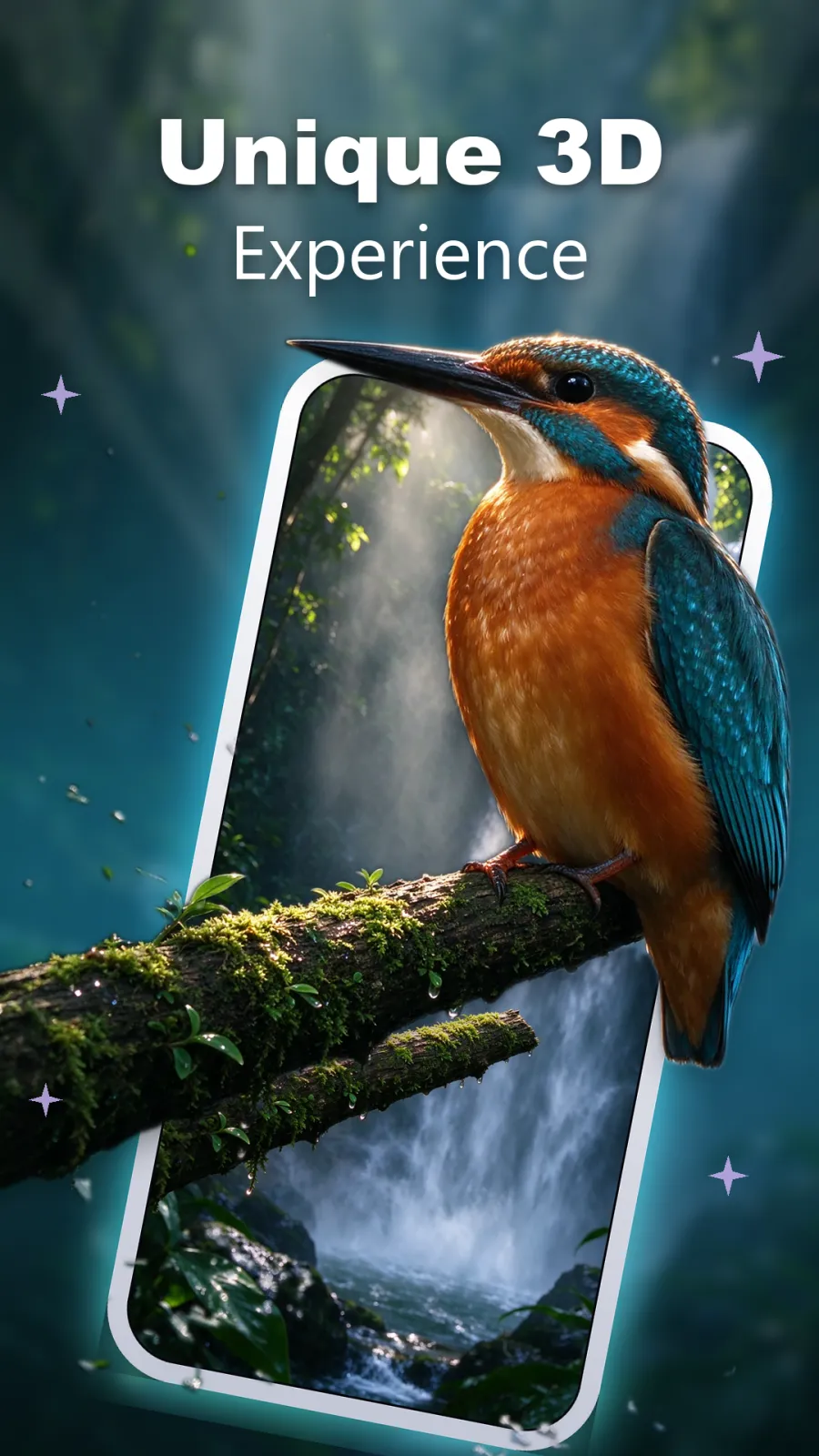
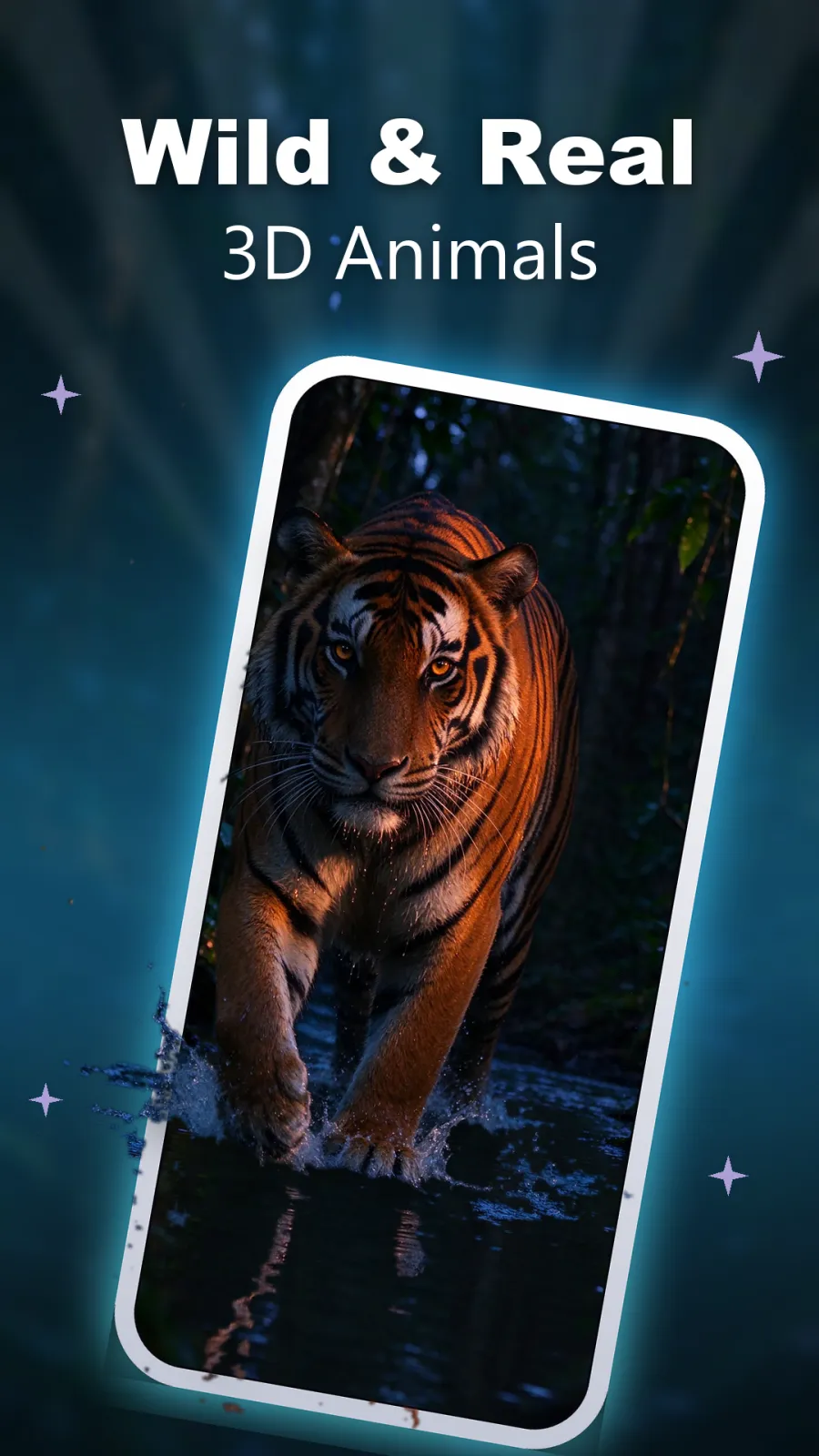
The app includes two kinds of moving wallpapers. Live wallpapers react to touch and shake. 3D parallax wallpapers react to tilt. Both types are drawn in real time in HD, so they look crisp on your screen.
Live wallpaper categories in Aqualive
Aqualive organizes its live wallpapers into five categories. Each category has a different theme and reacts differently when you touch or shake your phone. Here is what you get in each one.
Ocean
The Ocean category has koi ponds and ocean scenes. These are calm, water-based wallpapers. When you touch the water, ripples follow your finger across the screen. Koi fish swimming in the pond sense the ripples and glide away to the other side. It is a peaceful scene that responds gently to every tap, good for when you want a quiet home screen.
Jungle
Jungle wallpapers show lush, green scenes full of plant life. Moving insects crawl and flutter across the screen on their own. You can touch the scene to interact with the movement. This category brings a lively, natural feel to your phone.
Fluid
Fluid wallpapers are made of flowing, glowing colors. When you touch the screen, the colors swirl and mix around your finger like liquid paint. It is a bright, abstract choice if you want something modern and colorful behind your app icons.
Toys
The Toys category has playful scenes with objects you can interact with. You can push objects around the screen, bounce them, and play with them. Tap an object and it reacts. This is a fun option if you like having something to do when you check your phone.
Weather
Weather wallpapers show snowfall and other weather effects. Shake your phone and the snow stirs up and moves around. Tilt the phone and the weather layer responds to the movement. It is a good choice for a winter mood or a rainy day feeling.
3D parallax wallpapers that move when you tilt
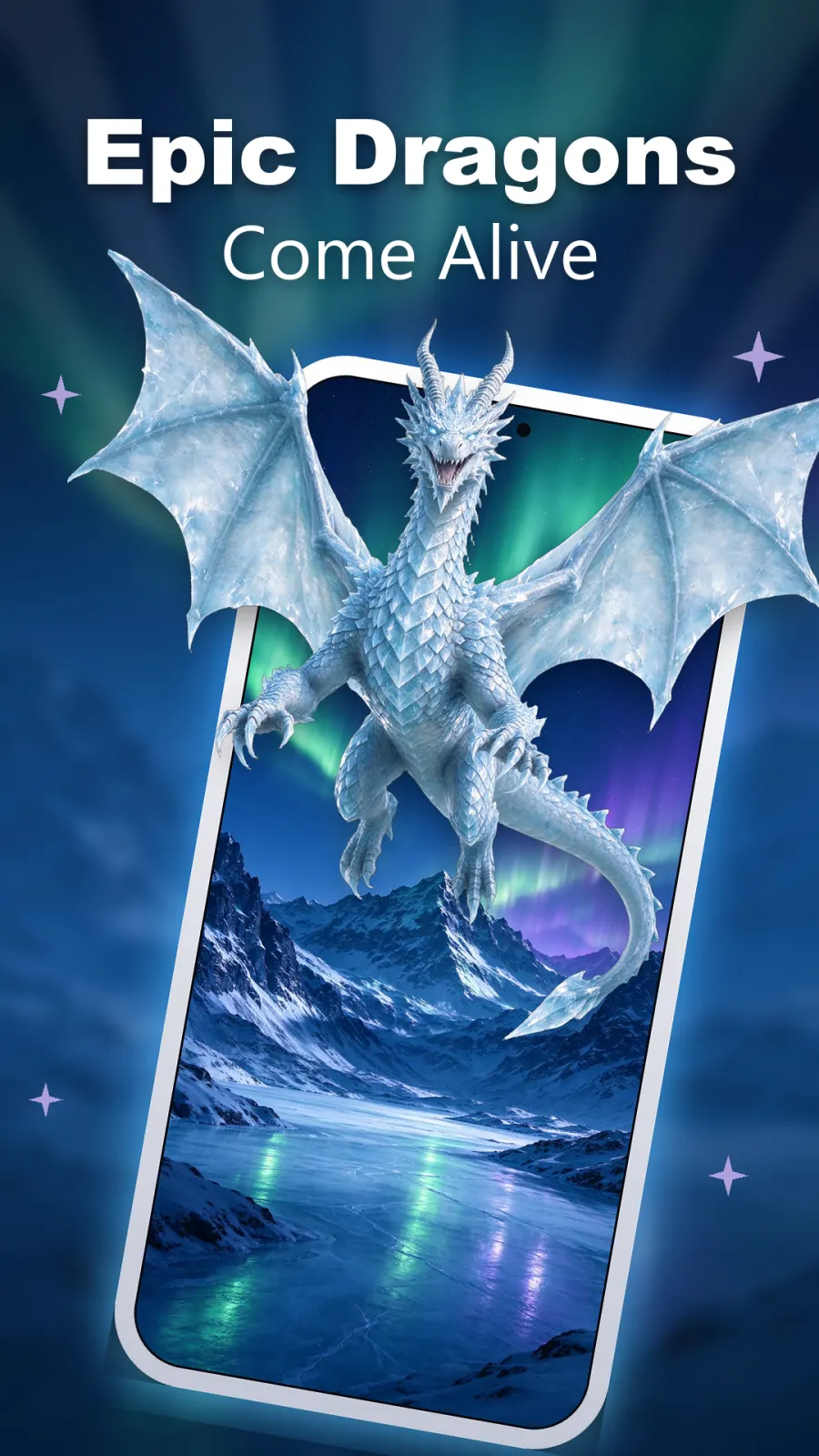
Parallax is an effect where objects at different distances move at different speeds when you change your viewpoint. On a phone, this means when you tilt the device, the front layers of the wallpaper move more than the back layers. This creates a 3D sense of depth on a flat screen, similar to looking out of a window where nearby objects shift more than distant ones.
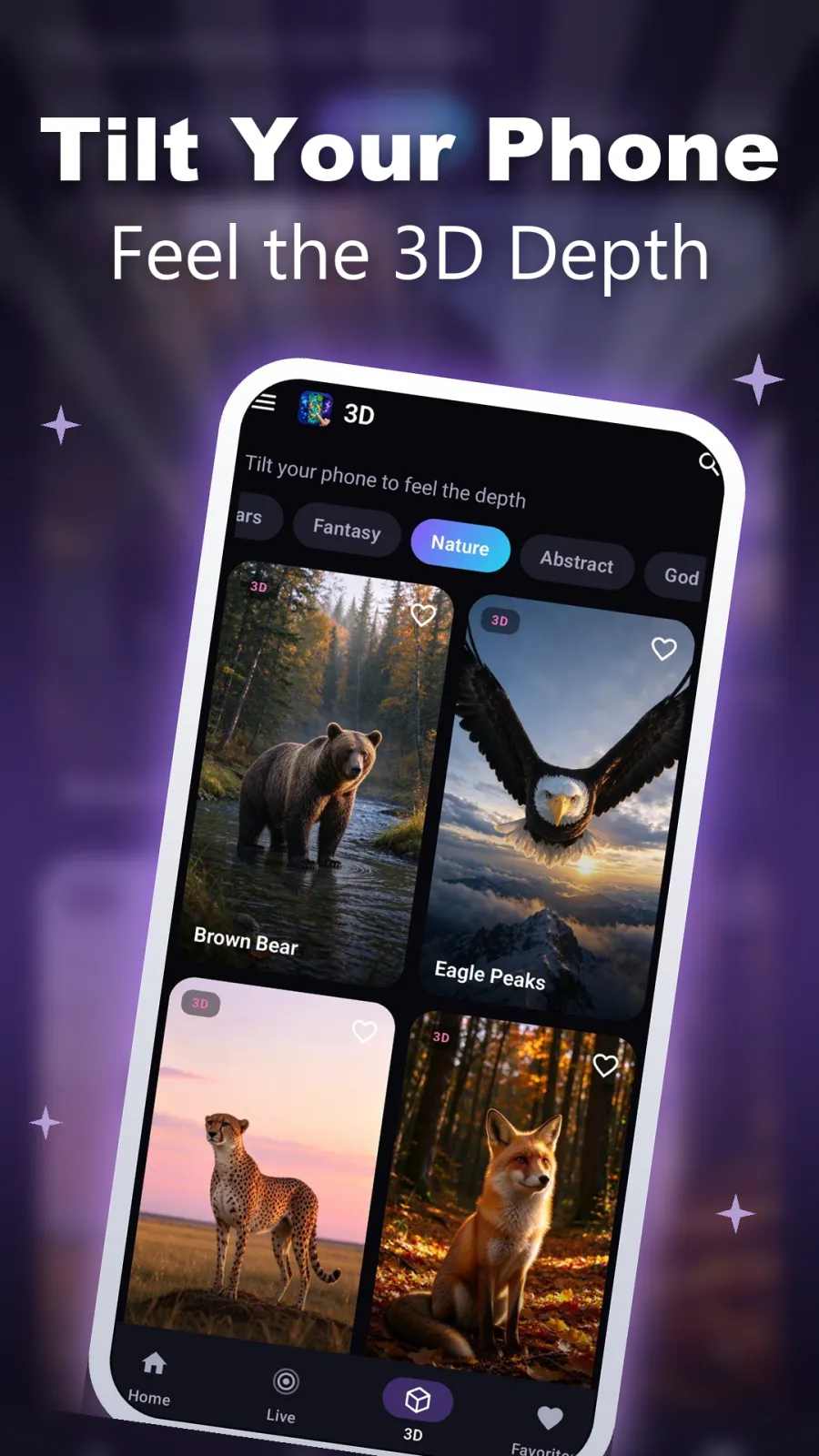
Aqualive includes 3D parallax wallpapers in five categories. These wallpapers are designed to react to tilt rather than touch. When you hold your phone and tilt it left, right, up or down, the layers shift to match the movement. This makes your home screen look like it has real depth behind the icons.
Space
Space wallpapers show planets, stars and galaxies arranged in layers. When you tilt your phone, the planets in front move more while the starfield stays back. It makes your home screen look like a window into deep space.
Cars
Cars wallpapers feature sleek cars with layered 3D depth. As you tilt the phone, the car moves against the background scenery. This gives a sense of speed and dimension to the scene.
Fantasy
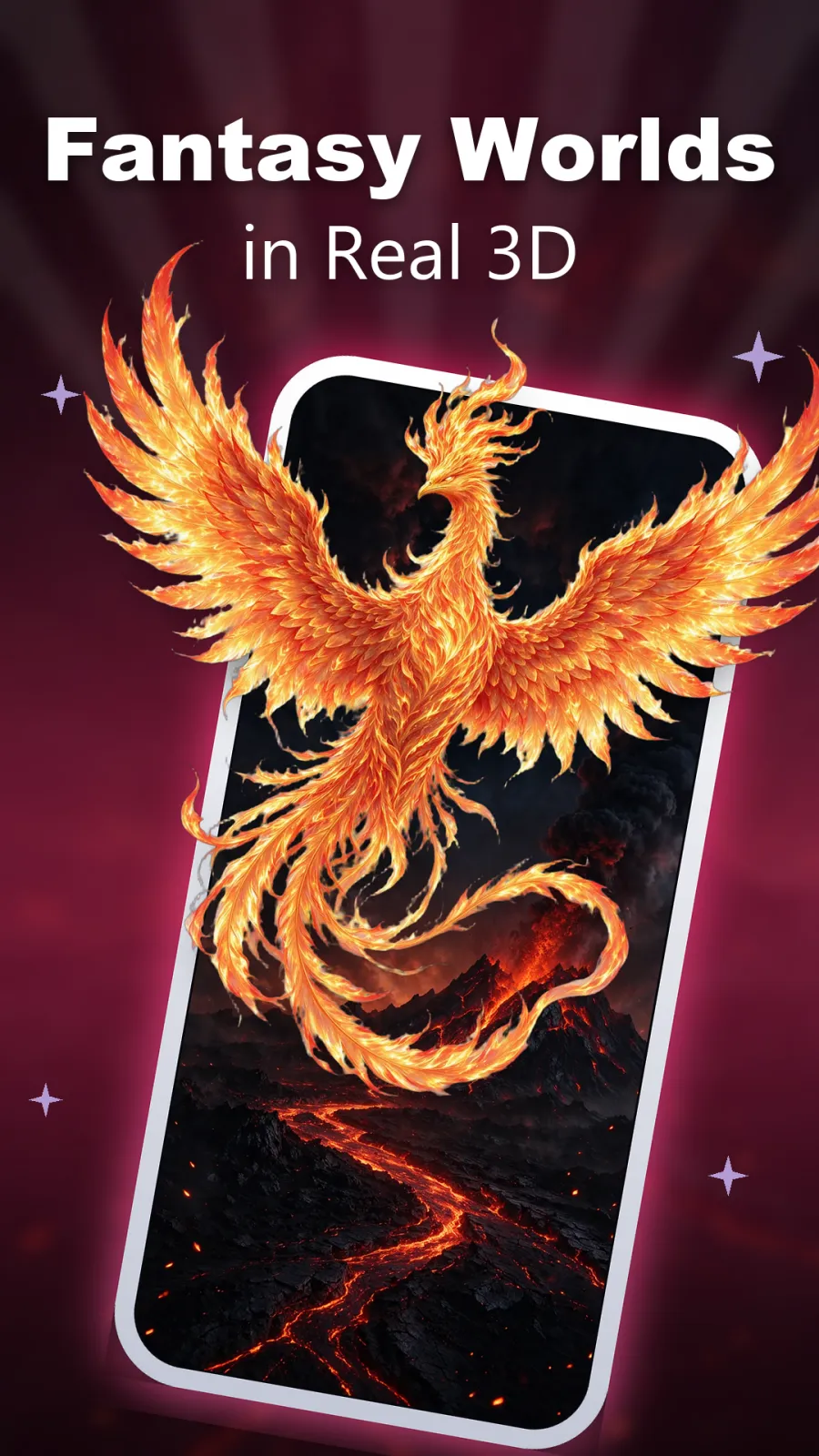
Fantasy wallpapers show magical worlds with enchanted elements. When you move your phone, the magical layers shift and come alive. It is good for a dreamy, imaginative look on your home screen.
Nature
Nature wallpapers include mountains, forests and open scenes in 3D. The mountains in the foreground move more than the sky and distant hills when you tilt. It looks like a real view behind your app icons.
Abstract
Abstract wallpapers use bold shapes and colors arranged in multiple layers. Tilt the phone and the shapes move at different speeds, creating a dynamic, modern design with depth.
How to set a live wallpaper in Aqualive
Setting a wallpaper in Aqualive is simple. Follow these steps to get a moving background on your home screen:
- Go to the Google Play Store on your Android phone. Search for "Aqualive: Live & 8K Wallpapers" and tap Install. Wait for the download to finish.
- Open the Aqualive app. You will see the main screen with wallpaper categories and a search bar.
- Browse through the categories to find a style you like. You can also tap the search bar and type the name of a wallpaper to find a specific one.
- Tap on any wallpaper thumbnail. This opens a full-screen live preview. In the preview, you can touch the screen, tilt your phone, or shake it to see exactly how the wallpaper moves and reacts before you commit to it.
- If you like the preview, tap the button to set the wallpaper. Aqualive will apply it to your home screen right away. You can now interact with it directly from your home screen.
- To save a wallpaper for later, tap the favorite icon while viewing it. Saved wallpapers go to your favorites list. You can open the favorites section anytime and switch between your saved wallpapers in seconds without searching again.
Who should use Aqualive
Aqualive suits different users depending on what they want from their phone. Here are four concrete situations where it fits well:
- If you want a calm, relaxing home screen: Set an Ocean wallpaper with a koi pond. During a break, tap the water and watch the koi fish swim away from the ripples. It is a quiet, soothing interaction that helps you pause for a moment.
- If you like playful, interactive wallpapers: Use the Toys category. You can push objects around the screen and bounce them off the edges. It makes checking your phone more engaging and fun, especially when you are waiting for something.
- If you own a tablet or a foldable phone: Aqualive is made for phones, tablets and foldables. The real-time HD rendering means the wallpapers look sharp on larger screens, and the touch interactions work well on bigger displays. The 3D parallax effect also looks impressive on a large screen.
- If you are tired of ads and sign-up forms: Aqualive has no ads, no account and no sign-in. You download it from Google Play and start using it immediately without entering an email, phone number or password. This keeps your personal data private and saves you time.
Battery use, ads and accounts
A common question about live wallpaper apps is whether they drain the battery. Aqualive is designed to be battery friendly. The animation and the motion sensors run only while your wallpaper is on screen. When you open another app, go to your app drawer, or turn off your screen, the sensors stop and the animation pauses. This means the app does not keep running in the background when you are not looking at your home screen, which saves power.
Because the sensors stop when the screen is off, Aqualive does not drain your battery overnight or while you are using other apps. It only works when you are looking at your home screen.
The app contains no ads. You will not see banner ads at the bottom, pop-up ads, or video ads while you browse wallpapers or use the app. The browsing experience stays clean and uninterrupted.
You do not need an account to use Aqualive. There is no sign-in process, no email verification and no password creation. You can download the app and start setting wallpapers immediately. Because there is no account, the app does not store your personal details like name or email on its servers.
Privacy and permissions
Aqualive asks for very few permissions and collects almost no data. It needs no account, and it never collects your name, email, contacts, photos or location.
The app uses your phone's motion sensors to detect movement. These sensors tell the app when you tilt or shake the phone. This information is used only on your device to move the wallpaper layers. The sensor data is not sent to any server, not stored, and not shared with anyone.
Touch input on the screen is used only to create ripples and interactions within the wallpaper while you are using your home screen. It is not recorded or sent anywhere.
Because Aqualive has no account system, there is no profile, no login history and no personal data stored remotely. For complete details about what the app accesses and how it is handled, you can read the privacy policy on the Google Play Store listing or inside the app.
Tips to get the best from Aqualive
Here are some practical tips to help you use Aqualive better:
Always test the full-screen live preview before setting a wallpaper. Tap the wallpaper to see it full screen, then touch, tilt and shake your phone. This shows you exactly how much the wallpaper moves and whether it suits your taste. Some wallpapers move a lot, others move gently, so previewing helps you pick the right one.
Save wallpapers you like to your favorites. When you find a good one, tap the favorite button. You can then switch between your saved wallpapers in seconds from the favorites section. This is useful if you want different wallpapers for different times, like a calm Ocean scene during work hours and a fun Toys scene on weekends.
Check the app regularly for new wallpapers. Aqualive adds new live and 3D wallpapers regularly, and you do not need to update the app to get them. New options appear automatically in the categories when you open the app, so it is worth browsing occasionally.
Choose wallpapers that match your device. If you have a foldable phone or a tablet, try the 3D parallax wallpapers like Space or Nature. The tilt effect and depth look great on larger screens. On a smaller phone, the touch-reactive live wallpapers like Ocean or Fluid are easy to interact with using one hand.
Change your wallpaper with the season or your mood. A Weather wallpaper with snow might suit winter evenings, while a bright Fluid or Jungle wallpaper might suit daytime. You can change it anytime directly from the Aqualive app without going through system settings.