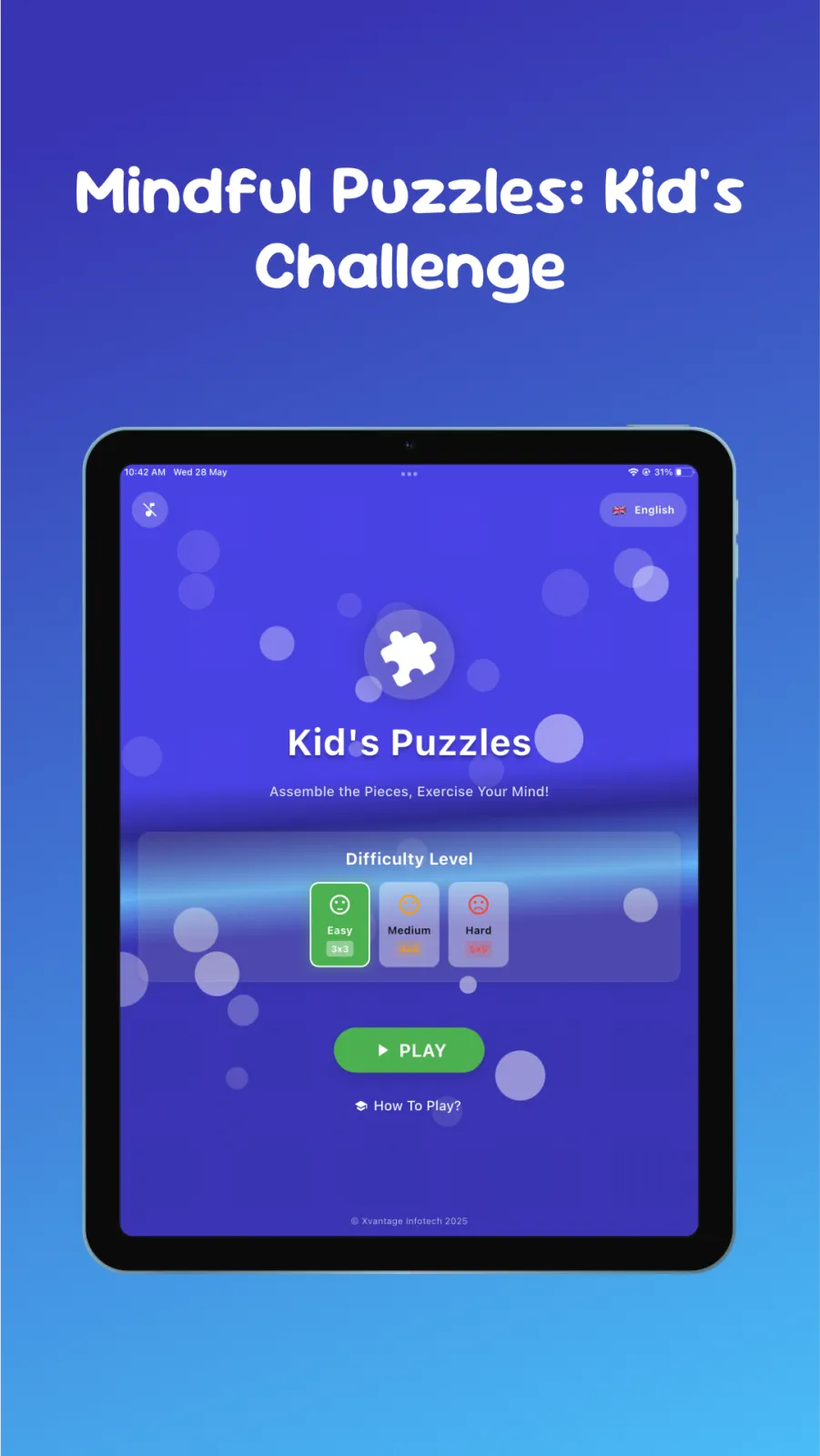
What are Kids Sliders Puzzle Games?
Kids Sliders Puzzle Games is a puzzle app built by Xvantage Infotech, a studio based in Surat. It is made for children aged 2 to 6 years. You can download it on Android phones and tablets from Google Play, and on iPhone or iPad from the App Store.
The app packs six types of puzzles: jigsaw, rotation, vertical slider, flip, shape and cut. Each puzzle uses a bright picture from themes your child may already like. You will find wild animals, dinosaurs, princesses, domestic animals, space, trains, cars, vehicles, nature and many more.
The app is completely ad-free. That means no banner ads at the bottom, no pop-ups and no video ads that play between levels. Your child can focus on the game without someone tapping an ad by mistake.
It also works offline. Once you download it, you do not need Wi-Fi or mobile data to play. This is useful on long train rides, in the car, or in areas with weak network. It also saves your data plan.
The latest update improved the interface to make it more user-friendly, fixed bugs, resolved ad-related issues, and added more puzzle pictures. This means you get fresh content and stable performance.
The app is designed for both boys and girls. There is nothing scary or violent in it. The pictures are colorful and friendly, suitable for the youngest players.
The interface is child-friendly. Buttons are big and simple. Your little one can navigate by tapping pictures instead of reading text.
Six game modes explained
Kids Sliders gives you six different ways to play. Each mode offers a new way to play and learn, encouraging creativity and concentration. Switching between modes keeps the app interesting for months. A child who masters jigsaws can move to rotation puzzles for a new challenge. Each mode uses the same themes, so your child sees familiar pictures in new ways.
Jigsaw puzzles
In this mode, the picture is split into pieces that are scattered on the screen. Your child drags each piece to the correct spot until the whole image is complete. This is the classic jigsaw style. The pieces are large in easy mode, so they are easy to grab. It builds fine-motor control because small fingers must place pieces precisely. It also teaches shape recognition, as your child learns which piece fits where.
Rotation puzzles
Here, the pieces are in the right area but facing the wrong direction. Your child must tap or drag to rotate each piece until it matches the picture. This mode teaches spatial awareness. Your child learns how shapes look when they turn. It is good for kids who already know jigsaws and want something different.
Vertical slider puzzles
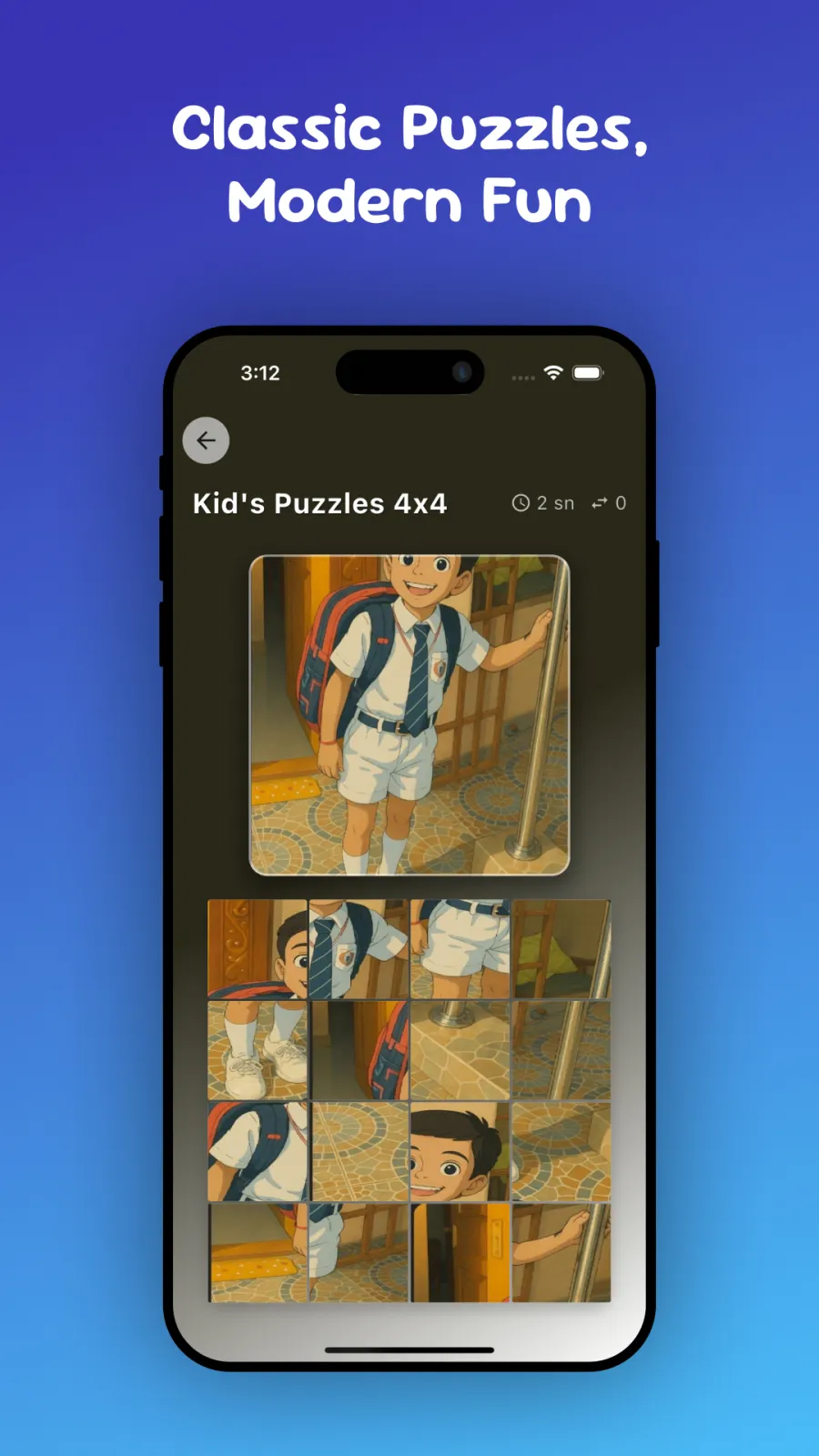
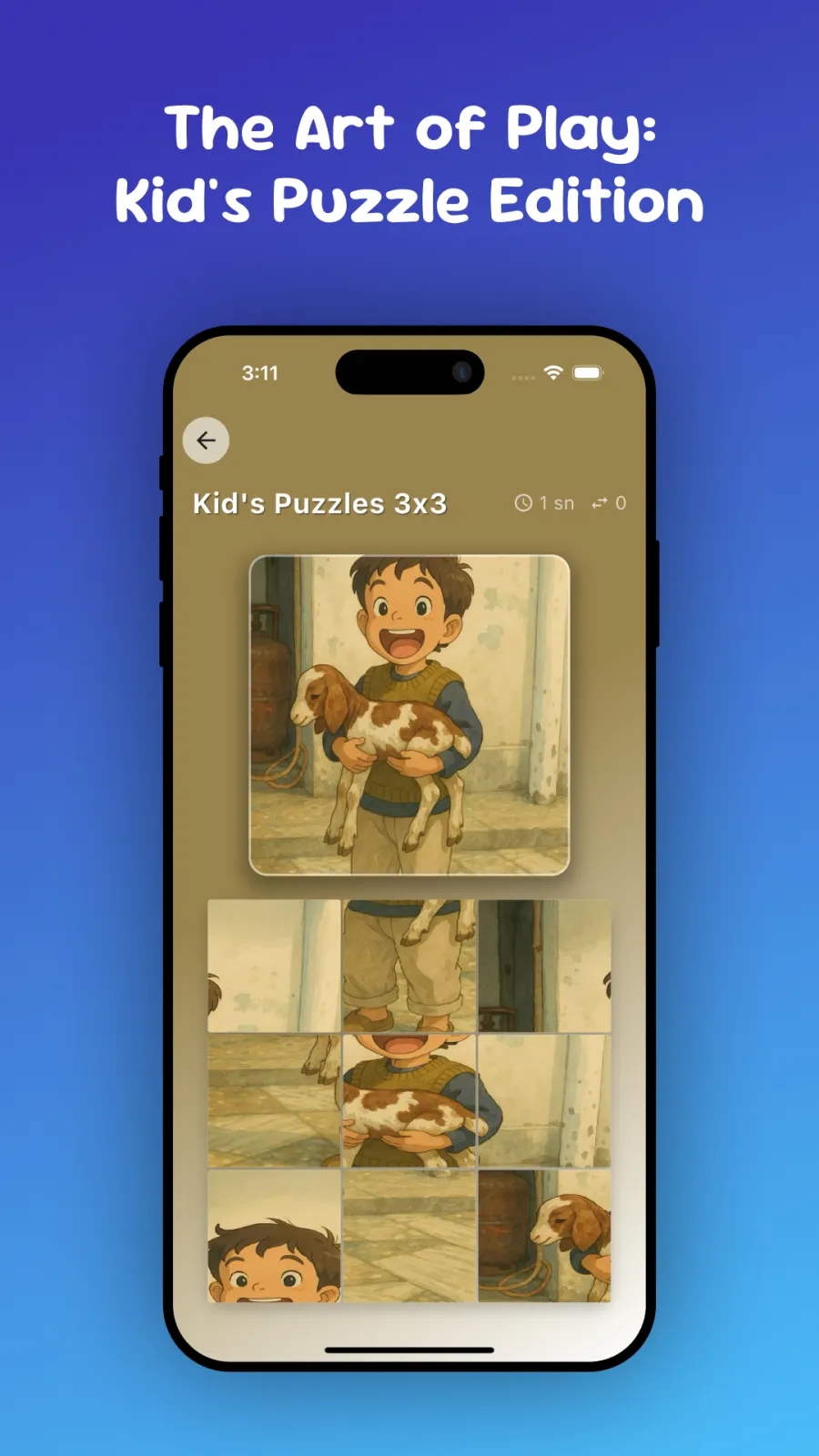
This is the sliding tile style. Pieces move up and down in columns to rearrange the image. Your child slides tiles into the empty space to slowly fix the picture. The empty space moves around, and your child must plan several moves ahead. This mode trains planning and patience, because one wrong move can mix up the board again.
Flip puzzles
In flip mode, pieces are face-down or mirrored. Your child flips them over to reveal the correct side. This adds a memory element and keeps the game fresh compared to standard jigsaws. It feels like a matching game combined with a puzzle.
Shape puzzles
These puzzles use simple shapes like circles, squares and triangles. Your child matches each shape to its outline on the board. This is good for early geometry and color recognition. Younger kids can start here before moving to picture puzzles.
Cut puzzles
The picture is cut along lines, like paper cut with scissors. Your child puts the cut pieces back together. The cut lines are clean, so pieces fit neatly when placed correctly. This feels like doing a real paper puzzle on the screen.
Difficulty levels and grid sizes
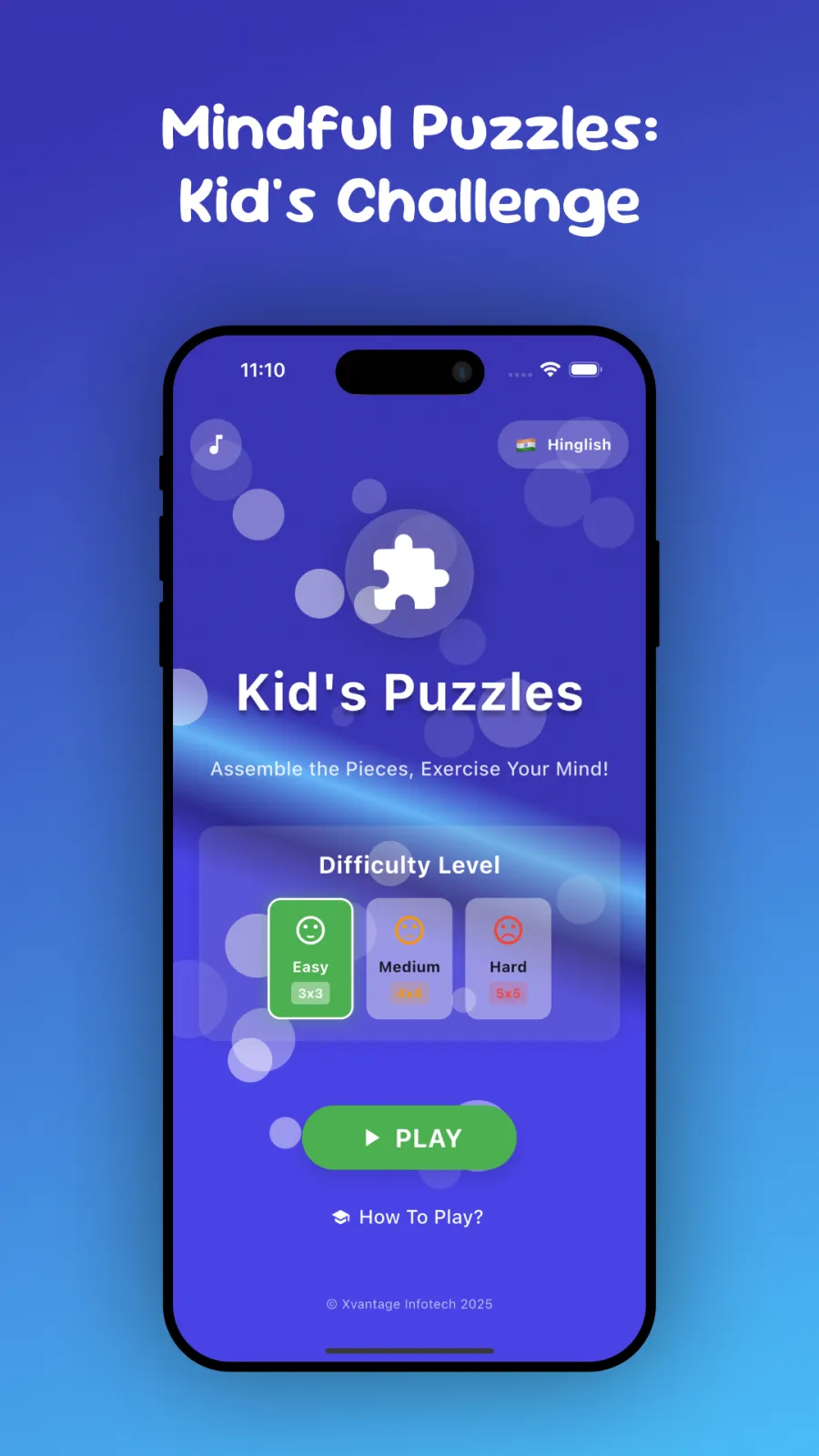
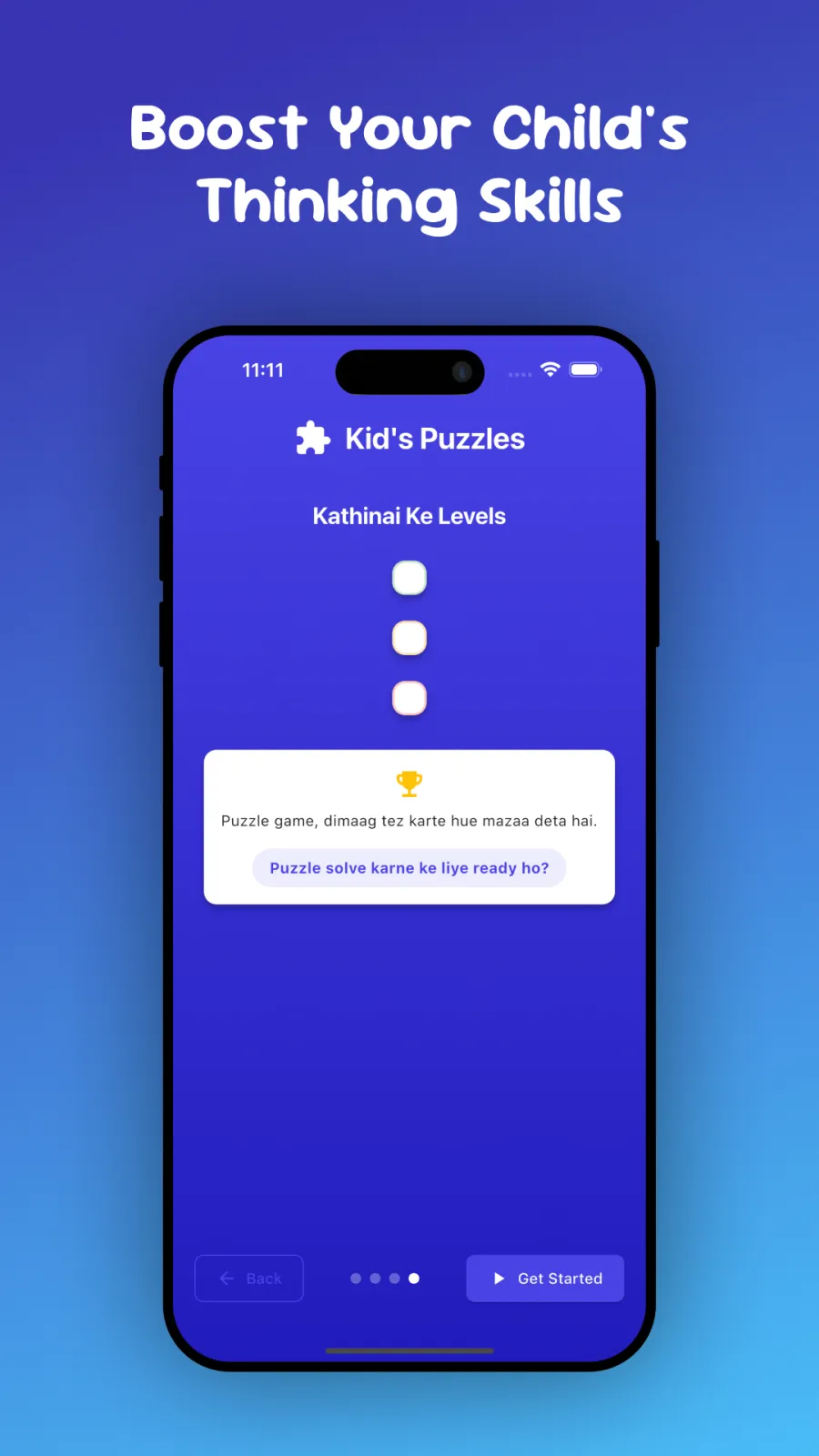
You can adjust the challenge to match your child's age. The app has three difficulty levels: easy, medium and hard. Easy is best for 2-year-olds who are just learning to drag. Hard is better for 5 or 6-year-olds who solve puzzles quickly.
The grid size tells you how many pieces the puzzle has. A 3×3 grid has 9 pieces. An 8×8 grid has 64 pieces. More pieces mean a harder puzzle.
The grid sizes differ slightly between the two stores. On Google Play for Android, you get 3×3, 4×4 and 5×5 grids. On the App Store for iOS, you get 4×4, 6×6 and 8×8 grids. Pick the size that fits your child's current skill.
| Platform | Grid sizes available | Difficulty levels |
|---|---|---|
| Android (Google Play) | 3×3, 4×4, 5×5 | Easy, Medium, Hard |
| iOS (App Store) | 4×4, 6×6, 8×8 | Easy, Medium, Hard |
Start small. If your child finishes a 3×3 puzzle in seconds, move up to 4×4 or 5×5. If they get frustrated, go back to easy mode. You can change these settings anytime from the menu. There is no need to finish one level before trying another.
How to play step by step
Getting started takes only a minute. Follow these steps:
- Open Google Play on your Android device or the App Store on your iPhone or iPad. Search for Kids Sliders Puzzle Games by Xvantage Infotech and install it.
- Tap the app icon to open it. You will see the main menu with theme categories.
- Choose a theme your child likes, such as dinosaurs, space, trains or animals.
- Select a game mode. Try jigsaw first if your child is new to puzzles. Slider or rotation modes are good for slightly older kids.
- Pick a difficulty level. Start with easy for ages 2 to 3, medium for ages 4 to 5, and hard for ages 5 to 6.
- Choose a grid size if asked. For a beginner, pick 3×3 or 4×4.
- Hand the device to your child. They drag, slide, rotate or flip the pieces to complete the picture.
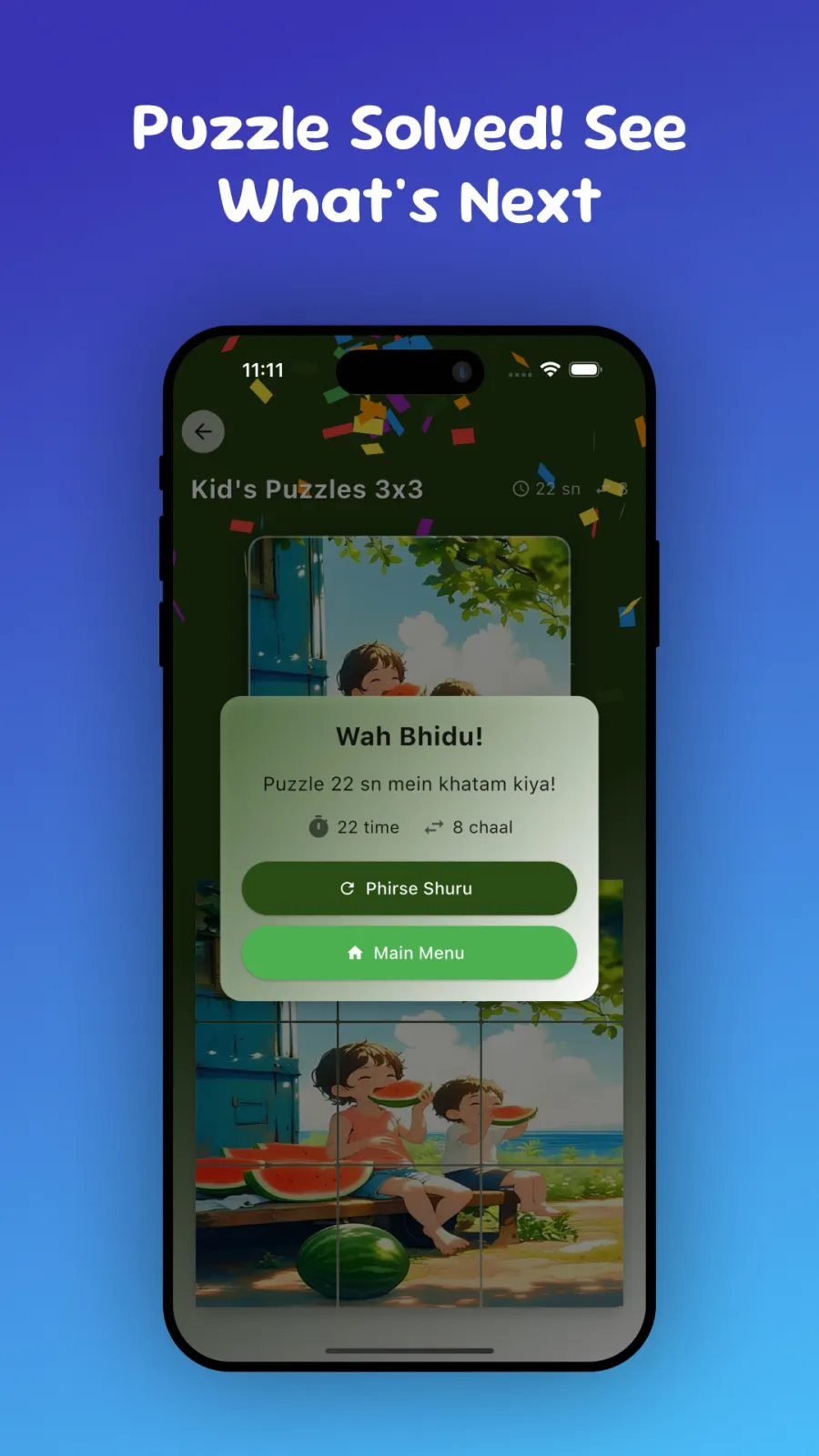
- When the puzzle is finished, the app shows the completed image. Tap to go to the next puzzle or go back to the menu to change theme or mode.
If your child gets stuck, you can tap the restart option if available in the mode you chose. Most modes let you shuffle pieces again if they get mixed up. There is no timer forcing your child to rush, so they can take their time.
Who is this app for?
Kids Sliders fits into daily life in several ways. Here are four concrete situations where it helps.
Toddlers learning touch skills
If your child is 2 or 3 years old and just learning to use a smartphone, this app is a good first game. The easy mode with big pieces on a 3×3 grid lets small fingers succeed without frustration. They learn that dragging a finger moves things on screen.
Preschoolers who need quiet screen time
For kids aged 4 to 6, the app gives screen time that builds skills. Instead of watching videos, your child solves puzzles that improve logic and problem-solving. The ad-free design means they stay calm and focused without sudden noises.
Families on the move
If you travel by train, bus or car, offline games are essential. Kids Sliders works without internet, so your child can play for hours during a long trip from Surat to Mumbai or Delhi without using up your mobile data. In India, mobile data can be expensive or patchy in rural areas. Because the app runs entirely on your device after download, there is no risk of unexpected charges or seeing content from the internet.
Kids with specific interests
If your son loves trains and cars, or your daughter loves princesses and animals, they will pick those themes and play longer. Using pictures they already like keeps them engaged and happy. You can let them choose the theme each day.
Skills your child builds
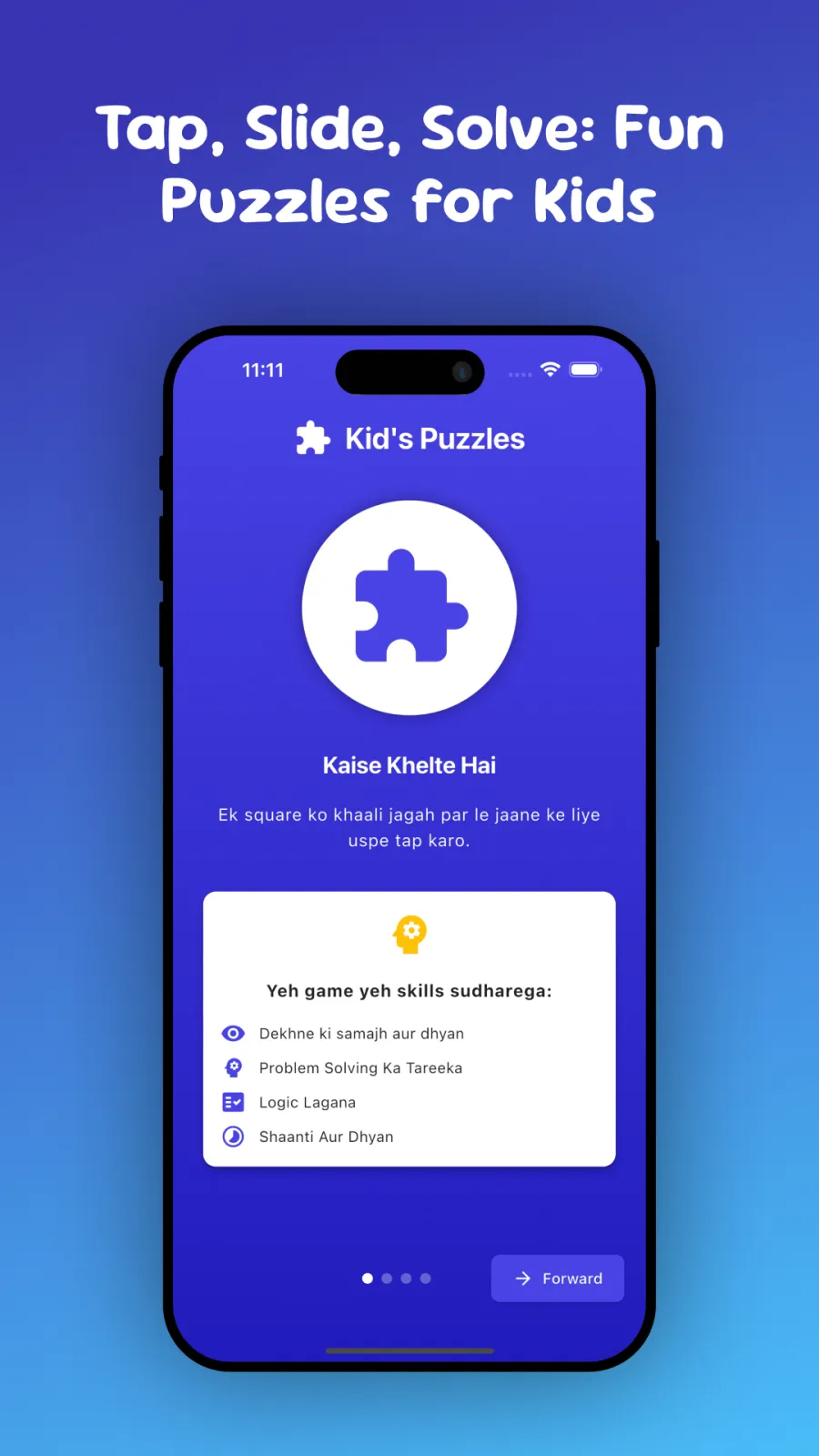
The store listing says these puzzles develop important abilities. Here is what that means in practice:
- Logical thinking: Your child learns to see patterns and figure out where a piece belongs based on the picture.
- Fine-motor skills: Dragging and placing small pieces strengthens the small muscles in their fingers and hand. This helps later with writing and drawing.
- Problem-solving ability: When a piece does not fit, your child tries another spot. This builds patience and strategy.
- Imagination: Bright themes like space and dinosaurs spark stories and make-believe play after the puzzle is done.
- Concentration: Finishing a puzzle requires focus. The ad-free, offline design removes distractions so your child can concentrate fully.
Because there are no ads and no need for internet, your child does not get pulled out of the game by sudden sounds, moving banners or loading screens. They stay in the puzzle until they finish it.
These skills help in school later. Fine-motor control helps with holding a pencil. Problem-solving helps with math and reading. Concentration helps in class.
Privacy and permissions
The store listing describes the app as completely ad-free and offline, creating a safe play environment for your child. It does not mention collecting personal data, tracking location, or sharing information with advertisers.
Since the app works offline, it does not need an internet connection during play. It may ask for storage permission on your device so it can save puzzle images and progress locally, but the exact permissions are listed on the Google Play or App Store page under app permissions.
For full details on what data is collected and how it is used, read the privacy policy linked on the store listing. Always check that link before installing any app for your child.
Tips to get the most out of it
Use these practical tips to make playtime smoother:
- Start with the easiest settings. For a 2-year-old, choose easy mode and a 3×3 or 4×4 grid. Only increase the grid size when your child finishes puzzles without help.
- Play together at first. Sit with your child and show them how to drag a piece or rotate a tile. Once they understand, let them play alone to build confidence.
- Use themes they love. If your child is crazy about dinosaurs, pick the dinosaur theme. Interest makes them try harder.
- Set a timer. Decide on 15 or 20 minutes per session so play does not take over the whole day.
- Praise the effort. When your child finishes a hard puzzle, tell them they did a good job. This encourages them to try the next level.
- Change modes regularly. If your child gets bored of jigsaws, switch to slider or shape puzzles to keep it new.
- Don't rush to hard mode. Let your child enjoy easy puzzles for a few weeks. Confidence grows when they succeed often.
- Check for updates.