What is Sunstone: Offline Pixel Run?
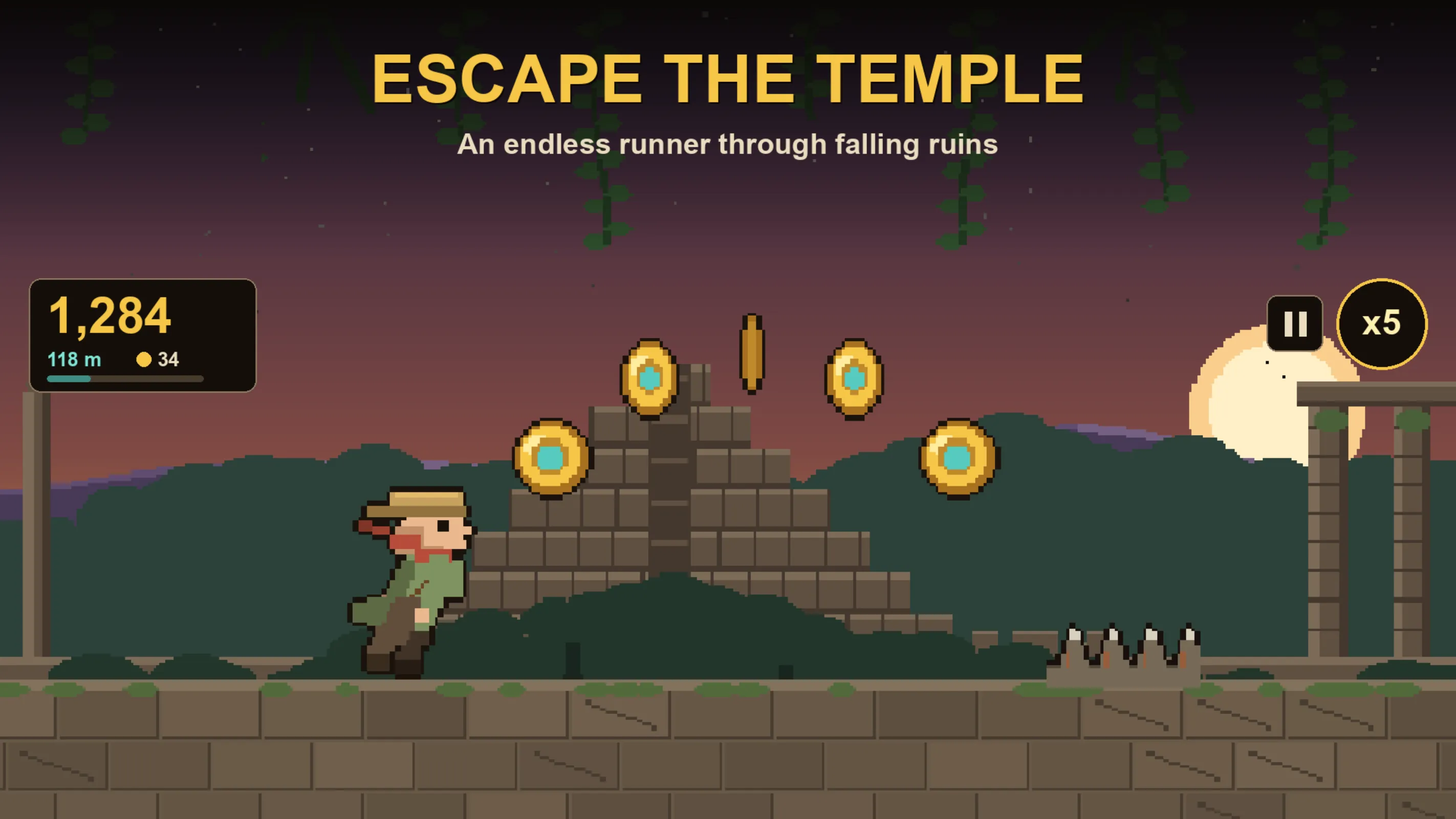
Sunstone: Offline Pixel Run is a retro pixel runner game for Android phones, built and published by Xvantage Infotech, an app studio based in Surat, Gujarat. The game puts you inside a collapsing jungle temple. Every wall, pillar, and creature is drawn by hand in a chunky arcade pixel style that reminds you of classic 16-bit games.
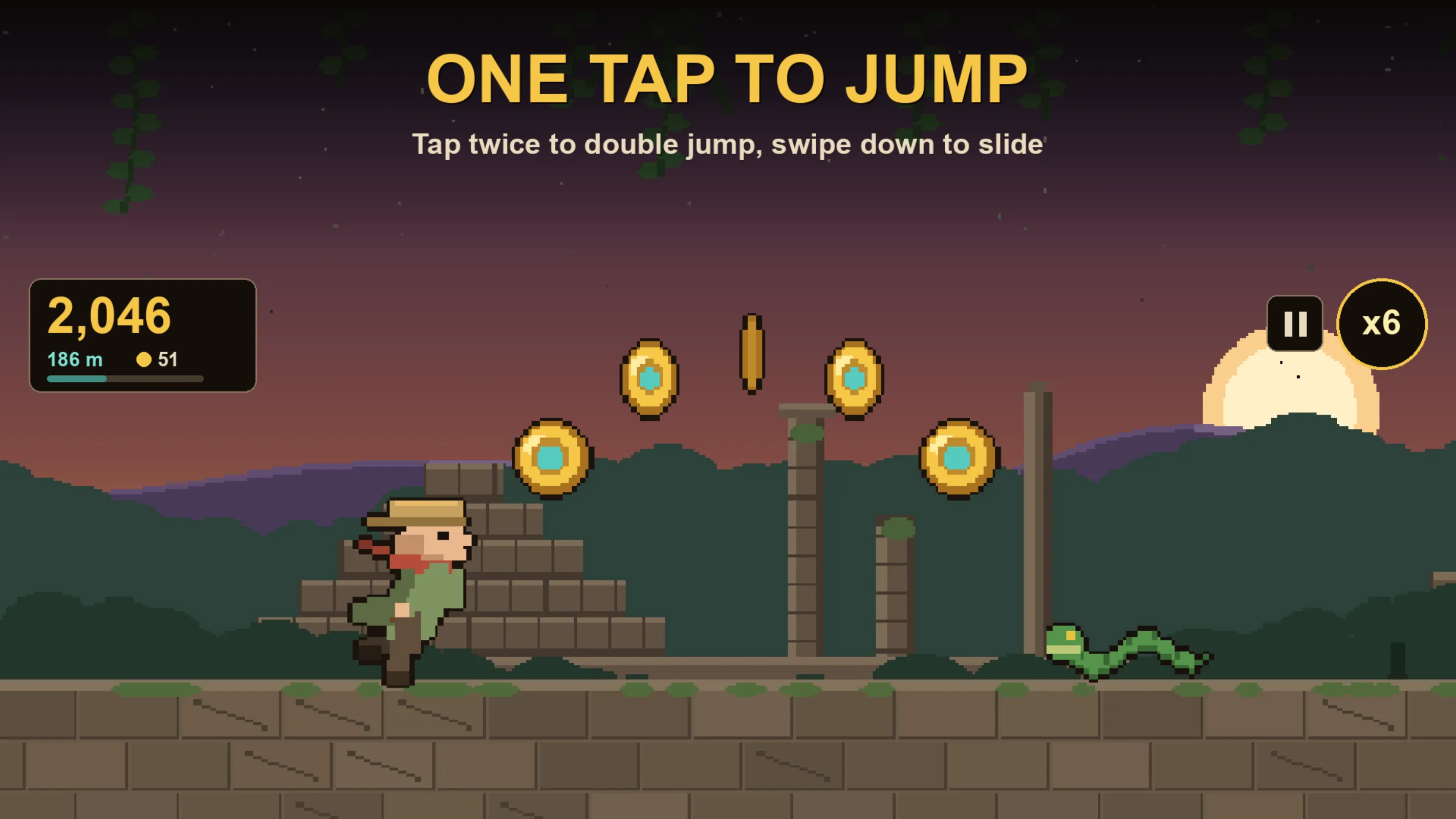
The main idea is simple: you run automatically from left to right, and you tap to avoid obstacles. The temple is falling apart around you, so you have to keep moving. You tap the screen to jump over gaps in the floor. You tap twice quickly to double jump over taller walls. You swipe down to slide under falling stones and low barriers.
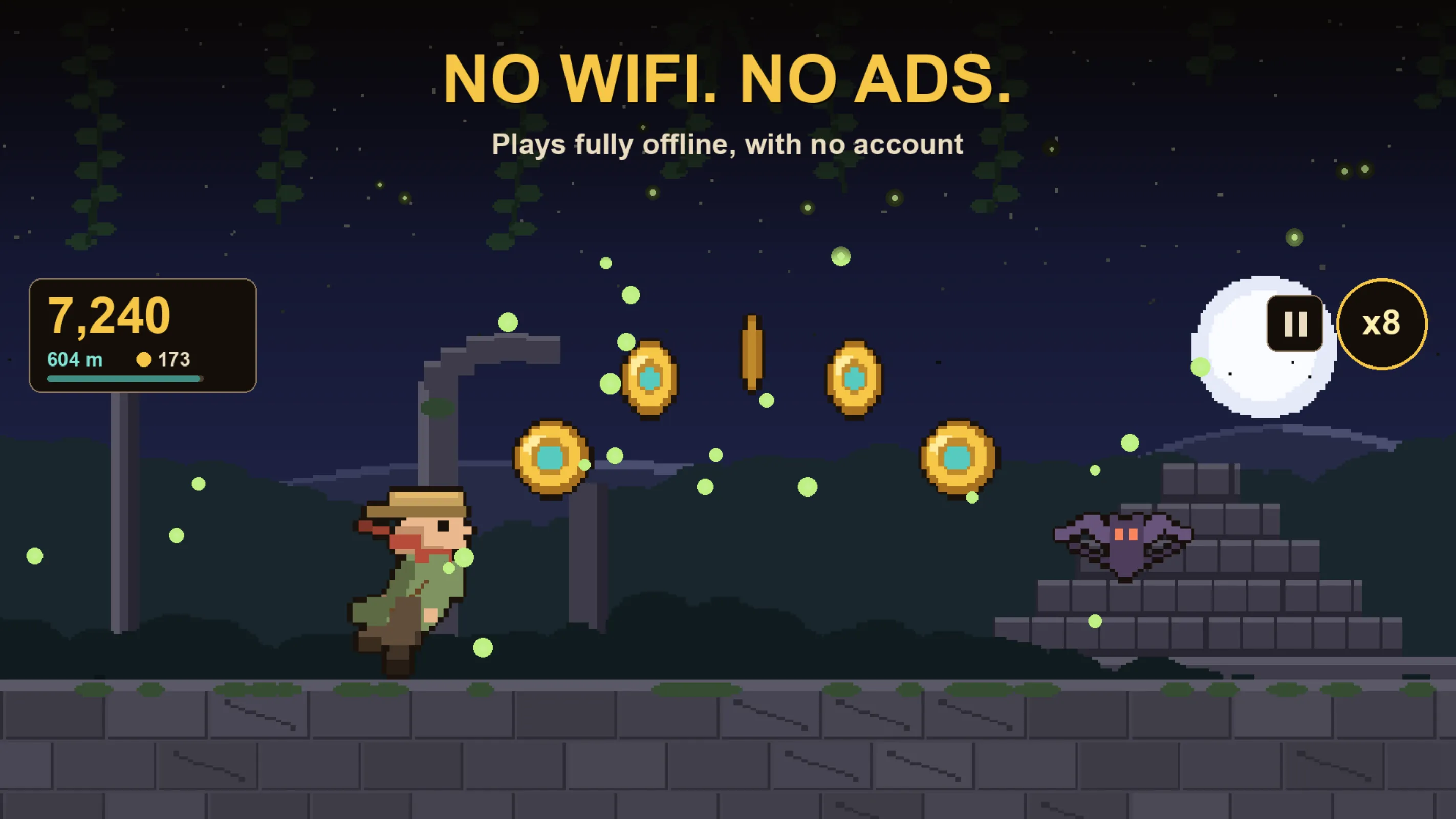
What makes Sunstone different is that it works completely offline. You do not need wifi, mobile data, or any internet connection to play. There are no ads interrupting your run, and there is no account or login. You download the game from Google Play, open it, and you are playing within seconds.
Your goal is to run as far as you can. Along the way you collect relics, stomp snakes and scorpions, and try to keep your combo multiplier high. The game saves your score on your phone, so you can always try to beat your last distance.
If you are searching for an offline pixel runner game that you can play on the metro without signal, Sunstone is made for exactly that.
How to play Sunstone step by step
Here is a step-by-step guide to your first run in Sunstone. Follow these steps and you will be playing in under a minute.
- Open the Google Play Store app on your Android phone. Type Sunstone: Offline Pixel Run in the search bar. Tap the Install button. The download is small, so it will finish quickly even on a basic data plan or slow wifi.
- Once installed, tap Open. The game starts immediately. You will not see a sign-up page, a login screen, or a permissions request for an account. There is nothing to fill in.
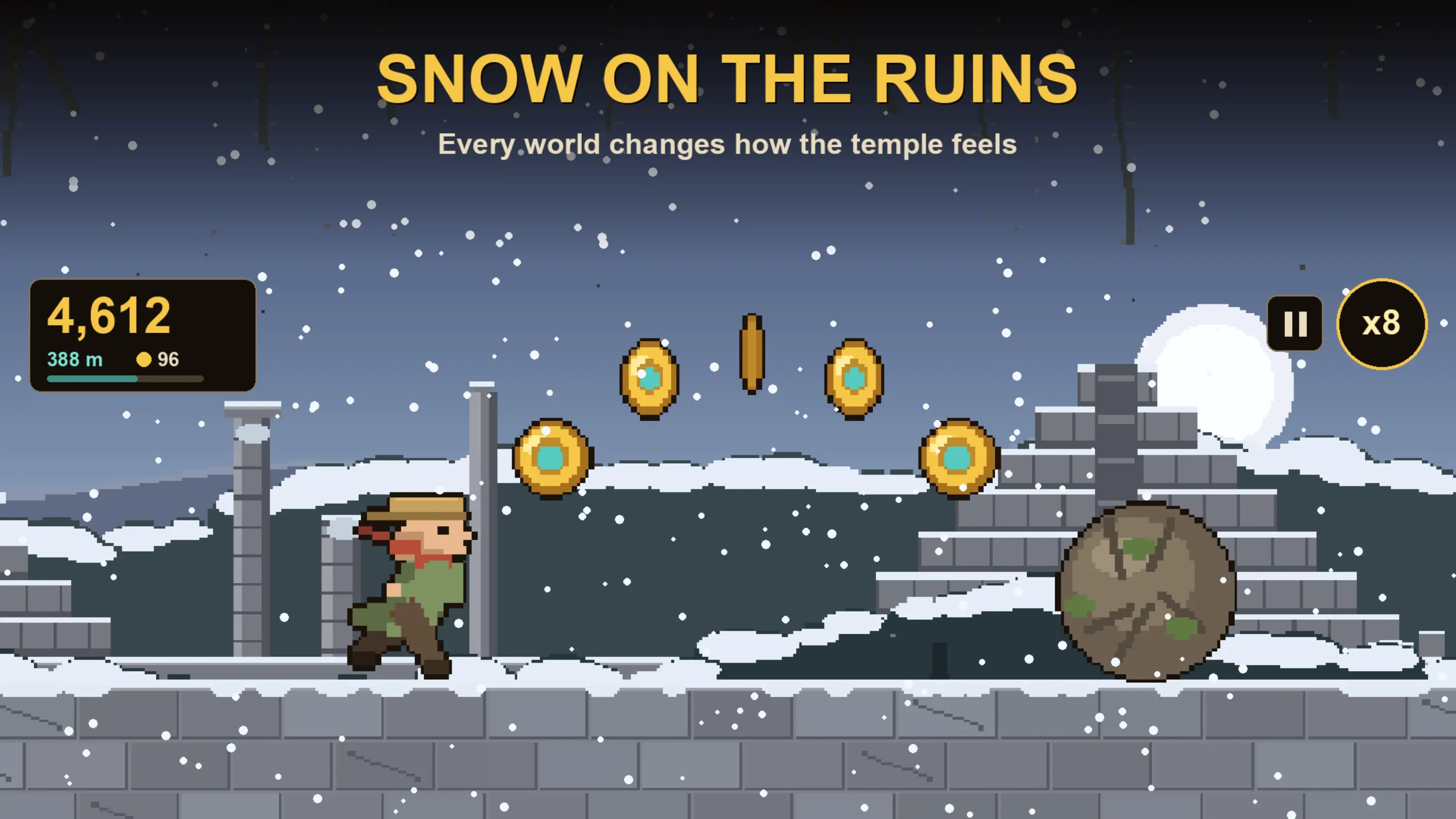
- Choose your starting world. You can tap on one of the five worlds — dusk over warm ruins, monsoon rain, autumn wind with flying leaves, deep snow on the pyramids, or the firefly-lit night — or you can tap the Shuffle button to let the game pick a random world for this run.
- Watch your runner start moving automatically. The first obstacle will come soon. Tap the screen once to jump over a gap in the floor or a low stone.
- When you see a taller wall or a wider gap, tap the screen twice in quick succession. This makes your runner double jump, which clears higher obstacles that a single jump cannot reach.
- When you see a barrier hanging from above or a high gate, swipe your finger down on the screen. Your runner will slide along the ground and pass underneath safely.
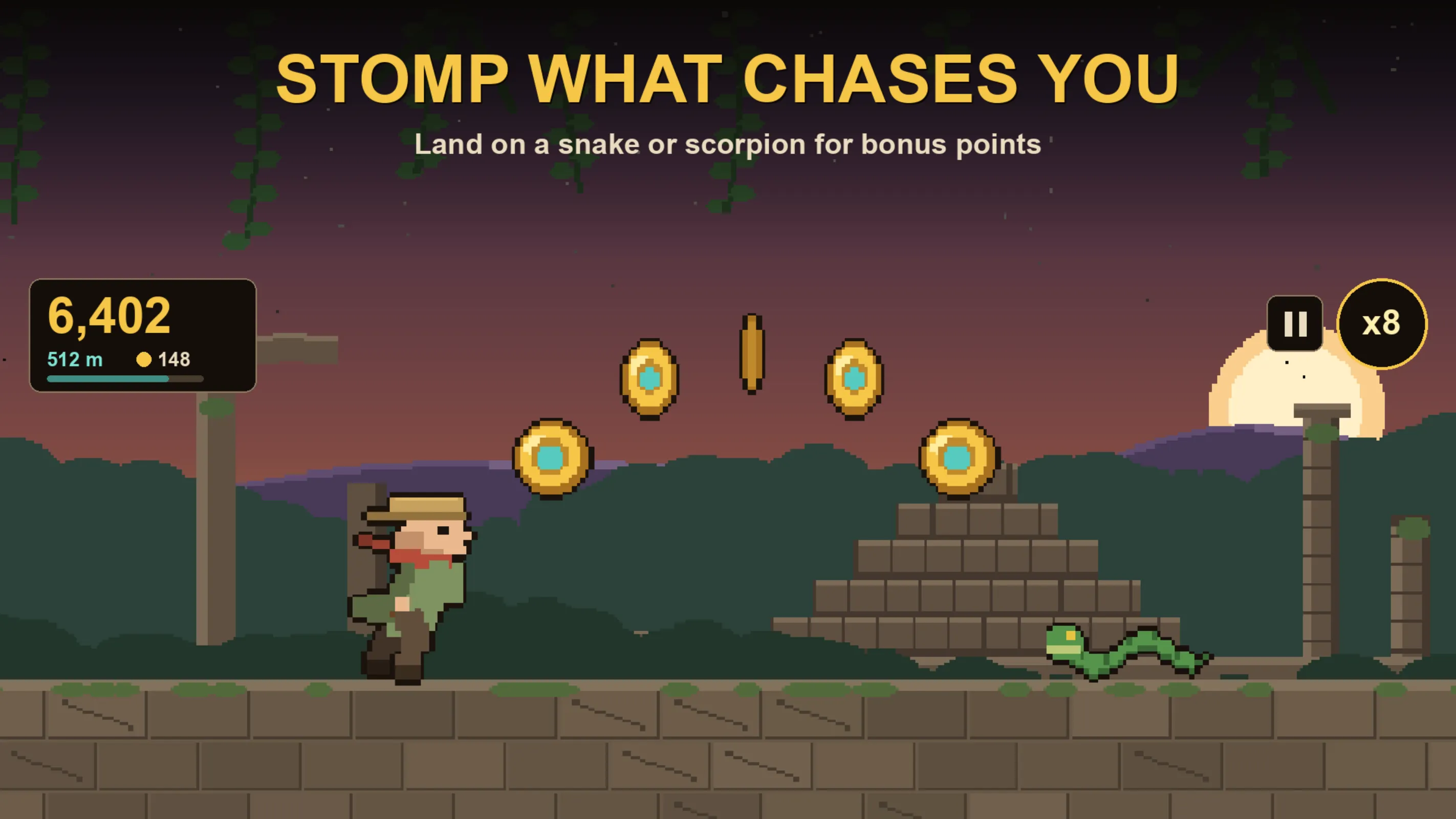
- Run through the glowing relics on the path. Each relic you collect increases your combo multiplier. Keep collecting them in a row to push the multiplier up to x8, which multiplies your score.
- If a snake or scorpion is crawling toward you, jump and land on top of it. This stomps the enemy arcade style. If you touch it from the side, your run ends.
- Keep running and watch the speed. The game gets faster the longer you survive. There is no pause menu to change difficulty — the temple itself speeds up the action.
- When you finally hit an obstacle and crash, your score is saved automatically on your device. Tap to restart and try to run farther than your last score. You can play again immediately with no waiting.
Main features of Sunstone
Sunstone includes several features that make it a complete arcade experience in a small package. Here is what each feature does and why it matters for your run.
Works fully offline with no ads and no account
Sunstone never connects to the internet. You can play on a plane in airplane mode, on the metro underground, in a basement, or in a village with no mobile tower. The game has zero ads — no video ads, no banners, no pop-ups. There is no sign-up, no login, and no account creation. Your high scores are saved on your device storage and stay on your phone; they are not uploaded anywhere. This also means the game is light on battery, so it will not drain your phone during a long session.
Simple controls: tap, double-tap, swipe
You control the runner with three basic gestures. A single tap makes the runner jump. A quick double tap makes the runner perform a double jump in mid-air, which is essential for clearing high walls and wide gaps. A downward swipe makes the runner slide along the ground to pass under overhead obstacles. There are no virtual joysticks or complex button layouts to memorize. You can learn these controls in your first thirty seconds of play.
Relics and the combo multiplier up to x8
Relics are the glowing items scattered along the temple floor. When your runner passes through them, they add to your combo multiplier. The multiplier builds up to x8. This means that if you collect many relics in a row without crashing, your score gets multiplied by up to eight times. If you miss a relic or crash, the combo resets. Staying on the main path to chain relics is often worth more than dodging a small obstacle.
Stomp enemies from above
Snakes and scorpions crawl across the path as enemies. You can defeat them by jumping and landing on top of them, just like in classic arcade platformers. This is safer than trying to run past them. If your runner touches the enemy from the side or from below, the run ends immediately. Time your jump so you land squarely on the creature.
Speed ramps up automatically
The game does not have a difficulty menu where you pick easy, medium, or hard. Instead, the speed of the run increases the longer you survive. The temple sets the pace. Early in the run, obstacles come slowly. Later, they come faster and closer together. This keeps the game challenging without you having to change any settings.
Five pixel worlds to choose from
There are five distinct hand-drawn worlds: dusk over warm ruins with an orange sky, monsoon rain falling heavily, autumn wind with flying leaves, deep snow covering the pyramids, and a firefly-lit night scene. Before each run, you can select the world you want to play in, or you can tap Shuffle to get a different world every time. Each world changes the background art and mood but keeps the same gameplay rules.
Four runners to earn with relics
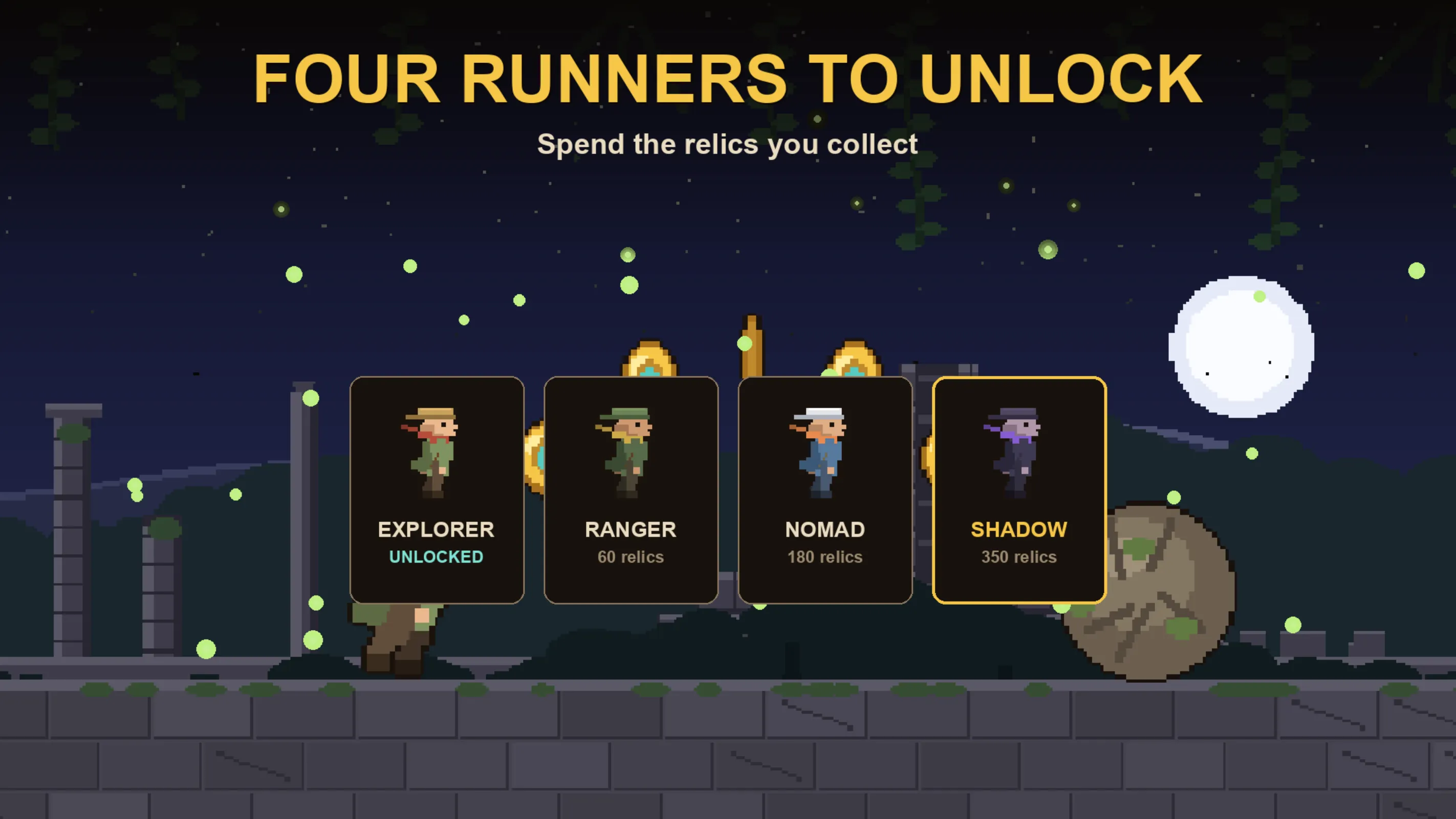
The game features four different runners: Explorer, Ranger, Nomad, and Shadow. You earn these runners by collecting relics during your runs. Once you have gathered enough relics over multiple sessions, the new runners become available for you to select before you start. Each runner has its own pixel art look.
Hand-made pixel art, chiptune music, and nine ruins
Every frame of Sunstone is drawn by hand in a chunky, colorful pixel style. The background music is an original chiptune score made for the game. As you run, nine different types of ruins scroll past you in the background, including pyramids, colonnades, a great gate, a glyph wall, a collapsed bridge, and a stone colossus. These details make the temple feel alive as it collapses around you.
Who should download Sunstone?
Sunstone is designed for specific moments in your daily routine. Here are four concrete situations where it fits perfectly.
- Your daily metro or local train commute: Underground stretches often have no mobile signal. Sunstone works offline, so you can play the entire ride. There are no ads popping up and no login screen wasting your time between stations. You can finish a run in the time it takes to travel a few stops.
- Long flights or train rides: Switch your phone to airplane mode and play for hours. The download is small, so it does not take up much storage, and the game is light on battery. It will not drain your phone during a six-hour trip.
- Parents who want a safe, simple game for kids: Sunstone has no ads and no account system. Your child can open the app and start playing immediately without you worrying about sign-up forms, purchases, or ad content. The controls are simple enough for younger players to learn quickly.
- Owners of older or budget Android phones: Because the game uses hand-drawn pixel art rather than heavy 3D graphics, it runs smoothly on devices with limited RAM and storage. The small download size means it will not fill up your phone's memory.
If you commute daily, travel often, or just want a quick arcade game that respects your battery and your privacy, Sunstone is built for you.
Privacy and permissions
Sunstone keeps your data on your phone. The game does not ask you to create an account, enter an email address, or log in with any service. Because it runs fully offline, it does not send your gameplay data or scores to any server.
Your high scores and progress are saved in your device's local storage. To do this, the app obviously needs permission to read and write to your device storage. For the complete, official list of permissions the app requests and details on how any data is handled, please read the privacy policy available on the Google Play Store listing page.
Since there is no account, there is no profile picture, no password, no email, and no personal information collected by the game. You can play without giving away any personal details.
Tips to run farther in Sunstone
Here are practical tips to help you survive longer and get a higher score in Sunstone.
- Practice the double jump timing. When you see a tall wall, tap twice quickly — once for the first jump and immediately again for the second jump in mid-air. A single tap will not clear tall obstacles, and tapping too late will make you hit the wall.
- Slide before you reach the obstacle. When you see a high barrier or falling debris coming, swipe down early. Sliding too late means your runner will still be standing when the obstacle hits.
- Keep your relic chain alive for the x8 multiplier. Try to run through every relic on the main path. Do not dodge into a dangerous spot just to grab one relic if it breaks your combo or causes a crash.
- Always stomp enemies from above. Jump onto snakes and scorpions so you land on their backs. Never try to run through them or touch them from the side — that ends your run instantly.
- Get ready for the speed increase. The game gets faster without any warning screen. In the later part of a long run, obstacles come much quicker, so keep your taps sharp and your eyes on the path ahead.
- Experiment with all five worlds. Some backgrounds, like the firefly-lit night or the snowy pyramids, may be easier for you to read than others. Use the Shuffle option to practice on different scenery and find the one that suits your timing.
- Earn new runners by collecting relics. Explorer, Ranger, Nomad, and Shadow are all earned through relic collection over multiple runs. Keep playing to add them to your roster and try their different looks.
- Play in airplane mode to save battery. Turn on airplane mode before you start a run. This stops background data usage, saves battery, and blocks notifications that could distract you mid-jump.
- Check your saved score after every run. Since scores are stored on your device, you can see your personal best and try to beat it each time you open the game.